
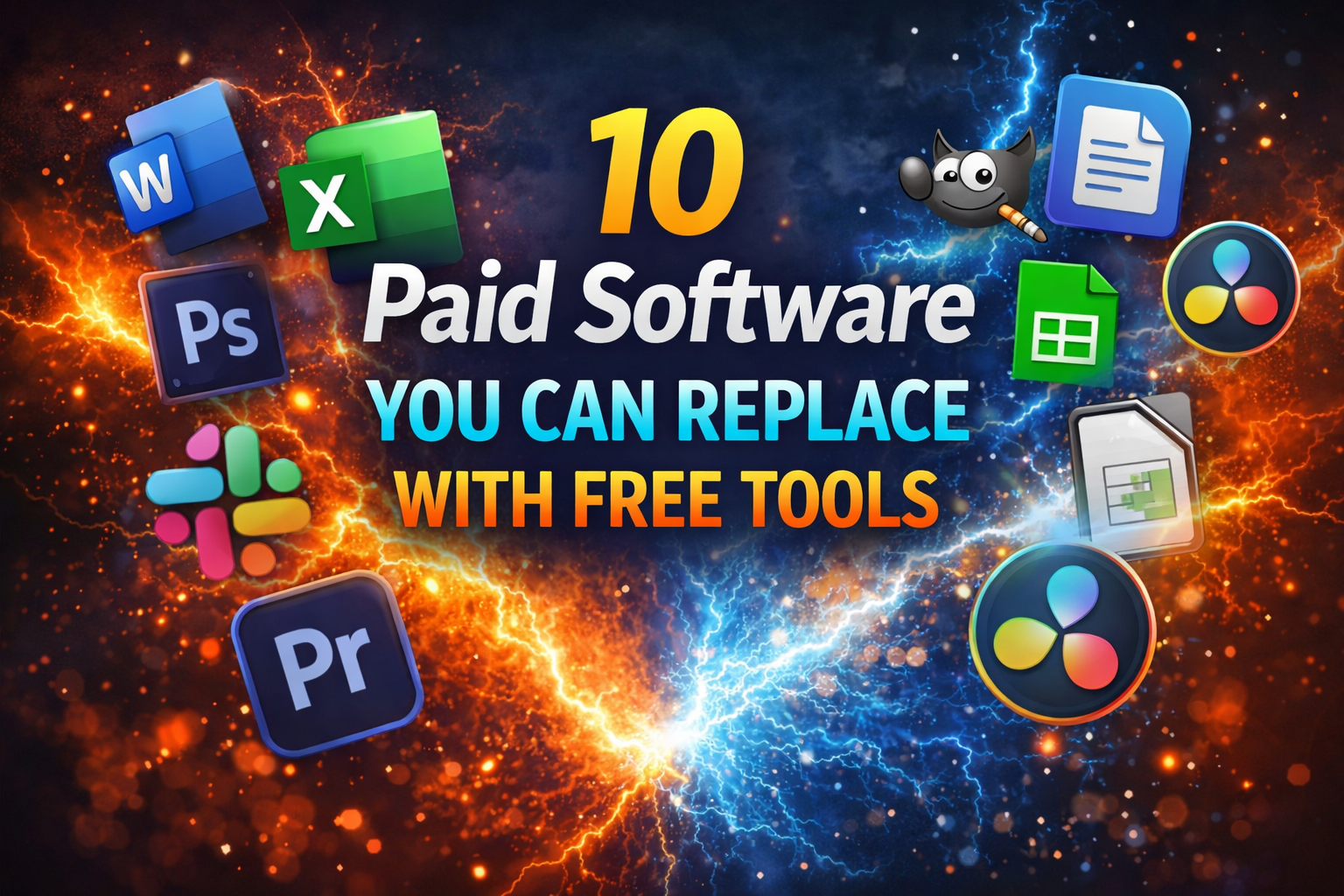
Paying for software every month can quickly add up. Many people spend hundreds of dollars each year on tools for writing, design, video editing, storage, and productivity. But here’s the truth: you don’t always need to pay.
In 2026, there are powerful free software alternatives that can replace many popular paid tools. These free tools offer similar features, easy interfaces, and even advanced capabilities—without the subscription cost.
In this guide, we’ll explore 10 paid software you can replace with free tools, compare their features, and help you choose the best options to save money while staying productive.
Why Replace Paid Software with Free Tools?
Before we dive into the list, let’s understand why switching to free software is a smart move.
Key Benefits of Free Tools
- Save money on monthly subscriptions
- Access tools from anywhere (cloud-based apps)
- Use open-source software with no restrictions
- Get lightweight apps for faster performance
- Enjoy regular updates and improvements
Many free tools today are just as powerful as paid ones, especially for everyday tasks.
Quick Comparison Table
Here’s a quick overview of paid software and their free alternatives:
| Paid Software | Free Alternative | Main Use |
|---|---|---|
| Adobe Photoshop | GIMP | Photo editing |
| Microsoft Office | LibreOffice | Documents & spreadsheets |
| Adobe Illustrator | Inkscape | Vector design |
| Final Cut Pro | DaVinci Resolve | Video editing |
| Grammarly Premium | Grammarly Free / LanguageTool | Writing assistance |
| Dropbox | Google Drive | Cloud storage |
| Canva Pro | Canva Free / VistaCreate | Graphic design |
| Zoom Pro | Zoom Free / Google Meet | Video meetings |
| Trello Premium | Trello Free / ClickUp | Task management |
| Spotify Premium | Spotify Free | Music streaming |
1. Replace Adobe Photoshop with GIMP
Adobe Photoshop is a powerful image editing tool, but it comes with a monthly subscription.
Why GIMP is a Great Alternative
- Completely free and open-source
- Supports layers, filters, and plugins
- Works on Windows, Mac, and Linux
What You Can Do with GIMP
- Edit photos
- Create graphics
- Retouch images
- Design web visuals
Limitations
- Interface is less modern
- Learning curve for beginners
2. Replace Microsoft Office with LibreOffice
Microsoft Office is widely used but requires a subscription.
Why LibreOffice Works Well
- Free and open-source
- Includes Writer, Calc, and Impress
- Supports Microsoft file formats
Key Advantages
- Works offline
- No subscription fees
- Strong document editing tools
3. Replace Adobe Illustrator with Inkscape
Illustrator is used for vector graphics and design.
Why Inkscape is a Solid Alternative
- Free vector design software
- Supports SVG format
- Advanced drawing tools
Best Uses
- Logo design
- Icons and illustrations
- Web graphics
4. Replace Final Cut Pro with DaVinci Resolve
Final Cut Pro is a professional video editor for Mac users.
Why DaVinci Resolve Stands Out
- Free version available
- Professional video editing features
- Color grading tools
What You Can Do
- Edit videos
- Add effects
- Color correction
- Audio editing
5. Replace Grammarly Premium with LanguageTool
Grammarly Premium offers advanced writing suggestions but costs money.
Why LanguageTool is a Good Alternative
- Free grammar and spell checker
- Supports multiple languages
- Works in browsers and apps
Features
- Grammar correction
- Style suggestions
- Writing improvements
6. Replace Dropbox with Google Drive
Dropbox is a popular cloud storage service, but its free plan is limited.
Why Google Drive is Better for Free Users
- 15 GB free storage
- Easy file sharing
- Integration with Google Docs
Best Uses
- File storage
- Collaboration
- Backup
7. Replace Canva Pro with VistaCreate
Canva Pro offers premium templates and features.
Why VistaCreate is a Great Alternative
- Free templates and designs
- Animation tools
- Easy drag-and-drop interface
Best For
- Social media graphics
- Marketing visuals
- Quick designs
8. Replace Zoom Pro with Google Meet
Zoom Pro is used for long meetings and webinars.
Why Google Meet is a Strong Alternative
- Free video meetings
- Works in browser
- No installation needed
Key Benefits
- Easy access
- Integration with Google Calendar
- Good video quality
9. Replace Trello Premium with ClickUp
Trello Premium offers advanced project management features.
Why ClickUp is a Better Free Option
- All-in-one productivity tool
- Task management and docs
- Custom workflows
Best For
- Teams
- Project tracking
- Productivity management
10. Replace Spotify Premium with Spotify
Spotify Premium removes ads and allows offline listening.
Why Spotify Free Still Works
- Access to millions of songs
- Free streaming
- Playlist creation
Limitations
- Ads
- Limited offline features
Detailed Comparison Chart
Here’s a deeper comparison of features:
| Feature | Paid Tools | Free Alternatives |
|---|---|---|
| Cost | Monthly/Yearly | Free |
| Updates | Regular | Regular |
| Features | Advanced | Moderate to Advanced |
| Accessibility | Limited by license | Open and flexible |
| Learning Curve | Medium | Easy to Medium |
How to Switch from Paid to Free Software
Switching tools can feel difficult, but these steps make it easier.
Step 1: Start with One Tool
- Replace one paid tool at a time
- Test the free alternative
Step 2: Learn Basic Features
- Watch tutorials
- Practice simple tasks
Step 3: Transfer Your Files
- Export files in common formats
- Check compatibility
Tips to Get the Most Out of Free Tools
Use Cloud-Based Apps
- Access your work anywhere
- Avoid data loss
Combine Multiple Tools
- Use different tools for different tasks
- Build a flexible workflow
Keep Software Updated
- Get new features
- Improve performance
Common Myths About Free Software
Myth 1: Free Tools Are Low Quality
- Many free tools are professional-grade
- Open-source tools are widely trusted
Myth 2: Free Means Limited Features
- Many free tools offer advanced features
- Some match paid tools closely
Myth 3: Free Software Is Not Secure
- Popular tools are regularly updated
- Security depends on the provider
Future of Free Software in 2026
Free tools are becoming more powerful every year.
Key Trends
- AI-powered features
- Better cloud integration
- Improved collaboration tools
- Faster performance
- Mobile-friendly design
These advancements make free tools even more competitive with paid software.
Conclusion
You don’t always need to spend money to get high-quality software. In 2026, there are many free alternatives to paid software that offer powerful features for everyday tasks.
Tools like GIMP, LibreOffice, Inkscape, and DaVinci Resolve prove that you can save money without sacrificing quality.
The key is to choose the right tools based on your needs and learn how to use them effectively. Start by replacing one paid tool, then gradually switch others as you become comfortable.
By making smart choices, you can build a complete workflow using free software—and save hundreds of dollars every year.
