
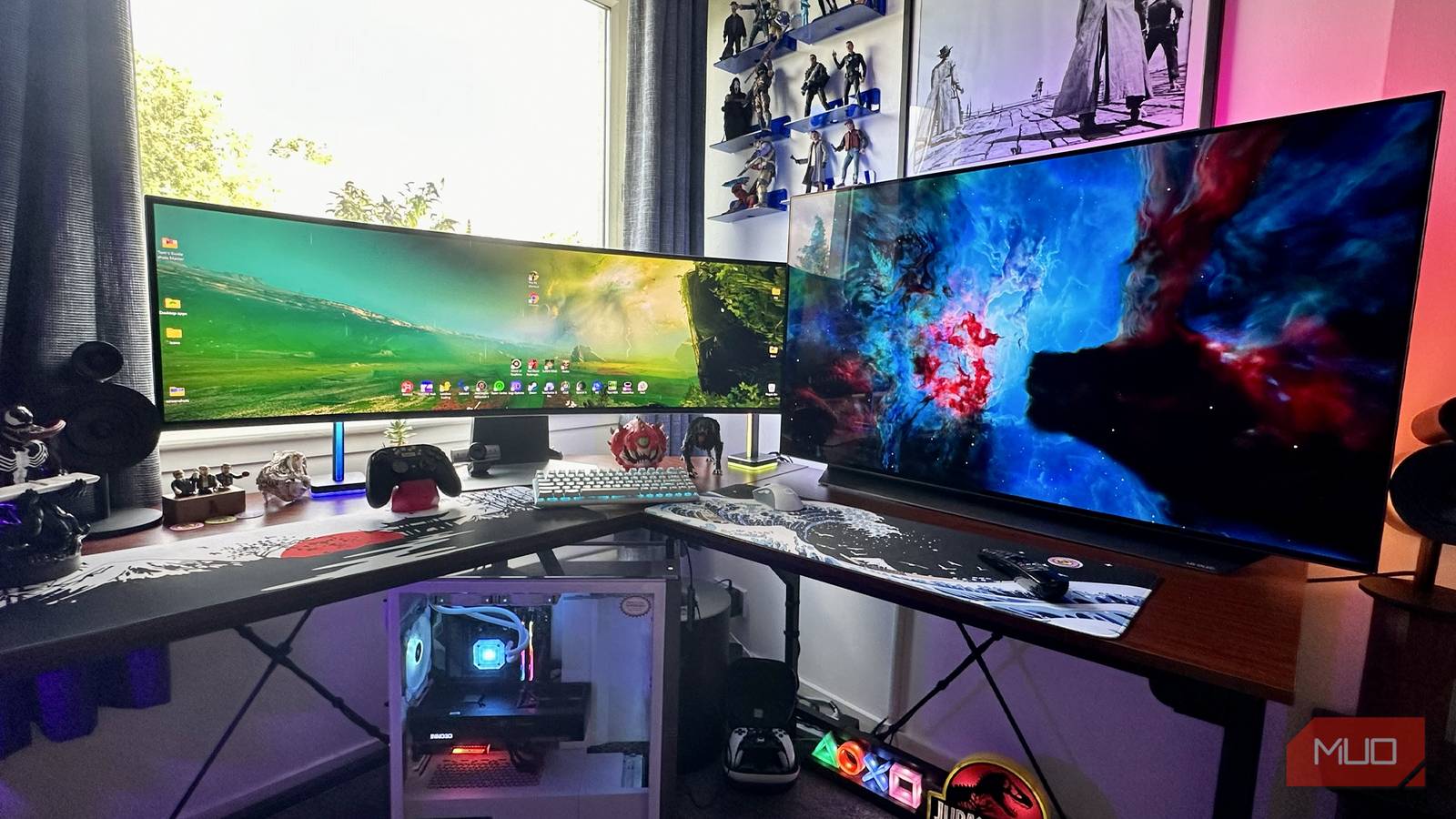
Not to go all Taken on you, but I have “a very particular PC setup; a setup I have acquired over a very long career.” Sorry, Liam. I’ll stop stealing your one-liners. What I’ve just pilfered from Mr Neeson is true, though: I have an absurdly specific tech layout in my home office. One that has “taken” me a long time to figure out, and also one that has only come together due to a piece of equipment that has nothing to do with PC hardware.
Desks are important. Without them, the white collar working world would fall apart. I certainly appreciate mine. Finding the right desk/office chair combo can have lasting effects on the quality of your spinal health, and in my case, landing on just the right pairing has boosted my productivity big time. Let me explain.
The right desk is key
Picking your ideal office furniture is crucial
I’ve see-sawed between some really weird home office setups in the past. At one point during the pandemic, I was working on three screens split up between a desk and a TV cabinet. Even though my current work arrangement is pretty niche, it at least makes more sense than that lounge-dominating abomination.
Now, I’m “merely” working on a colossal L-shaped desk in my bedroom. Hopefully, that doesn’t sound as pathetic to you as the way it just did in my head reading that statement back.
Why do I need this specific piece of office equipment? Because my desk needs to play host to both a sizable ultrawide monitor, and an equally space-consuming OLED TV spaced at right angles. Said displays are the Samsung Odyssey OLED G9 and the 42-inch LG C2 OLED.
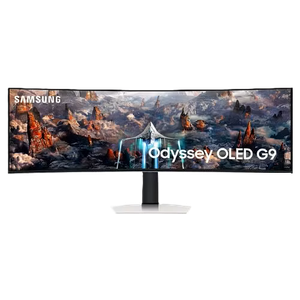
- Resolution
-
5120×1440
- Screen Size
-
49-inch
- Brand
-
Samsung
- Connectivity
-
1x HDMI 2.1, 1x DisplayPort 1.4, 2x USB-A 3.0, 1x Headphone Jack
- Max. Refresh Rate
-
240Hz
- Response Time
-
0.03ms
The Samsung Odyssey OLED G9 is a 49-inch super ultrawide gaming monitor with a 240Hz refresh rate.
For full disclosure, and so not to contradict articles where I’ve talked about replacing my monitor with a TV as a decision I don’t regret, I’ve only recently landed back on this setup. That’s because I lent my secondary TV to a dear friend while he was between apartments for a few months.
Now that I’ve gotten back this awesome OLED, it’s made me appreciate how much I need both of my home office screens, albeit for very different purposes my L-shaped desk is uniquely qualified to handle.
Gaming vs. work
Finding a healthy work/life balance

Dave Meikleham MakeUseOf
One of the main reasons I appreciate my freshly reassembled setup is because it lets me separate my two central passions in life. Namely, writing about technology and playing PC games. Thanks to the extremely specific dimensions my L-shaped desk offers me, I can now swivel my chair and switch between both passions in an instant.
One second, my chair is pointed at a rather dreary wall, focused on the super ultrawide monitor that has massively boosted my productivity. When I’m in this position, I’m all in on work. When it comes time to chill, though, I merely swing my chair roughly 90°, and I’m playing Resident Evil Requiem on my lovely 42-inch TV…. with just a hint of a view out of my bedroom window that said OLED doesn’t block.
And let me tell you, it doesn’t get better than gaming on an OLED. As long as your display can take advantage of three ways modern OLEDs prevent burn-in, you’re in for a stellar gaming experience. That’s thanks to the display tech’s near-instant response times and infinite black levels. Once you go OLED, you’re never going back.
My L-shaped desk, alongside a terrific Corsair gaming chair, allows me to service both of my daily downtime and gaming needs. For that, I’m hugely grateful. Separating your day job from what you love to do for fun can be challenging in a small space where both are competing for your attention. Yet my large-and-in-charge desk has allowed me to do so for less than $200.
Don’t get me wrong, it was a nightmare to assemble. And when it comes to the work, I had to put into cable management, I’ll be waking up sweating over out-of-view wires for years to come. It’s totally worth it, though.

5 cable management tricks every desk setup needs
Hide your cables out of sight with these low-cost methods.
Owning a multi-monitor setup across an L-shaped desk allows you to switch between passion and productivity fairly easily. As remote working has become increasingly prevalent since the pandemic, the fact that my L-shaped desk has helped me set boundaries between work and play has been tremendously beneficial.
L-shaped desks are “L-ella specific” but worthwhile
L-shaped desks aren’t exactly common, so I’m not going to overly reach and say that you need one if you work from home. If you are working with a multi-monitor setup though, and you’re finding it isn’t ideal from your office parameters, all I can say is, owning an L-shaped desk is the biggest non-tech upgrade I’ve ever treated my PC to.
