
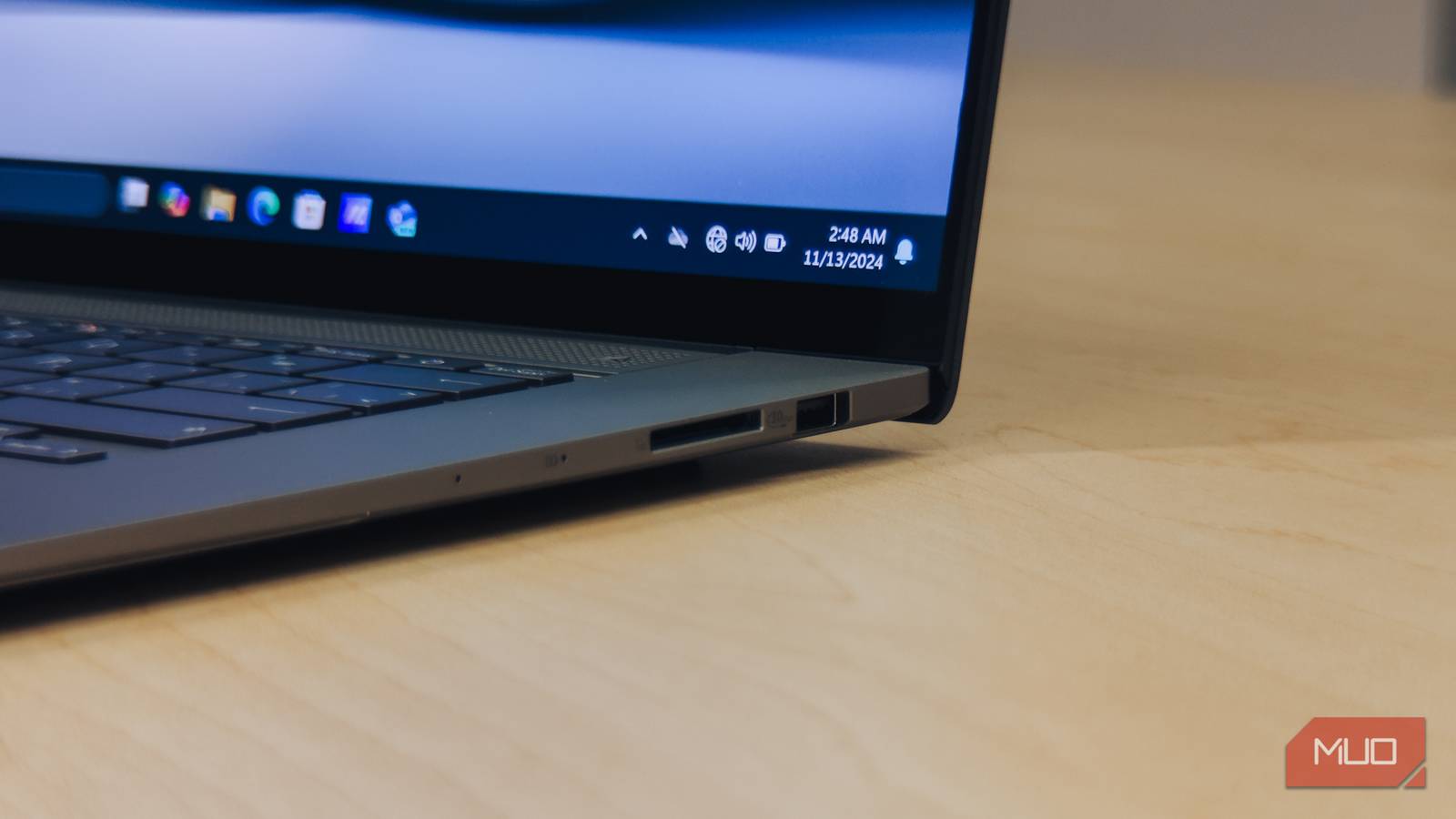
We treat SD cards like digital vaults. They live in our cameras, Nintendo Switches, and Raspberry Pis for years, and we just assume that as long as the plastic casing isn’t cracked, our data is safe.
That assumption is largely a mistake. SD cards have a fundamental design flaw: they are consumable items with a pre-determined expiration date. They don’t usually “break” in the traditional sense. Instead, they rot from the inside out. It’s one of the many reasons some folks no longer trust memory cards.
How flash memory wears out — and why your SD card has an expiration date
Why every save, delete, and overwrite slowly destroy your card from the inside
SD cards use NAND flash storage. Unlike old-school hard drives with physical spinning platters, flash memory stores data by trapping electrons inside microscopic cells. It sounds high-tech, but it’s remarkably fragile.
Every time you save a file, move a photo, or your dashcam overwrites an old clip, you’re performing a Program/Erase (P/E) cycle. These cycles physically degrade the chemical structure of the memory cells. Think of it as writing on a piece of paper with a heavy hand: you can erase and rewrite a few times, but eventually, you’re going to tear a hole right through the page.
Most consumer cards are categorized by how many of these “punches” they can take:
NAND Type | Cell Type | Typical Endurance (P/E Cycles) | Common Use Case |
|---|---|---|---|
QLC | Quad-Level Cell | 500 – 1,000 | Ultra-high capacity, budget storage, light workloads |
TLC | Triple-Level Cell | 1,000 – 3,000 | Mainstream consumer SSDs and SD cards |
MLC | Multi-Level Cell | ~10,000 | High-endurance cards, prosumer workloads |
SLC | Single-Level Cell | 50,000–100,000+ | Industrial, enterprise, mission-critical systems |
SLC is the gold standard, but you won’t be picking up SLC storage on Amazon at a discount. It’s really expensive and typically only found in enterprise solutions. Manufacturers often measure this lifespan as TBW (Terabytes Written). It’s the total amount of data you can write to the card before the warranty—and the hardware—typically expires.
What bit rot actually does to your photos, videos, and backups
The silent data decay that corrupts your files before you ever notice a problem

While P/E cycles involve active physical wear and tear, Bit Rot is the silent decay that occurs in the data itself—often while the card sits in a drawer. Most SD cards have built-in ECC (Error Correction Code) that acts like an internal doctor, finding and fixing minor errors on the fly. However, as the internal cells lose their ability to hold an electrical charge, the ‘rot’ eventually becomes too widespread for the controller to repair. That is when your files actually break.
A “1” spontaneously flips into a “0.” Your computer won’t usually flag this as an error because the file structure, the “skeleton” of the data, is still there. But the actual content is dying. This is what you end up with:
- JPEG artifacts: Those random gray bars or “static” streaks cutting through your vacation photos.
- Video stutter: Clips that play perfectly for 10 seconds and then dissolve into digital soup.
- The “ghost” backup: This is the most dangerous one, a backup file that looks 100% healthy until the day you actually try to restore it and realize it’s empty.
Before you even get to the point of wearing out a card, make sure you aren’t being scammed from day one. There are a lot of “Ghost Capacity” cards on the market that use 16GB cards hacked to make your computer think they are 512GB. The cards work as expected until you reach that 16GB threshold. Once that happens, the card starts “looping” and silently begins overwriting your oldest files without you knowing. There are free tools you can use, like H2testw, that you can run on new cards to verify they are actually the size they claim to be. There are also fake MicroSD cards you should be aware of, too.

- Capacity
-
32GB
- Speed
-
Up to 170 MB/s
Stop worrying about card failure and start capturing every moment. Built with industrial-grade endurance, this card is designed to record for up to 10,000 hours, making it the perfect companion for security cameras, dash cams, and 24/7 monitoring.
Why dashcams and Raspberry Pis burn through SD cards faster than anything else
Constant write cycles and read-disturb make these devices the hardest on storage

Not all devices treat SD cards the same way. A Nintendo Switch, for example, mostly reads data, which causes almost zero wear. However, dashcams and home servers (like the Raspberry Pi) are absolute SD killers.
A dashcam is in a state of constant “loop recording,” hitting its maximum P/E cycles 24/7. Similarly, a Raspberry Pi is constantly churning out “log files” in the background. If you’re using a standard “Value” SD card on these devices, you’re not just risking your data; you’re on a countdown to a total blackout.
It’s also important to note that it’s not just writing that kills them, either. There’s also something known as “read disturb.” Reading data from a cell places a slight electrical stress on neighboring cells. On a Raspberry Pi, for example, which constantly reads the same system files to keep the OS running, those adjacent cells can eventually have their bits “flipped” without ever being written to. It’s a silent killer that can turn a stable system into a crash-prone nightmare overnight.
How to stop relying on SD cards before they fail and take your data with them
Four habits that protect your files and extend the life of every card you own

You don’t have to stop using them, but you absolutely have to stop treating them as permanent. Here is the reality of managing your storage.
First, don’t cheap out on “high endurance.” If the card is going into a dashcam or a security camera, “Value” cards are a waste of your hard-earned money. Only buy cards explicitly labeled “High Endurance.” These use MLC flash and are built for the grind of constant overwriting.
Additionally, don’t assume the card “seems fine.” If it’s been in a heavy-use device for two years, it’s time to replace it. The $20 for a new card is cheap insurance compared to losing evidence after a car accident.
You should also avoid long-term storage. SD cards can actually lose data just by sitting in a drawer without power for a few years. If you want to keep photos for a decade, get them onto a proper external SSD or, better yet, use a cloud service like Google Photos or Backblaze.
Long-term “cold” storage means the SD card isn’t receiving the occasional electrical charge it needs to maintain the integrity of its NAND cells. This is because, without a charge, the trapped electrons that represent your data can leak out. To prevent this, follow the 3-2-1 backup rule: keep three copies of your data on two different media types, with one copy stored off-site. Again, an SD card should only ever be used as a “temporary” entry point of that chain, never the final destination.
Finally, don’t just “Delete All” from your PC. Use the “Format” tool inside your camera or console. This lets the card’s internal controller manage “wear leveling” properly, making sure the cells wear down evenly rather than burning out in one spot.
If your card suddenly refuses to let you delete a file or save anything new, don’t try to “hack” it back to life. That is the card’s internal controller throwing a Hail Mary. It has detected a hardware failure and locked itself down to give you one last chance to rescue your data. If your card goes into read-only mode, it’s not a bug — it’s a death rattle. Drag your files to a desktop folder immediately, then snap the card in half and throw it away.
An SD card should never be your final destination for important data
An SD card is a tool, not a tomb. It’s a great way to get data from one point to another, but it was never designed to be a permanent home for your memories. Check your “old” cards today before they decide to retire without telling you.
