
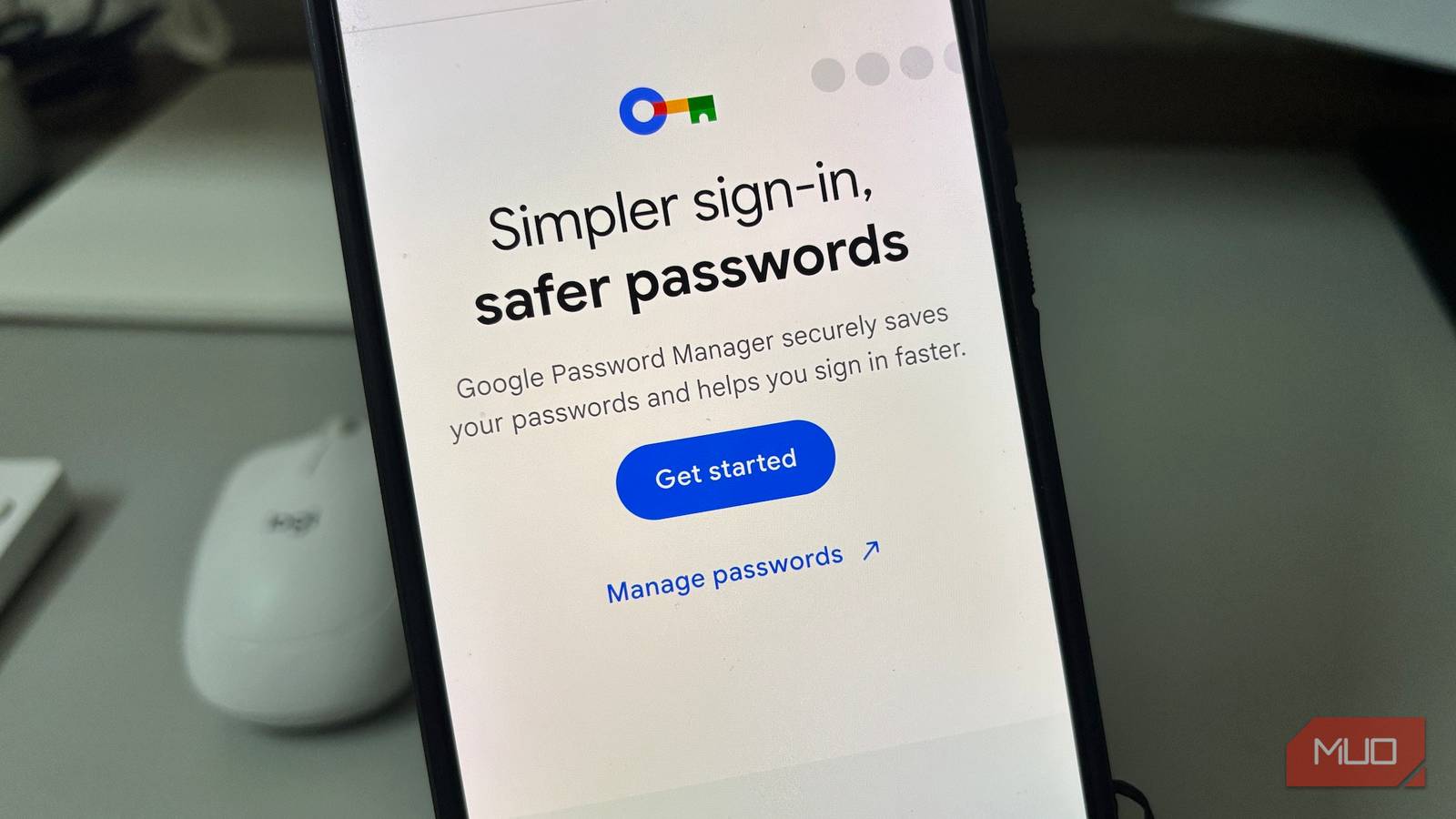
A dedicated password manager app always felt like the responsible way to handle passwords. Built-in tools sound convenient, but not like something you’d trust with every login. That was my assumption too, until I actually spent some time relying on Android’s built-in password manager. The more I used it, the harder it became to justify the extra app I thought I needed.
Nothing important was missing
It just worked, every single time
Built-in tools usually seem fine until you use them as your main option. Sooner or later, I figured Android’s built-in password manager would hit the kind of limitation that would send me back to a dedicated app. Surprisingly, that never happened.
The first thing I checked was whether my saved logins had actually made it across. I had more than 120 passwords built up through years of using Chrome, so rebuilding everything from scratch was the last thing I wanted to deal with. Thankfully, I didn’t have to, because the full list was already there. Then I looked beyond my phone, figuring sync would be the part that got messy. But opening Chrome on my iPhone brought up the same saved logins right away, and the same thing happened on my Mac. Across three different devices, everything stayed where it should.
It wasn’t limited to Chrome either. Autofill worked directly inside Android apps, and that made a real difference because a lot of daily sign-ins never touch a browser at all. Some logins had already moved over to passkeys, too. I only noticed because certain apps had made the switch, and I realized I hadn’t typed a password for them in weeks. Worth noting, Google also lets you export everything as a CSV right from settings, so moving elsewhere later is still an option.
Stop paying for what’s already free
The gap wasn’t worth the price
A paid password manager can sound like the obvious choice if you take password security seriously. That is part of what makes apps like 1Password so appealing. They are built to look like the more serious option. To be fair, 1Password earns that premium label. Travel Mode, secure notes, file attachments, and Watchtower alerts are all real features with genuine use cases. At $2.99 a month, or about $36 a year, the price reflects what it actually offers.
That is not an argument that 1Password is overpriced. It clearly offers more, but Google Password Manager had already taken care of the things I actually needed every day. Once the basics were well covered, paying for the rest was no longer something I could justify. Those were features I could appreciate, but not ones I actually needed.
It found problems I never looked for
Weak passwords, I thought were fine

Saving a password and having a secure password are not the same thing. It is easy to save a password once and never think about it again. I was in that category, at least until I opened Password Checkup for the first time.
It had scanned 128 sites and apps in the background. No compromised passwords, which was a relief. But sure enough, it had flagged 18 weak passwords and two reused ones. I didn’t have to do anything to trigger it. All of that had happened on its own before I even thought to look. Password alerts were turned on in settings, set to warn me if one of my saved passwords showed up in a known data breach. So that protection was there without any setup on my end.
Just as importantly, on-device encryption was enabled. Data gets encrypted on the device before it is saved to Google Password Manager, which helps address the obvious concern people have about storing passwords in a Google service. It doesn’t answer every privacy concern, but it gives the security side more weight than most people expect from a free built-in tool.
I’d be lying if I said it’s perfect
Password Checkup flags weak and reused passwords, but fixing them is entirely on you. Those 18 weak passwords it flagged were still my responsibility to change one by one. Shared vaults aren’t really an option either. If you need to share logins with family or a team, that’s a genuine gap Google Password Manager doesn’t fill well.
Everything also lives inside your Google account. If that account is ever compromised, your saved passwords are part of that risk as well. And the more you rely on it, the harder it can be to move away from Google later. Privacy-conscious users have valid reasons to look elsewhere. On-device encryption helps, but Google Password Manager isn’t built around a zero-knowledge model. That means Google could theoretically read your passwords if required to, unlike dedicated tools that encrypt data in a way that even the company storing it can’t access.
Apps like 1Password and Bitwarden still make a genuine case for people who want deeper controls, secure sharing, or a security model outside the Google ecosystem. If those are the features you actually rely on, a built-in option may still fall short. But I just no longer saw a dedicated app as something I needed by default.
