
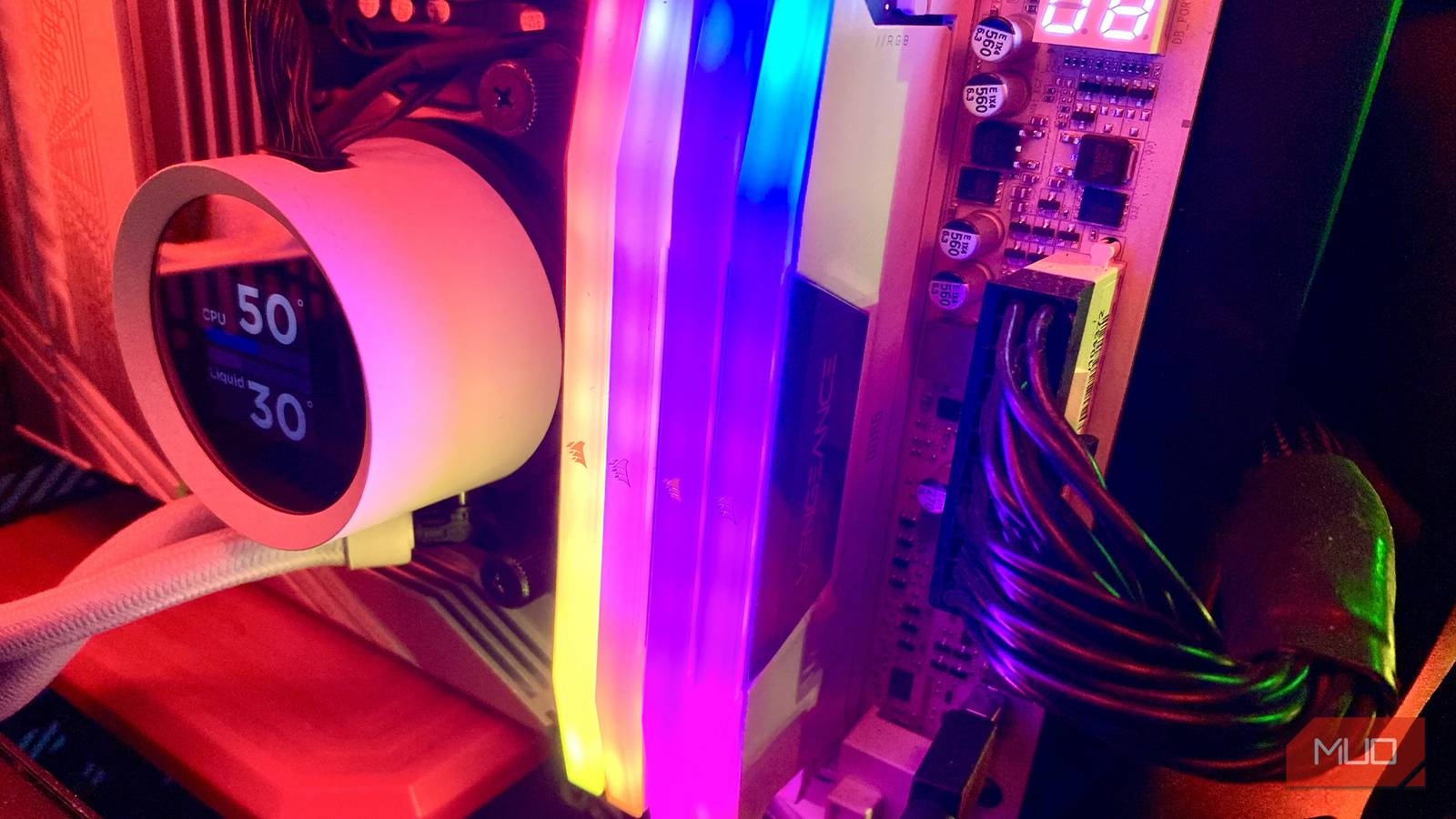
The state of the current RAM market sucks. It’s genuinely hideous. Thanks to the rise of AI datacenters, traditional memory makers have slowed the production of DDR modules in favor of prioritizing High Bandwidth Memory (HBM) manufacturing. Whether you go to sleep at night conversing with a chatbot or think artificial intelligence will soon Skynet us into oblivion, AI is having an undeniable, extremely costly impact on the consumer RAM market.
It’s at this point I should puff my chest out as someone who actually paid fair market value for their 64GB of Corsair Vengeance DDR5 RAM 18 months ago, right? Wrong. I have twice the amount of memory I can practically use for my usual workflow/gaming routine. Looking back, I wish I’d “settled” on 32GB of RAM and saved myself some serious change in the process.
What does having 64GB of RAM in a system with the world’s most powerful GPU and gaming CPU look like? All I can say is that it’s incredibly rare my PC ever needs to tap into even half of that unified memory amount. But I’ll get to that. And no, I’m not about to sell the 32GB of memory I don’t need in a horribly distorted market.
How much RAM do you really need?
Evaluating how much memory you need with skyrocketing RAM prices
Not so long ago, the question of how much RAM your laptop or desktop needed wouldn’t have been such a loaded conundrum. Yet in 2026, it’s impossible to look past the previously mentioned AI-generated elephant in the room. If market values were stable, I’d push gaming enthusiasts to go for machines with 16GB of unified memory. But in the current climate where we must all seemingly bow at the altar of AI slop, I’d suggest 8GB of RAM is enough for most people.
If you casually hop on Amazon right now, you’ll probably find that the average cost of 32GB of DDR5 RAM from reputable memory manufacturers generally fluctuates between $400-500. That’s quite frankly unhinged, considering what RAM modules cost as recently as 2024.
I’d fail a polygraph if I were asked to swear to the exact price my 4x16GB of oh-so flashy Corsair sticks cost me in late 2024. What I do know is, it was a hell of a lot less than the $740 Amazon wants off me for that same amount of memory at the time of writing.
If you’re a casual Windows user who likes to have 10 or so tabs open, perhaps while your favorite Spotify list is playing in the background, 8GB of memory definitely has you covered. If you’re a committed PC gamer … well, it’s a little more complicated.
64GB of RAM is normally overkill
Even most high-end video games don’t need half that amount

Actually, it’s not all that much more complicated. I’ve been building PCs for so long at this point that I can practically feel my fingers start to disintegrate every time I touch my mechanical keyboard. Yes, I’m old. Even as someone who loves to future-proof their custom-built rigs, though, I’ve never been able to justify my 64GB of DDR5 RAM.
Let me be clear: the main reason I put together a PC with an Nvidia GeForce RTX 5090 and an AMD Radeon 7 9800X3D is because I wanted to experience my favorite Steam games at 4K/120 FPS. It turns out, though, that when you own the fastest graphics card and gaming CPU on the market, it’s super unlikely that your RAM is going to bottleneck your system.
It’s super unlikely that your RAM is going to bottleneck your system.
In the unlikely event you’re dealing with Star Citizen with a whole load of mods enabled, even the most graphically demanding of games aren’t going to get near utilizing 64GB of RAM. And if you are on a slower system, buying more RAM won’t fix your slow PC, but this setting could.
I fired up two of the most system-intensive titles of the moment while researching this article, and even with a multitude of apps and 15+ Chrome tabs open while running these games, I never reached even 32GB of RAM utilization.
The incredibly pretty, if somewhat janky Crimson Desert maxed out my memory at around 24.6GB during particularly taxing scenes, while the graphically peerless Cyberpunk 2077 would only take up 26GB of RAM during a particularly intense path tracing scene at 4K/Ultra settings (admittedly with the AI-driven Nvidia Multi Frame Generation enabled).

Frame generation is everywhere now — and it’s papering over a problem nobody wants to talk about
Nvidia’s MFG tech is still riddled with visual bugs and latency issues.
All of this graphically punishing action was measured on a Windows 11 PC that constantly wants to bloat my memory usage with CoPilot features I hate. Suffice to say, the case for 64GB of RAM on wasteful, AI-focused Microsoft devices is vanishingly thin.
The other, equally rare instances of super-intense consumer RAM use might revolve around the off-hour activities of aspiring software developers. Or, for those folks who want to help school yet another LLM, that’s up there in priorities with the world needing to be skewered through the forehead by one of the T-100’s liquid metal fingers.
When 64GB of RAM is useful
Pro big or pro home

For the type of prosumer user who sucks down the most rarefied air when it comes to PC or Mac usage, there is a case to be made for having 64GB of RAM at your disposal.
In a previous professional life, I used to do reasonably intense, yet not super-complicated 4K video editing/rendering in Adobe Premiere. My average project would probably have a maximum of three to four timelines with minimal effects, and such settings did mildly challenge a previous 32GB setup.

Your next laptop could be a bad buy if you ignore this RAM spec
Ignoring your laptop’s RAM type could cost performance and battery life.
If you’re a far more accomplished video editor than me, though, and regularly work on projects with a bunch of timelines and effects, that’s suddenly the sort of rare pro-workflow area that a 64GB of RAM system starts to make sense. That said, don’t buy more RAM yet if you haven’t tried these Windows tweaks first.
Or, to put it more succinctly: if you only care about web browsing (8GB) or gaming (16GB), lesser amounts of RAM will do you just fine. There are certain, unusually memory-intensive games that occasionally require 32GB of unified memory for 4K gameplay, but those titles are oh-so-rare.
Is it wise to buy 64GB of RAM?

This won’t exactly be a Sixth Sense-sized spoiler if you’ve read my ramblings above: heck no.
The important part of looking at memory usage is not to get overly bogged down in the percentages your task manager is currently showing you. Operating systems are designed to lean on RAM (sometimes to an overly active effect). Whatever that number might be showing you, if your system feels smooth in terms of swapping between browser tabs or if your favorite game is relatively stutter-free, you shouldn’t sweat RAM usage.
And you better believe you don’t need 64GB of DDR5 RAM in this current, sinfully expensive climate. Save yourself some money and settle for 16GB.
