
There’s a folder on my Mac called “Photos-misc” that I had been avoiding since early 2023. Inside: 500-plus images in no particular order, named whatever my phone or camera decided to call them at the moment of capture — mainly IMG_XXXX variations from my iPhone. Some are from my basement renovation, some are product shots I took for articles, and some are random screenshots I apparently needed once and never deleted. I kept meaning to sort them. I never did. Then I spent some time with Claude Cowork, and the problem I’d been avoiding for two years was gone by lunch.
The photo backlog that kept getting worse
What 500 unorganized photos actually looks like
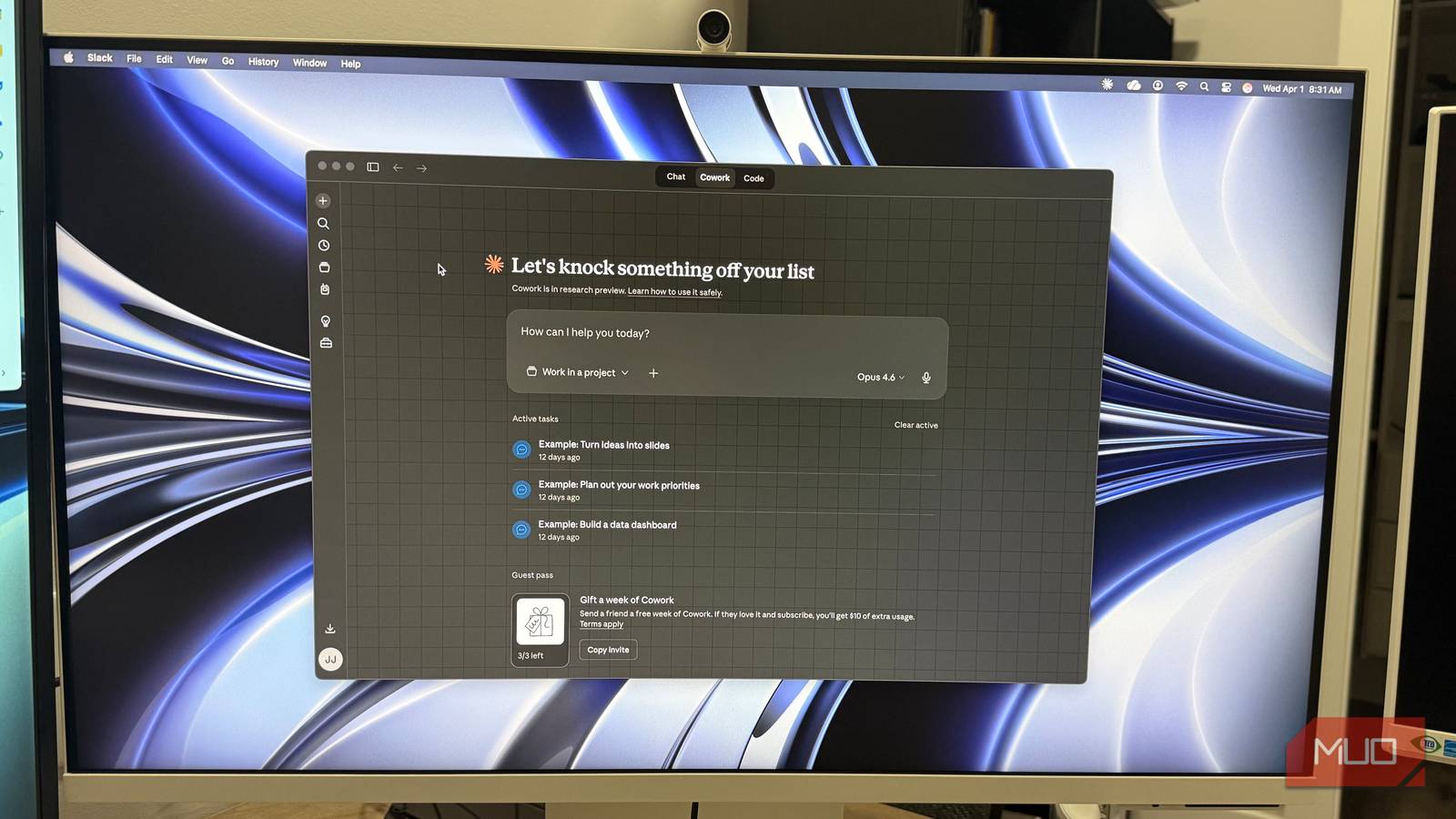
After using Claude Cowork to rename my 500+ photos, I repeated the task with 25 random images to gather pictures of the process for this article.
The folder wasn’t chaotic because I’m disorganized by nature — it was chaotic because it became a catch-all. Any photo that didn’t have an obvious home landed there. Renovation progress shots from my basement build sat next to article screenshots. iPhone photos mixed with a few DSLR exports, each with its own naming convention. Dates were embedded in some filenames, missing from others. A handful of duplicates had crept in through iCloud sync.
The problem with a folder like that isn’t finding any individual file — it’s that you can’t find anything reliably, and you know it. Every time I thought about sorting it manually, I’d open the folder, scroll for thirty seconds, and close it again. The activation energy to start was always higher than whatever I needed the photo for right then.
What I needed wasn’t more motivation. I needed the first step to not be so tedious.

- Developer
-
Anthropic PBC
- Price model
-
Free, subscription available
Why I landed on Claude Cowork instead of a script
The difference between writing code and running it
Claude Cowork is Anthropic’s agentic desktop tool — the version of Claude that actually does things rather than just advising on them. It runs in a sandboxed local environment on your machine, reads from folders you designate, and works through multi-step tasks without you needing to supervise every decision. No command-line or scripting knowledge required.
I’ve used other tools in this space. I’ve also written one-off Python scripts for file cleanup before. But scripts require you to anticipate every edge case upfront, and with a folder this messy, I didn’t know what edge cases were waiting for me. I wanted something that could handle surprises mid-task.
Switching from a chat-only AI workflow to Cowork is a different kind of shift — closer to what happens when you stop treating AI as a search engine and start treating it as something that can actually take an action on your behalf. That distinction matters once you have a task with real stakes — like 500 files you’d rather not accidentally wreck.
My prompt was straightforward: “Scan the [FOLDER NAME] folder in [FOLDER LOCATION], rename every file using a YYYY-MM-DD_keyword format pulled from available metadata, and sort them into subfolders by year and month. If no date metadata existed, use the file’s creation date as a fallback. Keep the original filename appended so nothing was irreversibly lost.”
Claude Cowork will need access to your folder(s). It will ask for permission as shown in the images above. Granting permissions varies slightly between Windows and MacOS.
Running the sort — what Cowork actually did
From IMG_XXXX to something I can actually find
The first pass took a few minutes and covered the bulk of the folder cleanly. Files with EXIF data — most of the iPhone photos and DSLR shots — came out exactly right, for example: 2026-03-31_anker-power-strip-floor_IMG_2423, sorted neatly into 2026 > 2026-03. That alone covered maybe 400 of the 500 files.
Screenshots were the snag. Most had no EXIF data at all, just a file creation timestamp. Cowork used the fallback rule as instructed, but the keyword it pulled was generic — “screenshot” or “image” — because there was nothing richer to work with. Functional, but not ideal. I added a line to the prompt asking it to check filenames for embedded dates first (a lot of my screenshots followed a Screenshot_YYYYMMDD pattern), then re-ran only the screenshot subset. That cleaned up most of them in a second pass.
Cowork’s capabilities go well beyond file tasks — its approach to generating interactive visual output shows how far the underlying model has come. But the file work is where it’s genuinely useful for the kind of backlog maintenance most people have sitting around and never touch.
Total active time: maybe 25 minutes, including prompt writing, the re-run, and a quick review pass. The manual version of this job would have taken most of a Saturday.

This tiny free app is the best photo organizer you’ve never heard of
Organizing photos is a chore, but not anymore. Hey, that rhymed.
Where it fell short (and what I had to fix myself)
AI-sorted doesn’t mean perfectly sorted

A few things needed a human hand at the end. Duplicate detection wasn’t fully reliable — six or seven identical files made it through, mostly iCloud sync artifacts. Cowork flagged some as potential duplicates but didn’t remove them automatically, which is probably the right call, but it meant I had to make that call manually.
The subject keywords also varied in quality. Photos with rich metadata got useful labels. Photos without it got “image” or nothing useful, and I ended up renaming about 30 of those by hand. That’s still a fraction of what the full job would have been, but it’s worth knowing going in.
One practical note: Cowork operates directly on your file system. That means you should back up anything irreplaceable before pointing it at your files. I ran mine against a copy first, checked the output, then applied it to the originals. That extra step took ten minutes and saved me from any anxiety about something going sideways.
Two years of photo chaos, cleared in an afternoon
The folder is organized now. I can find renovation photos by month, pull article screenshots by date, and actually trust the structure enough to add new files to it. That last part — having a system I’ll actually maintain — is the real win.
