
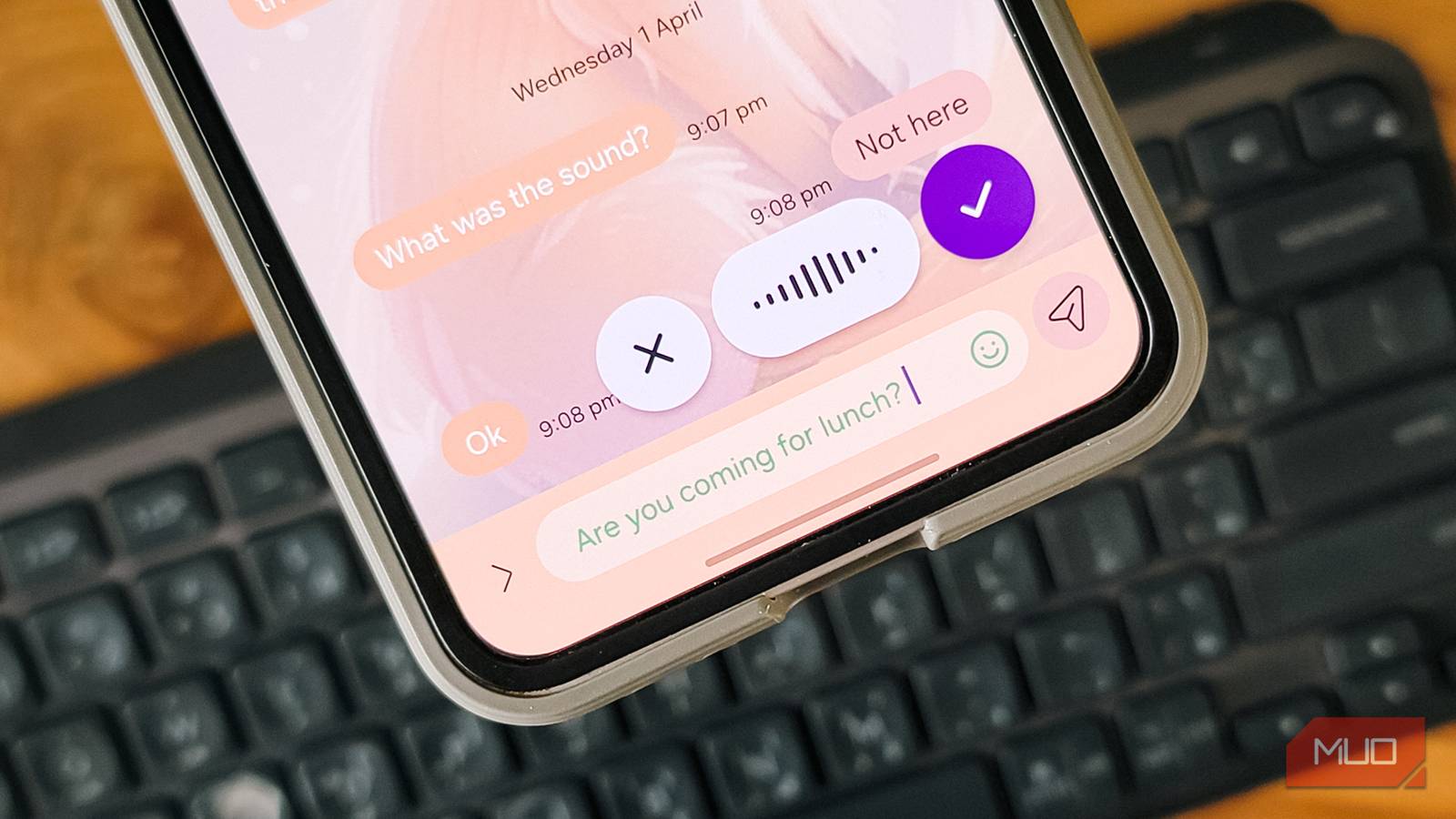
Since I wrote about Typeless a few weeks ago, I’ve been hooked on voice-to-text dictation on my Android phone. It changed how I type, and I didn’t think anything could top it. But then I came across Wispr Flow, an AI-powered dictation app that works alongside your keyboard as a floating bubble instead of replacing it (my one big complaint with Typeless). Wispr Flow might be even better for everyday use.
I’ve been using Wispr Flow as my primary input method for a week now, and I haven’t missed my keyboard one bit. Whether it’s long WhatsApp messages, notes in Obsidian, or quick replies in Gmail, Wispr Flow handles it all with impressive accuracy. If you do a lot of typing on your phone, this app might just make your keyboard feel obsolete.
Near-perfect voice dictation
A floating bubble that works alongside your keyboard
Having used Typeless extensively, I had a good idea of what to expect from an AI dictation app. Wispr Flow surpassed those expectations by offering near-perfect voice dictation while solving the one thing that bothered me most about Typeless: it doesn’t replace your keyboard.
After the first launch, Wispr Flow walks you through a guided setup for permissions. Once done, it adds a floating bubble above your regular keyboard instead of taking it over. In practice, this is a lot more convenient because you have access to both your default keyboard and voice dictation at the same time. During setup, you can choose Privacy Mode, which ensures none of your dictation data is stored or used for model training by Wispr or any third party. Alternatively, you can select Help improve Wispr Flow, which lets the app use your dictation to train and improve its AI models. You also get to pick your preferred tone, whether Formal, Casual, or Very Casual, for categories like personal messages, work apps, and email.
The home screen shows your dictation stats and recently dictated transcriptions, which you can copy. I find this handy as a backup in case something doesn’t paste correctly, which has happened more than I would’ve liked. Using Wispr Flow is simple: tap the floating bubble and start talking, then tap again when you’re done. For shorter messages, you can tap and hold the bubble and release it when you’re finished.
Wispr Flow vs Gboard voice dictation
Built-in dictation doesn’t even come close
To see how Wispr Flow compares to what’s already built in, I dictated the same passages using both Gboard’s voice dictation and Wispr Flow. The difference was not surprising because I’ve seen AI-based voice dictation apps in action, but it’s still impressive.
First, I dictated a casual work message about an article that needed edits.
Gboard came up with:
“So I was talking to Aamir about article and his saving need to give up the intro now it is said the H2S needs fixing and honestly agree because of close of especially in the second half the peace.”
Wispr Flow’s response was far more accurate and articulated:
“So I was talking to Aamir about the article, and he said the H2S needs fixing. Honestly, I agree because the flow feels off, especially in the second half of the piece.”
One is a garbled mess, the other reads like something I’d actually send. Next, I tried a more technical passage about setting up Duplicati and debugging errors.

Again, Gboard produced a verbatim transcription with all the mess intact:
“I tried setting up duplicate again last night and it kept throwing that same error the one with the database lock things so I switch to sing thing in a state which is working fine now but I lost like to us Di begin debugging the hosting.”
Wispr Flow, on the other hand, got it right again:
“I tried setting up Duplicati again last night, and it kept throwing that same error, the one with the database lock thing. I switched to the sync thing instead, which is working fine now, but I lost like two hours debugging the whole thing.”
Gboard couldn’t even get the app names right, while Wispr Flow nailed the punctuation, sentence breaks, and meaning.
Similar to Typeless, Wispr Flow also shines when it comes to translation. I speak over six languages and often mix them during conversation, and Wispr Flow translates my mixed-language dictation with proper formatting. You can also add words to the Dictionary for names or terms it might not recognize. Where Gboard and SwiftKey’s voice dictation falls apart with messy, literal transcriptions, Wispr Flow understands what you actually mean and formats it accordingly.
There’s room for improvement
A few rough edges that need polishing

While Wispr Flow works noticeably better than Gboard or SwiftKey’s voice dictation, it’s a little rough around the edges when it comes to punctuation and formatting. I’m talking about stylistic things like automatically capitalizing the first word of a sentence, consistently adding periods, or handling hyphens. Compared to Typeless, it feels less polished in this regard. Switching to a more formal style in the settings helps a little, but it still doesn’t match what Typeless does out of the box.
Another thing I’ve noticed is that the floating bubble is supposed to appear and disappear when a text field is active, but sometimes it sticks around a little longer than necessary. It’s not a big deal since you can press and hold the bubble and drag it to the bottom of the screen to dismiss it.
Wispr Flow also doesn’t rephrase your dictation for clarity, which can be both a benefit and a drawback depending on what you need. I’ve been frustrated with Typeless’s auto-rephrasing more than once because it completely strips the character from my text and makes everything sound flat, and Typeless doesn’t offer a way to turn it off, either. So Wispr Flow might just be doing it right by keeping your words as they are.
As for pricing, Wispr Flow follows a similar model to Typeless. The free version gives you 1,000 words per week, or you can upgrade to unlimited use for $144 per year, which covers both desktop and mobile. For now, though, Wispr Flow for Android is in early access, so you get unlimited use for a limited time.

- Price model
-
Free, Premium
- OS
-
Android, iOS, macOS, Windows
Wispr Flow uses AI to turn your natural, messy speech into clean, polished text. It works in any app, removes filler words, and supports 100+ languages.
Voice dictation is worth the switch if you type a lot
Wispr Flow and apps like it are well worth it if you spend a lot of time typing on your phone or using voice dictation on your PC. If you do a lot of typing on your computer and some on your phone, this is a great way to get your words into any app without tiring your fingers. The floating bubble is a clever implementation as you don’t have to give up your regular keyboard, which was my biggest frustration with Typeless.
That said, Wispr Flow isn’t perfect. The punctuation needs work, and the formatting could be more consistent. But as a voice dictation companion that sits quietly alongside your keyboard and just works when you need it, it’s the most practical option I’ve tried. It’s available on Android, iOS, Windows, and macOS, and if you’ve been curious about alternatives to your phone’s built-in keyboard experience, voice dictation might be the upgrade you didn’t know you needed.
