
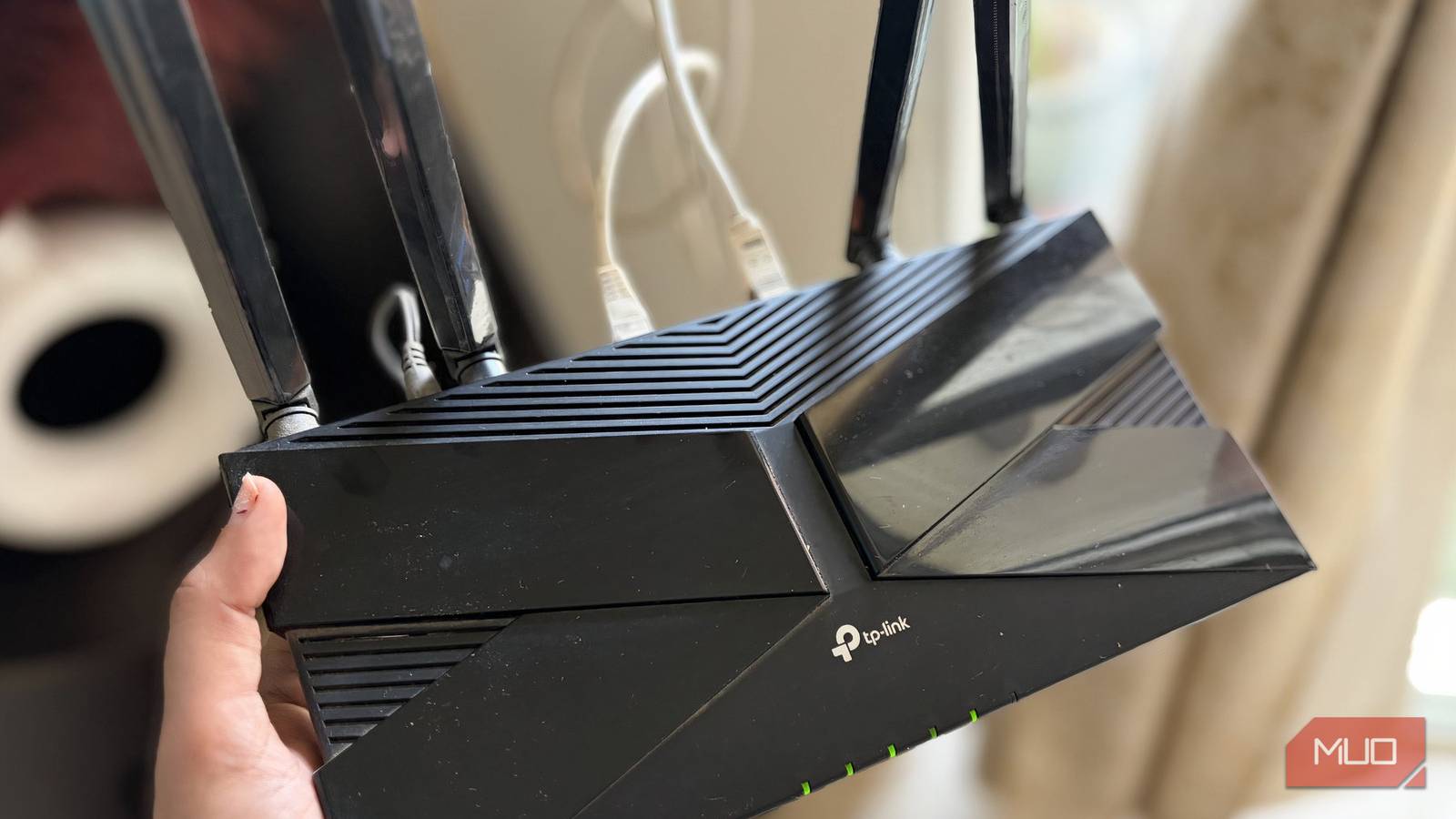
Think about the last time you thought about your router. Not your Wi-Fi password, not the internet speed you’re getting, not the configuration settings on your network—but the actual device powering your network.
If you’re like most people who just want access to the internet, your answer is probably never. After all, your ISP set it up for you, and it probably has been working fine since. But just like not every ISP’s default settings provide the best internet experience, the router they hand out might also be behind the times. And if you’re using an end-of-life router, you’re in for a whole host of problems.
The set it and forget it trap
Why routers quietly go outdated while you’re not paying attention
Routers have a uniquely deceptive quality among home tech devices. Unlike a phone that slows down, a laptop that might run into OS issues, or a TV that might not show the best picture, a router just keeps on running. As long as you have internet coming in from your ISP, it’ll keep providing internet access to any device on your local network.
But just because your router is functioning, doesn’t mean you should continue using it. Especially if you care about your network’s security.
Consumer routers usually have a lifespan of about three to five years. After that period, two major things happen: the hardware starts aging out, and more importantly, the manufacturer may stop issuing security updates for the router. Of course, this varies among different routers and manufacturers, but one thing you can be sure of is that every router stops getting security updates after a certain point.
This is the major concern with using old routers. This means that even if your router is functioning perfectly, it likely has known, unpatched security vulnerabilities that attackers can exploit. In a world where even your Wi-Fi name can give away a ton of information, having a vulnerability in your router can be quite a risk.
Manufacturers call this end-of-life (EOL) or end-of-support. It’s the moment when the company officially stops sending firmware updates to your device model. From that point on, every new vulnerability discovered in your router’s firmware is a permanent door, and it’s your job to worry about it.
The stats should make you uncomfortable
Many routers are sitting unpatched right now
Even for routers that are still within their support window, most people just don’t apply updates. Broadband Genie’s 2024 survey of over 3,000 internet users found that 89% never once updated their router’s firmware. A follow up study in 2025 found that 84% still hadn’t updated their router’s firmware, and 81% had never changed the default admin password. Considering that your router’s default password is likely already sitting in a public database, that’s an alarming level of risk.
Add to that fact that most people keep their routers around far longer than the recommended window. ISPs aren’t exactly known for providing the best routers with internet installations, which is one of the biggest reasons why you should change your ISP-provided router as soon as you can to a newer, better protected device. The FBI has also issued a warning against hackers taking advantage of end-of-life routers that are susceptible to vulnerabilities, especially routers dated 2010 or earlier.
A hacked router is worse than you think
From spying to botnets, the damage goes far beyond Wi-Fi

The most common way to exploit an outdated, vulnerable router is to hack it and make it a part of a botnet used to carry out massive DDoS attacks. The aforementioned FBI warning also stated that cybercriminals were actively targeting EOL routers using a malware strain called TheMooon—a software that doesn’t even need your router’s password to compromise it.
By early 2024, the TheMoon botnet had over 40,000 infected devices across 88 countries, and the number is still rising. The routers targeted by this malware weren’t exotic, enterprise-grade routers either. These were the regular Linksys E-series, D-Link DIR models, TP-Link, and Cisco devices that you’ll find in most homes and small offices.
Your router will still function as usual, meaning as an owner, you’ll never have any idea your router has been compromised. It’ll still browse the internet, still stream your favorite content, and when cybercriminals want, it’ll attack any online service at their whim, along with thousands of other devices.
And that is just one way to exploit a vulnerable router. If a cybercriminal wants, gaining access to your router opens up your entire digital life to them. They can map your browsing habits, capture browsing data using man-in-the-middle attacks, redirect DNS queries to malicious sites, and do a lot more harm than you’d think.
Manufacturers don’t exactly help
Support windows and updates you’ll never see

You’d think checking whether your router is EOL would be easy, considering how big of a risk using one is. Unfortunately, manufacturers aren’t exactly very transparent when it comes to informing their users when they should replace their routers.
ASUS, for example, publishes EOL dates on region-specific support pages, but the dates vary by country, and support windows are usually tied to regulatory compliance schemes. TP-Link also follows a similar method.
There’s no industry standard for how long a router must be supported, and there’s no notification system that alerts you when yours has reached the end of its life. Some manufacturers are more transparent than others, but overall, it falls on you to ensure you’re not using an EOL router and that you’ve got the most recent firmware update.
So what are you supposed to do?
Simple checks and upgrades that actually make a difference

The first step is finding out exactly what router model you have. You can usually find this printed at the bottom of the device, along with other information like the default login credentials and device IP address. Once you know the model number, head to the manufacturer’s website and check the most recent firmware update.
If it’s more than two years old, that’s a massive red flag and you should consider replacing the router. If the router is explicitly listed as EOL or EOS, you definitely need to switch to a newer one.
On the other hand, if your router is in its support window, and you’ve never updated it, now’s the time. Download the latest firmware, head into the router settings (usually at 192.168.0.1 or 192.168.1.1) and install the update. While you’re at it, also change the default password for your router to protect it from unauthorized access.
If you’re technically inclined, have an EOL router, and don’t want to replace it just yet, you could try to install an open-source firmware. Projects like OpenWrt actively maintain patches for a wide range of older hardware, essentially breathing new life into old routers. Keep in mind though that this is a band-aid approach, and it’s always better to use updated and well-supported hardware.
It’s the most boring device—and the riskiest
Why this forgotten box has outsized impact on your security
Your router is the front door to everything on your network. Every phone, laptop, smart TV, security camera, and any other device on your network goes through it. If that door has a lock that can be easily broken, every device behind it is at risk.

I Thought My Wi-Fi Was Secure—Until I Checked My Router’s Settings
Your router settings can make or break its security.
The fix isn’t complicated or expensive. A modern Wi-Fi 6 router from a reputable brand can be bought for under $100, and it’ll come with active firmware support for the foreseeable future. And that’s a perfectly reasonable price to pay to fix a security vulnerability that puts your entire digital life at risk.
