
iMessage is one of Apple’s best offerings, and a big reason why iPhones dominate North American smartphone sales. It’s easy to reduce the success of iMessage to superficial reasons, like people wanting blue message bubbles on their iPhone instead of green ones. There’s slightly more to the story than that — iMessage beats out Google Message in real, practical ways. Most importantly, you can use iMessage without an active SIM using your Apple Account instead.
Google Messages, the default messaging app for Android, completely shuts down the second you no longer have an active SIM in your phone. Tying your message history to an online account rather than a device or SIM card makes sense for continuity. If you switch devices, phone numbers, or simply turn off your SIM, you could still send or receive messages with an online account. That’s how iMessage works — you can sync messages with iCloud and use your Apple Account email as a way to send and receive messages without a phone number.
The more I use Google Messages, the more puzzled I am that Google hasn’t replicated this longtime iMessage feature. I’d love to be able to use Messages with my Google account to continue sending messages using my email address. Until Google adds this utility, Google Messages will always lag behind iMessage.
Google Messages is great until you move a SIM
Messages becomes useless when you no longer have an active SIM
Let’s start by reviewing the differences between Google Messages and iMessage. Google Messages is a text messaging app that uses SMS, MMS, and RCS messaging protocols for communication. The natural comparison isn’t exactly to iMessage — which is a separate messaging protocol — but rather to Apple’s own messaging app, Messages on iOS.
It’s a bit complicated, though, because Google Messages does leverage accounts for certain shared communication features. For instance, signing in to a Google account in the Messages app lets users share a profile, including their name and picture, with other users. Features like Device Pairing, Magic Compose, and Gemini also require a Google account. So, while Google has created its own Google Messages features, it uses an open industry standard to actually send and receive text messages.
That standard is Rich Communication Services (RCS), and it’s managed by the GSMA. There are similarities with iMessage, like the ability to send and receive messages without cellular service using Wi-Fi connections. However, unlike iMessage, RCS is a global protocol that works across carriers and platforms. iMessage and Google Message with RCS work similarly until you try to use the latter without an active SIM.
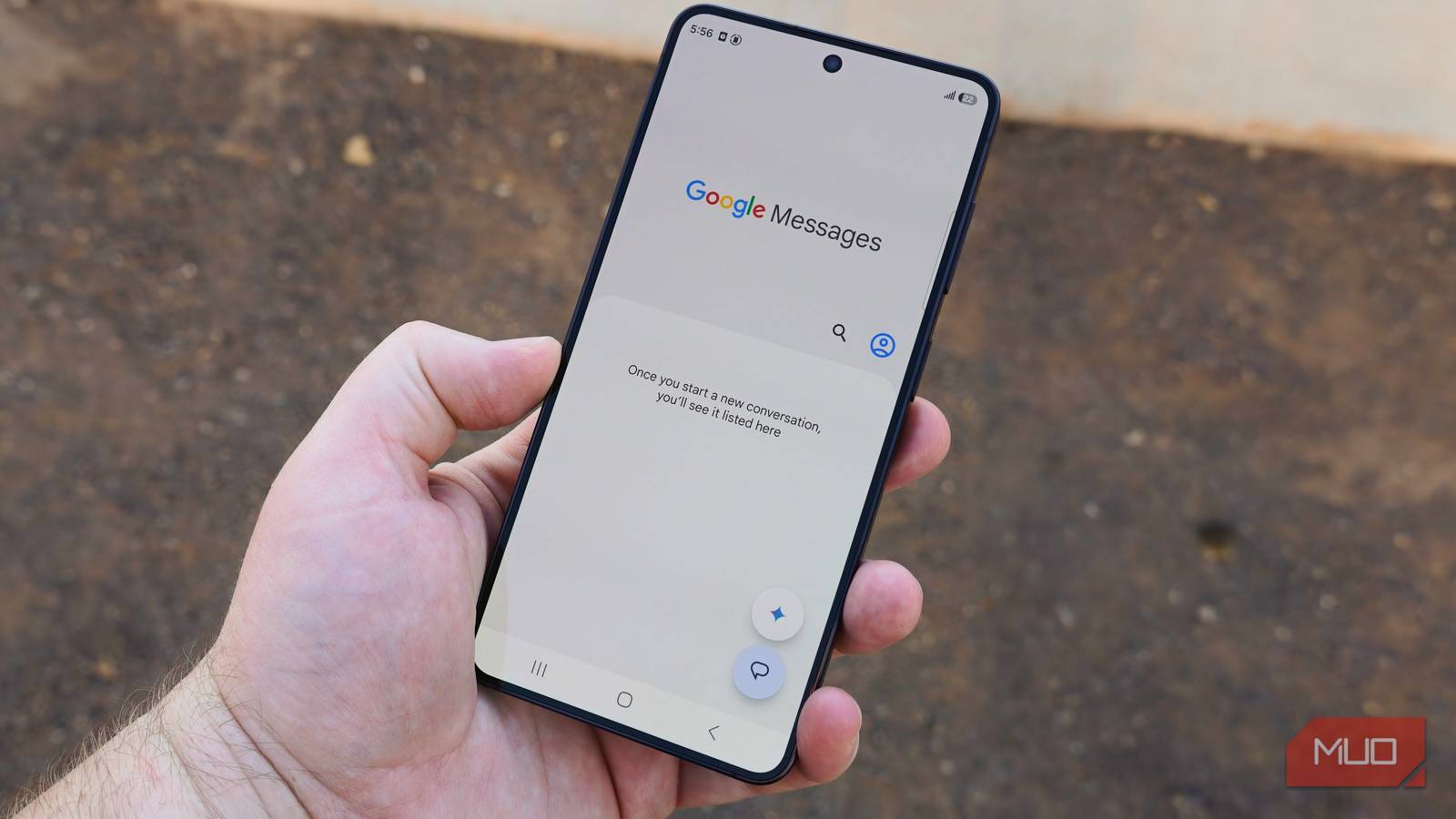
Since Google Messages relies on text message protocols SMS, MMS, and RCS, it requires an active SIM to function. It doesn’t need an active cellular connection, but the app has to see an installed SIM or eSIM. Without one, it completely shuts down. You’ll see errors like Please insert a SIM card to continue, and you won’t be able to send or receive messages. When I use the iOS Messages app, my iPhone automatically falls back to my email address for sending and receiving iMessages when my eSIM is removed.

All my phones have eSIM, but I still use physical SIM cards for these 3 reasons
I’m not buying the eSIM hype — physical SIM cards are more reliable and make you less dependent on your cellular carrier.
Google Message has no true iMessage competitor, and that’s a problem. RCS is better than SMS and MMS, but it’s certainly not perfect, and a company like Google is the perfect one to offer Android users something better.
It already has the framework. Google Messages already uses Google accounts for Profile Sharing, Device Pairing, Magic Compose, and Gemini. It just lacks the thing that makes the Apple Messages app truly great — the ability to send and receive messages without an active phone line.
No, Google Account device pairing isn’t enough
It still counts on your primary phone having an active SIM

A handful of features helps Google Messages and RCS provide a similar experience to Apple Messages and iMessage. Google Messages has profile sharing, just like iMessage. It can send messages over Wi-Fi or cellular data, just like iMessage. Google Messages even has a Device Pairing feature that lets you continue your conversations on other phones, tablets, and computers. The problem is that Device Pairing still counts on your primary Android phone having an active SIM.
Take out the SIM or deactivate the eSIM in your Android phone, and Google Messages becomes a brick — on your entire ecosystem of devices. It’s a stark contrast to the iMessage experience, which works across Apple phones, tablets, and laptops without a phone number or active SIM. Being able to create an Apple Account with only an email address and immediately start sending iMessages makes Apple devices accessible and consistent.
If you sign in to an Apple device with an Apple Account, your iMessage conversations stored in iCloud will be ready to go. There’s no setup required. Google Messages’ Device Pairing feature is a manual process, and won’t work without an active SIM.

I ditched Google Messages for Samsung Messages and I actually prefer it
The default choice is not always the best.
Google already solved account-based messaging
Google Chat and Meet are the blueprint for the upgrades Messages needs

Google Messages adding support for sending and receiving messages without an active phone number wouldn’t be easy. The RCS standard isn’t built for it. There is such a thing as an RCS email gateway that allows businesses to use emails to send RCS messages with specialized APIs. I doubt adapting that system for millions of consumer accounts would be feasible. Google would likely have to build something from scratch to make this possible.
Here’s the thing: that isn’t an unrealistic ask. iMessage only exists because Apple made it. Apple didn’t use an industry standard or open consortium to build iMessage. It developed iMessage completely in-house before its 2011 release, and its popularity has been unmatched in the decade-plus since. When will Google finally step up and give Android users a true iMessage competitor?
It’s not like Google is a stranger to account-based instant messaging. Google’s first messaging platform, Google Talk, launched 21 years ago. I could list all of Google’s messaging products released since, but we’d be here a while. The highlights include Google Duo, Google Hangouts, and Google+, all the way up to current offerings like Google Chat and Meet.
The company knows how to make a great account-based messaging client, it just won’t make one for Google Messages. Until it does, Apple Message and iMessage will always have the edge.

- OS
-
Android
- Released
-
November 12, 2014
- Publisher(s)
-
Google
Google Messages is the default messaging app for Android. It offers features like RCS support, customization, and AI features, but lacks messaging without an active SIM.
