
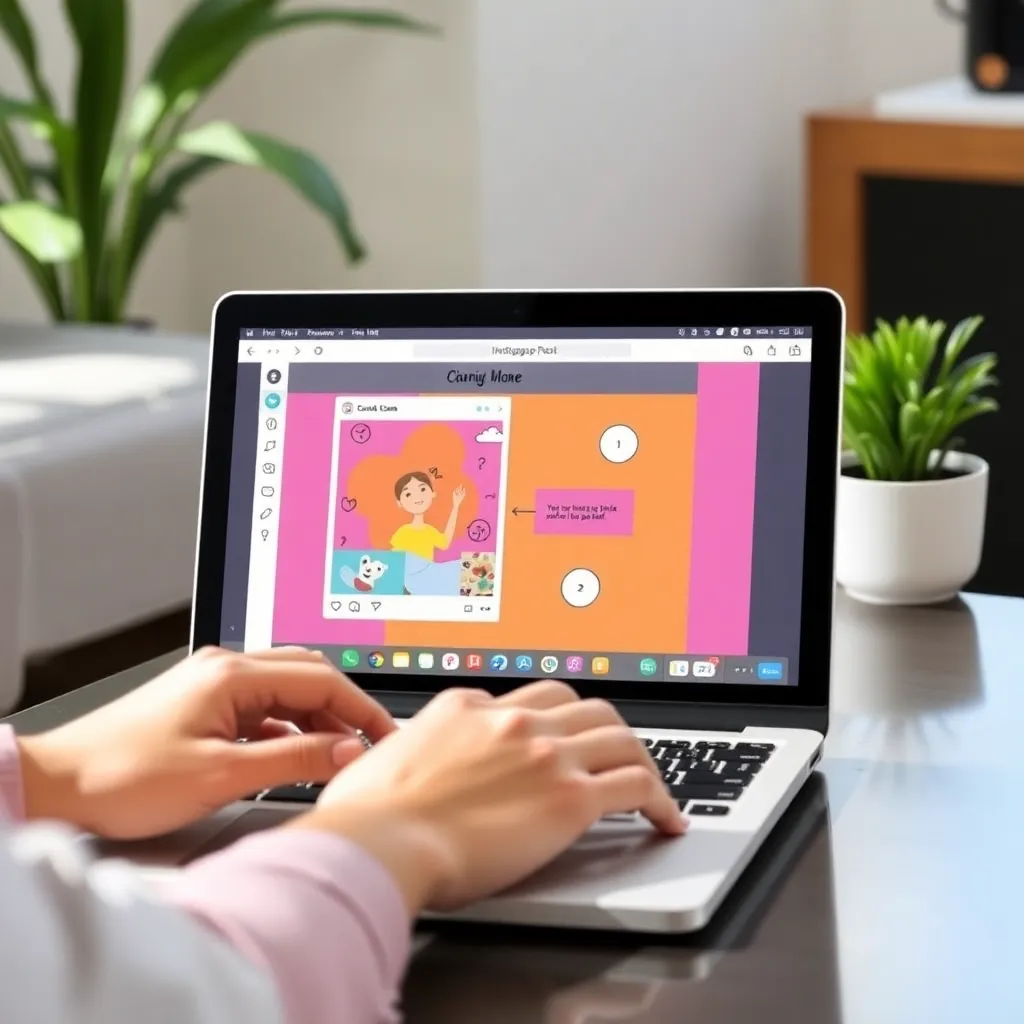
Canva vs Photoshop — discover which design tool is better for beginners in ease of use, features, pricing, and learning curve to create stunning visuals fast.
For beginners stepping into digital design, Canva offers an intuitive and user-friendly experience that lowers the barrier to entry.
With its drag-and-drop interface and pre-designed templates, users can quickly create social media graphics, presentations, and marketing materials without prior design knowledge.
Canva’s simplicity makes it a go-to choice for students, small business owners, and non-designers who want professional-looking results fast. Its web-based platform ensures accessibility across devices, and the free version provides ample features for basic projects.
For those looking to learn the fundamentals of layout and visual hierarchy without getting overwhelmed, Canva is an excellent starting point.
On the other hand, Adobe Photoshop remains the industry standard for advanced image editing and digital art. While it has a steeper learning curve, Photoshop offers unparalleled control over every pixel, making it ideal for photo retouching, complex compositions, and detailed illustrations.
Beginners willing to invest time in learning can benefit from a wealth of online tutorials and courses offered through platforms like Adobe’s official site and Coursera. However, the cost and complexity may be daunting for those just exploring design.
The choice between Canva and Photoshop often comes down to purpose and ambition. If your goal is quick, clean designs for everyday use, Canva is likely sufficient. But if you’re aiming for a career in graphic design or digital photography, becoming proficient in Photoshop is almost essential.
Both tools have their place, and many designers actually use them together—Canva for speed and simplicity, Photoshop for precision and depth.
Canva: Simplicity and Speed | Best Design Tool for Beginners
Canva has become a go-to tool for individuals and teams looking to create polished designs without needing advanced graphic design skills. Its web-based platform offers an intuitive drag-and-drop interface, making it easy for beginners to experiment with layouts, colors, and typography.
Whether you’re designing a Facebook post, a presentation slide, or a printable flyer, Canva streamlines the process with pre-made templates and a vast library of elements like icons, photos, and fonts.
One of Canva’s biggest strengths is its accessibility—users can start designing right from their browser without downloading software.
This makes it especially useful for remote teams collaborating on projects in real time. The platform also integrates seamlessly with services like Google Drive and Dropbox, enhancing workflow efficiency.
For those looking to dive deeper, Canva provides helpful tutorials and design tips through its Canva Design School, which covers everything from branding basics to social media strategy.
While the free version offers robust features, Canva Pro unlocks additional capabilities such as background remover tools, brand kit storage, and access to premium templates. These upgrades are particularly valuable for small businesses and marketers aiming to maintain consistent visual branding. With millions of users worldwide, Canva continues to expand its offerings, recently introducing video editing and animation features to keep pace with digital content demands.
For educators, entrepreneurs, and content creators alike, Canva lowers the barrier to professional-quality design. Its emphasis on simplicity and collaboration has made it a staple in classrooms and startups. To explore its full potential, visit the official Canva website and see how it can transform your creative projects with minimal effort.
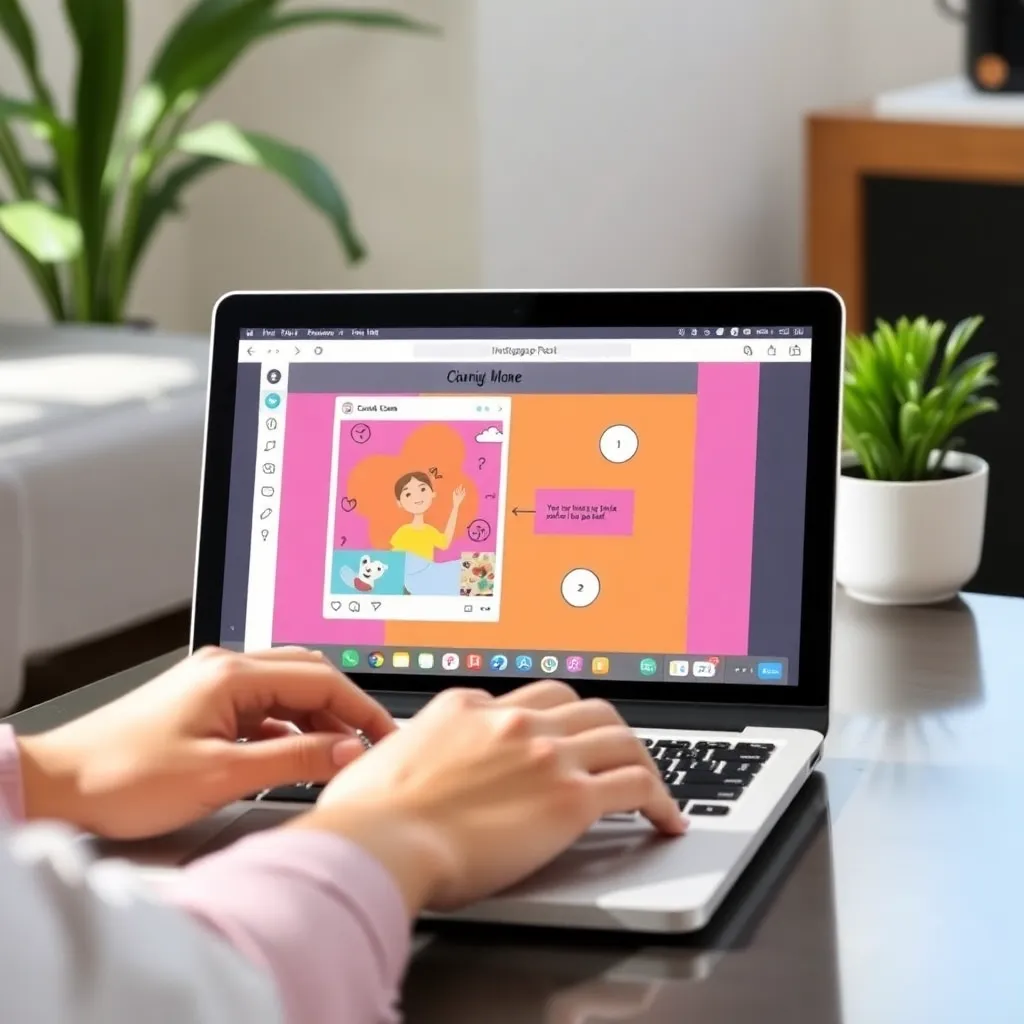
Photoshop: Power and Precision | Canva vs Photoshop for Beginners
Adobe Photoshop remains the gold standard in digital image editing, trusted by creative professionals across photography, graphic design, and digital art.
Its powerful suite of tools allows for precise adjustments, from color correction to complex layer masking, giving users complete control over their visuals.
Whether you’re retouching high-resolution photos or creating intricate digital illustrations, Photoshop’s capabilities are nearly limitless. However, this power comes with a learning curve that can be intimidating for newcomers. The interface is packed with features, menus, and panels, which may feel overwhelming without prior experience.
For beginners, mastering even basic functions like selecting layers, using the brush tool, or navigating the workspace layout can take time and practice. Fortunately, Adobe provides a range of official tutorials to help users get started.
Additionally, platforms like Phlearn and Photoshop Training Channel on YouTube offer free, beginner-friendly lessons that break down complex workflows into manageable steps.
Despite its complexity, many find that consistent, hands-on practice makes Photoshop more approachable over time. Starting with simple projects—like cropping images, adjusting brightness, or removing blemishes—can build confidence before moving on to advanced techniques like compositing or 3D rendering. With dedication, even novice users can unlock the software’s full potential and produce professional-quality work.
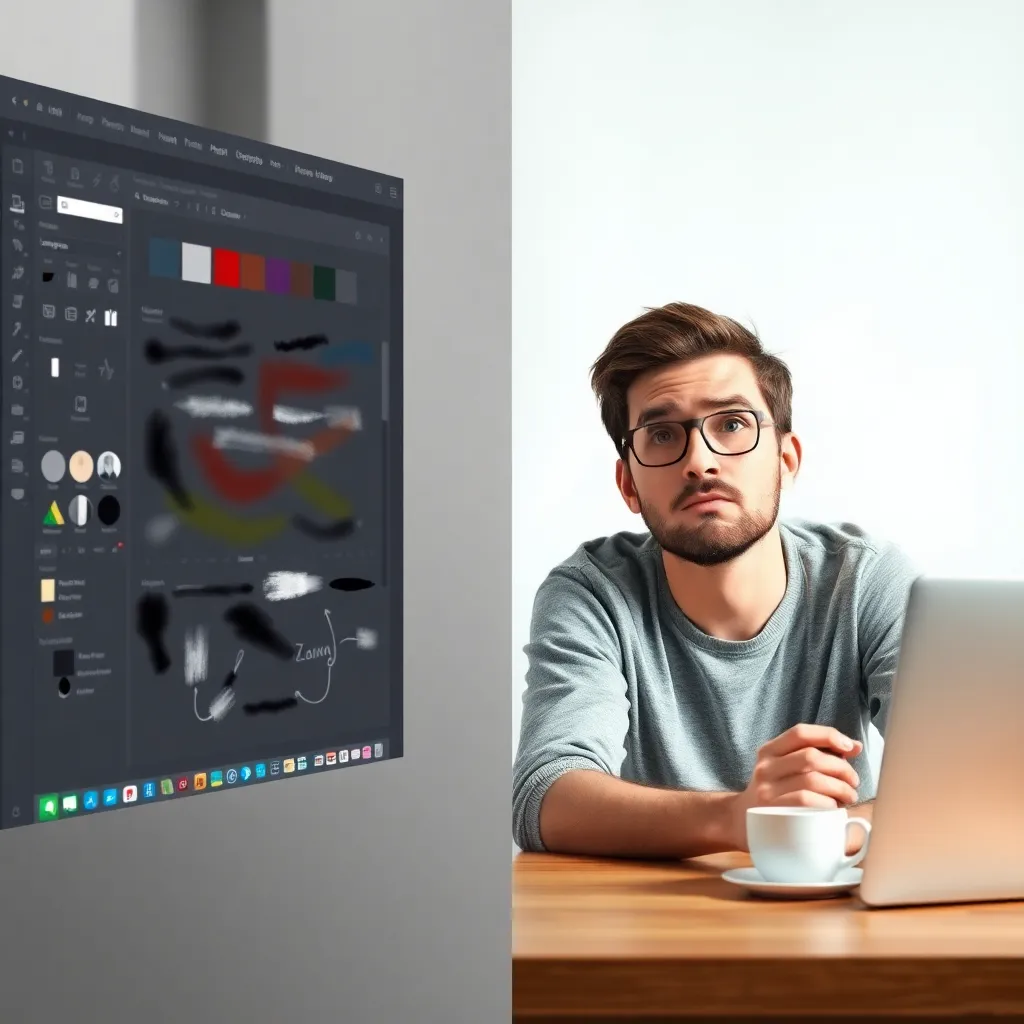
Feature Comparison: Templates vs. Customization
Canva has become a go-to tool for users who want to create professional-looking designs quickly and effortlessly. With thousands of ready-to-use templates for social media posts, presentations, flyers, and more, it’s ideal for beginners or those without design experience. Its drag-and-drop interface allows anyone to customize layouts, change colors, and swap fonts in minutes—no design background required.
For small businesses, educators, or content creators, Canva offers a practical solution to maintain visual consistency without investing heavily in time or training. You can explore its features directly on the official Canva website.
In contrast, Adobe Photoshop provides unparalleled creative control, making it the industry standard for graphic designers and photographers.
Unlike template-based tools, Photoshop enables users to build designs from scratch, manipulate images with precision, and work with complex layered compositions. While it has a steeper learning curve, the depth of its tools—such as masking, color grading, and advanced retouching—makes it indispensable for high-end visual work.
Mastering Photoshop takes time, but resources like Adobe’s official tutorials can help newcomers get started.
The choice between Canva and Photoshop often comes down to need and expertise. If speed and simplicity are priorities, Canva is hard to beat. But for projects demanding pixel-perfect control and professional editing, Photoshop remains unmatched.
Many users actually benefit from using both: starting with Canva for quick drafts and turning to Photoshop for detailed refinement.
Cost and Accessibility: Canva vs Photoshop for Beginners
Canva has become a go-to tool for creators who want quick, accessible design solutions without the steep learning curve. Its free plan offers a robust set of features, including thousands of templates, basic photo editing tools, and collaborative capabilities—perfect for educators, small businesses, and social media managers.
For those needing more advanced options, Canva’s Pro upgrade is affordably priced, making it a cost-effective alternative to industry-heavy software. This pricing model stands in contrast to Adobe Photoshop, which requires a full subscription to Adobe Creative Cloud, often costing significantly more each month.
One of Canva’s biggest advantages is its accessibility. Since it runs directly in your browser and offers mobile apps for iOS and Android, you can design on virtually any device with an internet connection—no need for high-end hardware. This ease of access lowers the barrier for entry, especially for beginners or teams working remotely. In comparison, Photoshop demands a dedicated installation, compatible operating systems, and a machine with strong processing power, limiting its usability on older or less powerful devices.
While Photoshop remains the gold standard for professional photo editing and intricate graphic design work, its complexity and cost aren’t always necessary for everyday projects.
Canva bridges the gap for users who need polished designs quickly, without investing in expensive software or extensive training. For more information on Canva’s features, you can visit their official site at Canva, and to explore Photoshop’s capabilities, check out Adobe Photoshop.
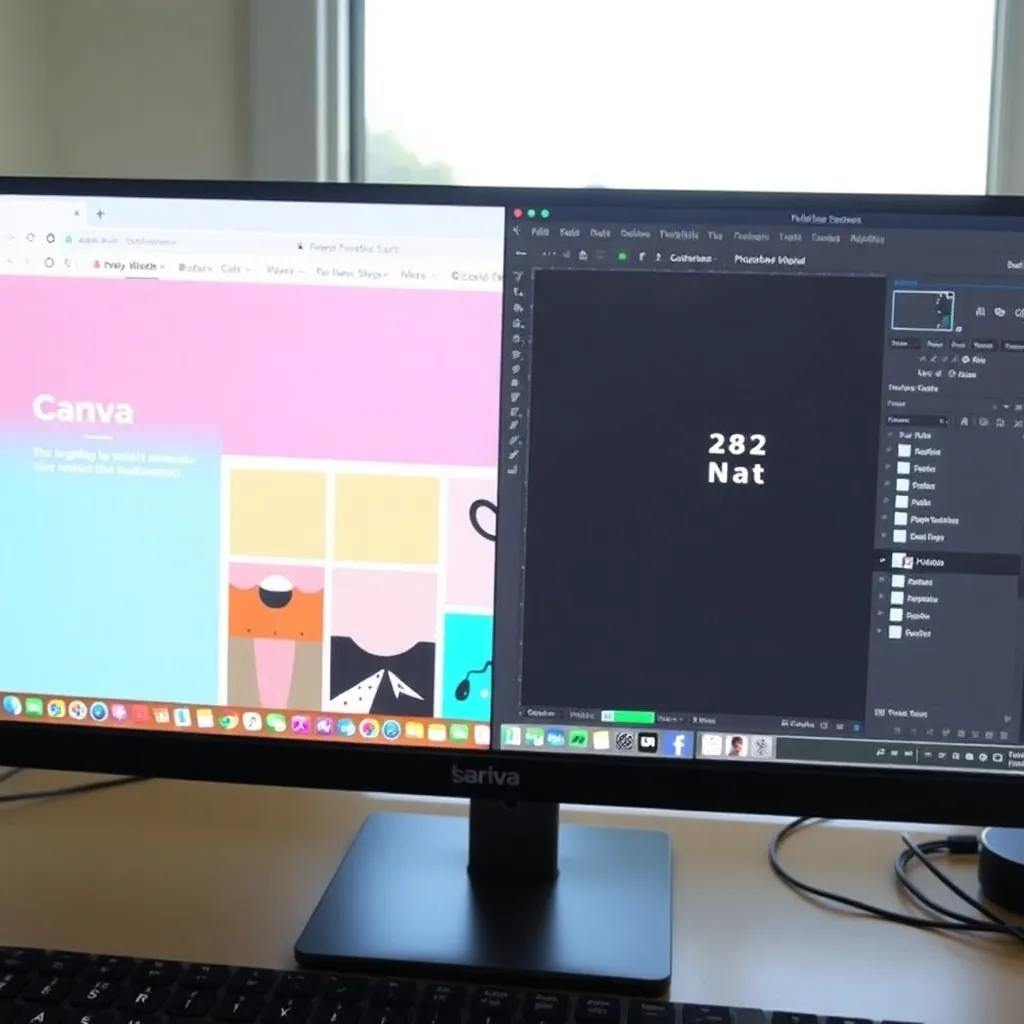
Conclusion: Which One Should You Choose?
For most beginners, Canva is the go-to option because it’s intuitive and delivers fast results without a steep learning curve. Its drag-and-drop interface makes it easy to create social media graphics, presentations, and simple marketing materials in minutes. Unlike more complex software, Canva doesn’t require prior design experience, making it ideal for students, small business owners, or anyone looking to produce polished visuals quickly.
You can explore its features directly on the Canva website to get started right away.
That said, if your ambitions go beyond basic designs—like creating detailed photo manipulations, working with layers and masks, or pursuing a professional design career—Photoshop offers far more control and depth.
Adobe Photoshop has long been the industry standard for digital image editing, widely used by graphic designers and photographers alike. While it takes time to master, the skills you gain are highly transferable and valued in creative fields. Learn more about its capabilities at Adobe’s official Photoshop page.
The key is to start by defining your goals. Are you designing occasional flyers or Instagram posts? Canva will likely meet your needs.
But if you’re aiming for pixel-perfect control or planning to work in design professionally, investing time in learning Photoshop pays off over time. Both tools have their strengths, and choosing the right one depends on what you want to achieve.
Ultimately, there’s no one-size-fits-all answer. Many designers even use both tools together—sketching ideas in Canva and refining them in Photoshop.
By aligning your tool choice with your objectives, you’ll save time and build skills that support your growth. For an overview of design tools and trends, resources like Smashing Magazine offer valuable insights without overwhelming newcomers.
