
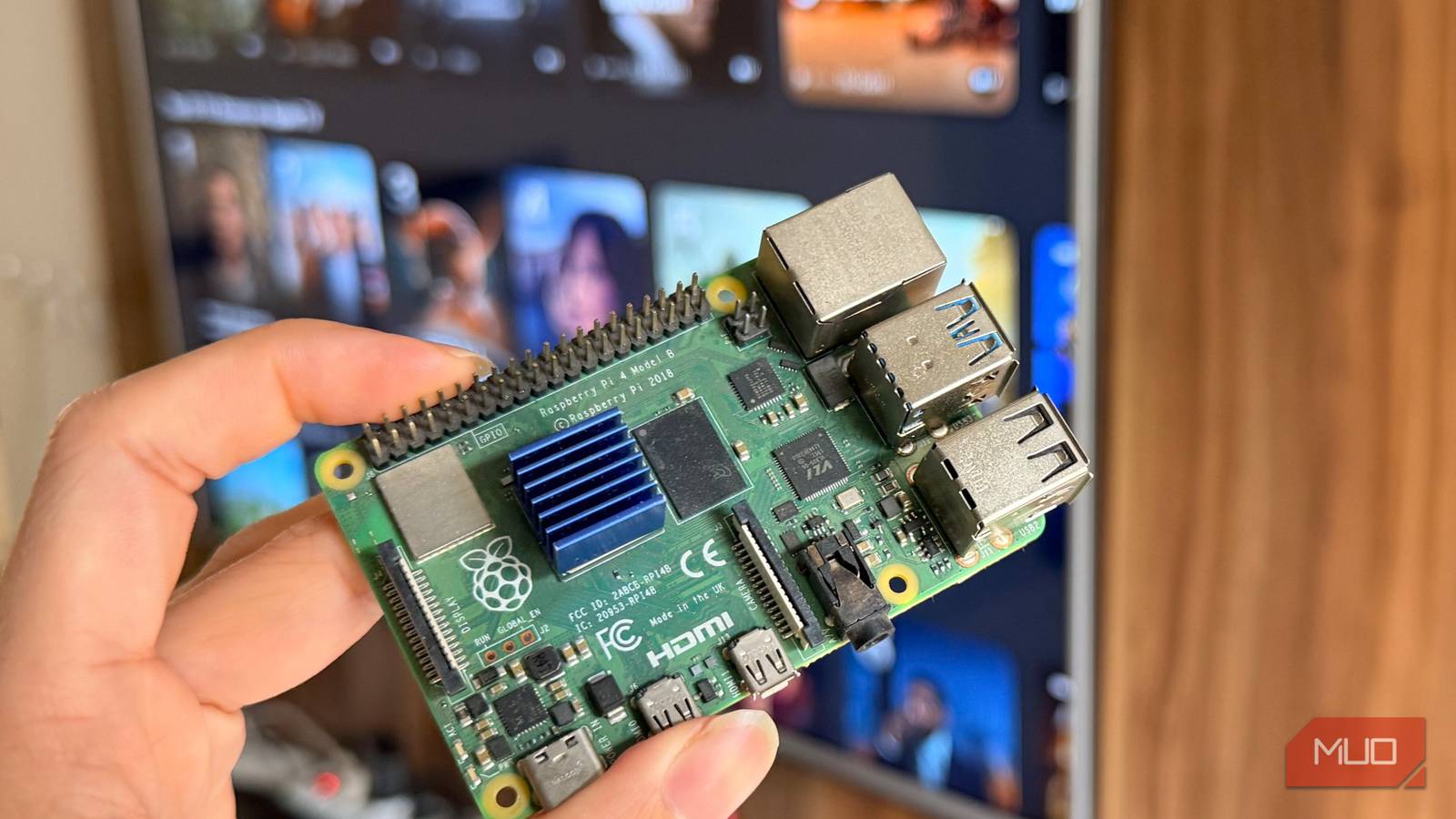
I thought I finally had it figured out. If the smart TV is bad, and Android TV streaming boxes and sticks are bloated, then I’d just make my own streaming box. That’s what I did. I installed Android TV on a Raspberry Pi 4 and plugged it into my TV.
It was great. It was bliss to use my TV without ads and bloat from Google and other services. I even got Gigabit Ethernet as a bonus. I went ahead and installed all the apps I’d ever need. It was exciting to set up, and it was promising. But now that the setup and honeymoon period are over, and I’ve actually lived with the Raspberry Pi streaming box, it’s starting to break my heart.
Using a Raspberry Pi as a streamer
It works — if you stay in its world
I like making my own stuff. Given that a Raspberry Pi is cheaper than most streaming boxes, the more I set it up with proper software, the more it seemed like the best option out there. But I’ve been proven wrong.
The main reason I set up Android TV was to install the Jellyfin client and stream from my local Jellyfin server. For that purpose, it works great. I installed the Dune client (a fork of the official Jellyfin client), and streaming has been buttery smooth and reliable. The library looks great, everything is organized well, and it just works.
If this were the whole story, the Pi would be the best streaming box I’ve ever owned. But it’s not the whole story.
Had I kept it for this purpose only, I’d still be happy. If this were the whole story, the Pi would be the best streaming box I’ve ever owned. But it’s not the whole story. I wanted to turn it into a hub for all my streaming and never have to touch the handicapped TizenOS on the TV again. That’s where things started getting shaky.
YouTube does not play nice
We have a codec problem
Who doesn’t like watching content on a big screen? YouTube is a must-have on a TV. So I installed it, and at first, it worked great. But after a video or two, things would get… weird. Audio would lag behind, or playback would start stuttering despite having a healthy buffer. A reboot would fix it — for about two videos — and then the stutter would return. My TV is 4K, the Pi is capable, and my network is fast enough for 4K. But playing 4K YouTube was hopeless. It would either stutter into oblivion or crash outright.
So what was happening? Was my Pi really not as good as a generic Android TV box? In practice, yes. The Pi is not a good device for this purpose. The Pi 4’s VideoCore VI GPU can only hardware-decode H.264 and HEVC (H.265). YouTube, on the other hand, heavily relies on VP9 (and increasingly AV1) for 1080p and above.
That means anything at 1080p and aboove is forced into software decoding, and software decoding 4K video is simply too much for a device like this. That also explains the pattern: it works for a couple of videos, then falls apart. The CPU is doing all the work, heating up, and eventually throttling. It’s still usable if I stick to 720p, but come on — at this point, it’s no longer feeling like an upgrade.

- Brand
-
Raspberry
- CPU
-
Broadcom BCM2711, Quad core Cortex-A72 (ARM v8) 64-bit SoC @ 1.5GHz
Widevine is a complete deal-breaker
DRM, DRM, DRM

Jellyfin is local, so it works perfectly. YouTube is online but relatively simple, and it was already struggling. So what about actual streaming — movies and shows? I pay for Netflix and Apple TV. I installed Apple TV on the Pi, but it wouldn’t even open. The same thing happened with Spotify.
As it turns out, there’s a big problem with streaming on a Raspberry Pi. The problem is called Widevine. It’s Google’s DRM system used by platforms like Netflix, Apple TV, and Spotify to protect content. When you press play, the app checks your device’s Widevine certification and retrieves a key to decrypt the video locally.
I specifically chose Android TV because I wanted access to the same app ecosystem I’m used to. If you’re happy going all-in on Kodi or LibreELEC, the Pi is a different story, but that wasn’t my goal.
There are three levels — L1, L2, and L3 — which determine how secure the playback environment is. L1 uses hardware-secured memory, while L3 is software-only. Most Raspberry Pi setups only support L3, which limits playback quality or breaks certain content entirely.Streaming platforms set minimum requirements per title, so what you can watch depends on your certification level. It’s used by Netflix, Disney+, Apple TV, YouTube, Spotify — basically everything.
There is a Widevine fix — but it’s not enough

There is a Widevine fix for Android TV on the Pi. You install a patch, and your device gets a certificate. I did it. The catch is that this certificate is only L3. If something requires L1 or L2, you’re out of luck. With Widevine installed, Spotify worked fine. Apple TV opened, and content would stream. But for some titles, like Pluribus (great Apple TV show, by the way), there were rainbow artifacts on the video, as if the HDMI connection was acting up. It has nothing to do with HDMI. This is Widevine enforcing restrictions. When the environment isn’t secure enough, playback gets degraded on purpose.
I couldn’t even install Netflix. The Pi’s processor is ARMv8, but all the builds I found were ARMv7. The Play Store simply marks it as unsupported. So that’s Netflix gone entirely.
To be fair, most of these problems stem from the Android TV build rather than the Raspberry Pi itself. Android TV on the Pi is a community port, not an official product. And yes — most of this heartbreak comes from my own expectations. I didn’t know about Widevine going in.
It’s not even comparable to a proper machine
Like… an Xbox?

I still had my old Xbox One, so I booted it up, updated it, and installed Netflix, Jellyfin, Apple TV, and YouTube. And they all worked perfectly. No stutter. No crashes. Proper 4K HDR playback. No weird artifacts. No hacks. No patches. No troubleshooting. Just install, sign in, and use. The Xbox put a wedge in my heart’s crack and hammered it. Everything just worked.
I understand that the Xbox is a $400 machine and much more powerful, and that it comes with L1 Widevine licensing baked in. I’m not saying the Pi should match it. But once you add up the friction, the workarounds, and the things that still don’t work, the value proposition starts to erode.
So here we are
I thought my custom streamer would beat the commercial ones, but I lost. A Raspberry Pi running Android TV is not a good idea if you rely on commercial streaming apps. If you use it for local media, it’s fantastic — nothing beats it. But the moment you step into Netflix, Apple TV, and DRM-protected content, it falls apart.
This isn’t entirely the Pi’s fault. Widevine certification is tightly controlled and tied to specific hardware and firmware, and the Pi was never certified. But in practice, it doesn’t work. Even if I ignore DRM, YouTube is still an issue. Its reliance on VP9 and AV1 just doesn’t align with what the Pi can handle.
DIY hardware like the Pi works best with DIY software — Jellyfin, Kodi, things you control. The moment you try to make it coexist with commercial streaming services, it stops being smooth. Two weeks ago, I would’ve stopped anyone shopping for a streaming box and told them to just get a Raspberry Pi. Today, I’m shopping for a streaming box myself.
