
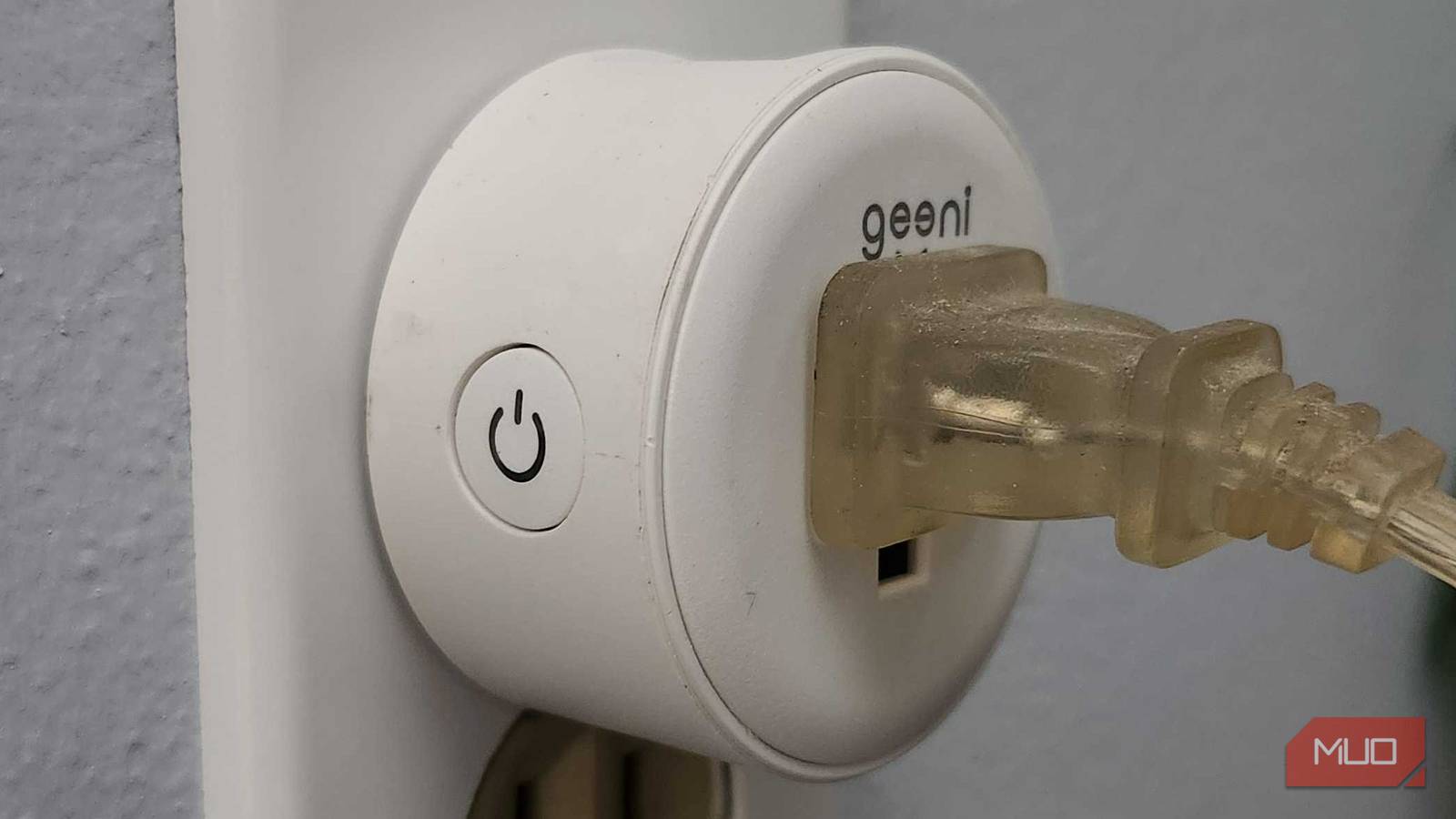
The beauty of a smart home is that it’s designed to make your life easier. While there is a lot that goes into setting up one, if it’s working well, a smart home can feel like a well-oiled machine. You can make the devices work more efficiently and even turn dumb devices into smart ones.
By setting up a smart home, you’re aiming to live in a more useful space, meaning that your devices will work for you with as minimal interference by you as possible. Whether you want to rely on an open-source platform like Home Assistant to help run your house or set up a smart home hub to act as the go-between for your devices is up to you. What you should do is set up automations to make your devices work without you needing to tell them to. I’ve set up a number in my home that I rely on each day.
My smart plug turns my electric kettle on
I start my day with an automation
I’ve written about my affinity for my electric kettle here before. I have used it for years and in multiple apartments before I bought my house. As I began to set up my smart home, I realized that I might as well make my morning routine run more smoothly.
My morning tea is something I make every day. So there was no reason to go downstairs and start from scratch each morning. I plugged my kettle into a smart plug and set an automation to run each morning to turn the kettle on.
This does require me to fill the kettle up and push down the plunger each day before going to bed. I’ve gotten good at remembering to do so. There have been days that I have forgotten, which makes the automation not work. But those are few and far between now.
By setting an automation to turn on the smart plug in the morning, it turns the kettle on and starts the mechanism to boil the water. This allows me to come down to hot water already made so I can just pour it into a cup and put a tea bag in. It saves me a few minutes each day, which can be a lot when my wife and I are rushing the kids out of the house for school.
The kettle takes up practically no power day-to-day, so it’s an efficient use of a smart plug. It was also incredibly easy to set up years ago and I haven’t had to make changes to the automation ever.
Turn on the humidifier to start bedtime
This is crucial for my kids

Bedtime routines with kids can be tricky. Keeping it regimented has helped me handle toddler bedtimes. This has been our way since the early days of parenthood, so there was no reason to break a habit when my daughter got into her big girl bed.
She has a smart sound machine and alarm clock that glows red when it’s time to go to sleep and green when it’s time to wake up. But we plugged her humidifier into a smart plug and have it set to turn on at 7:30 each evening as a part of her bedtime routine.
The nights can get stuffy in our home and this is an easy way to turn a dumb appliance into a smart one. It was a no-brainer setup and makes a step of bedtime something I don’t have to think about, aside from filling up the container when it runs out.
I trigger lights to go on outside
It makes for a great setup in the summer

I tested out a set of Govee Outdoor Lights a few years ago and found that they were perfect for my deck. They change colors, which makes them ideal for the outdoor setting. It’s fun to turn them different colors at different times of year.
They are great for mood lighting when we are out on the deck in the summer. But it’s a bit of a pain to have to turn them on when we want them. I set up a Govee Outdoor Motion Sensor that connects with the outdoor lights. I have the sensitivity setting to recognize when someone walks directly in front of it to turn on the lights.
I found that the motion sensor wasn’t great at picking up longer distances, which is fine. I didn’t want the lights to go on any time someone was outside. But by shortening the sensitivity distance, it registers when I purposefully walk in front of it and turns the lights on.
Once I made that decision, I haven’t touched the automation much. The only time I really even go into the Govee app is to change the color occasionally.
My smart speaker lets me know when my laundry is done
This has been an awesome addition to the house

When we bought our house, we inherited a washing machine and dryer from the previous owner. They were a bit older, so we knew we’d have to replace them eventually. After three years, it was time to get new options and we opted for a Samsung smart washer and dryer.
This is one of those under-the-radar smart house upgrades that you can make, as a smart washer and dryer can connect to your phone or smart home system and alert you when a load is finished. One of the most frustrating aspects of doing laundry is forgetting a load is in there and coming back to one hours later.
Laundry can get musty and funky, causing your clothes and towels to smell bad if they sit for too long. Not only does the Samsung have an incredibly lengthy chime that lets you know it is finished, but it can send alerts to different devices.
As my office is upstairs and the laundry room is downstairs, I’m rarely around to hear the chime during the day when a load is finished. I’m also not always looking at my phone to see the push notification come through from the Samsung SmartThings connection. But Samsung SmartThings also works with my Amazon Alexa smart speakers.
I set up an automation for SmartThings to announce through the Echo speakers that the laundry is done. It has done wonders for remembering to remove a load and keep it from smelling.
My smart door lock automatically locks when I leave
I don’t have to spin around with a handful of stuff
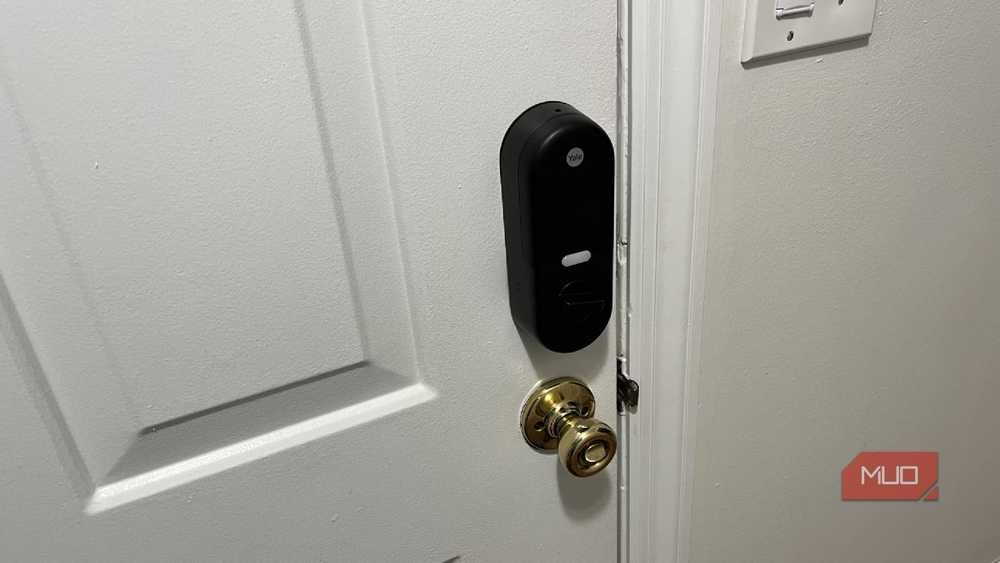
One of the first smart home devices I installed when I moved into my house was a smart door lock on the front door. I didn’t like the idea of someone else having a copy of the key to the front door. Rather than just swapping the locks out, I figured I’d upgrade in case I ever forgot my own key.
A Yale Smart Lock has been the solution for our front door as it allows for keyless entry with a code you can punch in. It can also lock automatically after a set amount of time once the door is unlocked.
This has been incredibly helpful when we needed to leave out the front door of the house. I turned the feature on and set it for 30 seconds, which gives my family and I plenty of time to leave and shut the door behind us. But if I’m carrying either a toddler or something else, I don’t have to put it down and press the lock button.
The Yale app also lets me lock the door remotely, so I can double-check to make sure that it is shut. It’s a nice addition that adds peace of mind.
The smart bulbs change colors at certain times
With a newborn, this was smart
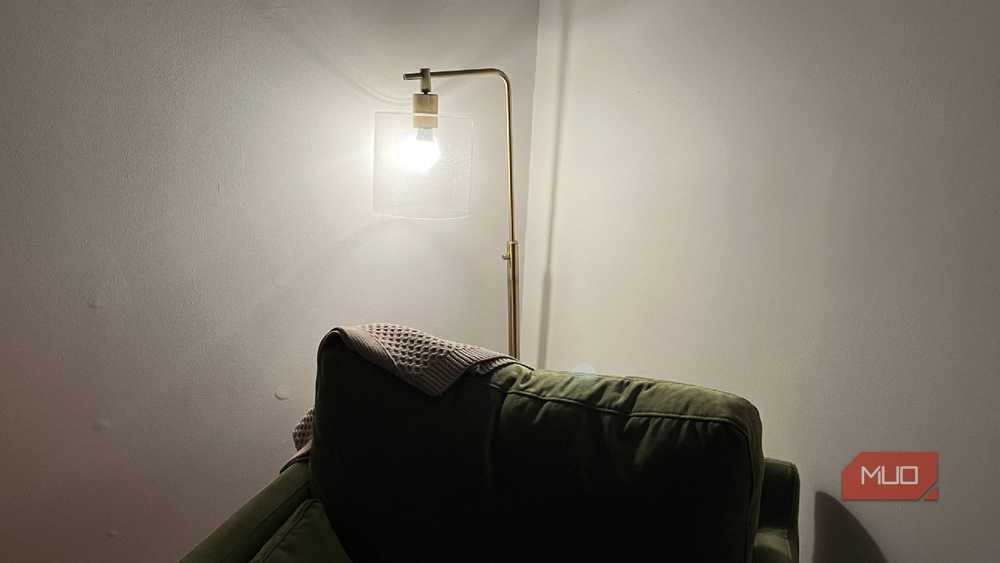
This isn’t an automation I’ve consistently used for the past few years. But it is one that was vital for large stretches of my kids’ early years.
We have WiZ smart bulbs in our bedroom and one of them can change colors. In the early weeks of bringing home my kids after they were born, we had their bassinets in our room with us. During the nighttime stretches when we were waking up every few hours to feed them, we had the smart bulb switch to a red color to signify nighttime.
Red light promotes better sleep and we used it, not only for the child, but also for our own circadian rhythms. So I would set the smart bulb to switch from a warmer white to a red when it was time to sleep. This prohibited needing to fumble through the app or ask the smart speaker to adjust the lighting at all hours.
When my children no longer stayed in our room and were in their own rooms, we stopped using that automation. But it was nice when my second child was born that I didn’t have to set up another automation. I just had to restart the one I’d had for my first child.
Smart home automations are meant to make your life easier
I love using my smart home devices to the best of their abilities. Setting them up to work together has made a massive difference in my home. Whether it’s turning dumb devices into smart ones or triggering one smart device with another, using smart home devices can make your home run more efficiently.
