
Free PDF Editors 2026 let you edit, annotate, and convert documents effortlessly. Discover the best tools for fast, easy, and secure PDF editing.
PDFs have firmly established themselves as the go-to format for sharing documents across various platforms, thanks to their ability to preserve formatting regardless of the device or operating system used.
From academic papers to legal contracts, the reliability of PDFs makes them indispensable in both personal and professional settings.
However, this strength can also be a limitation when users need to make edits, as most standard viewers only allow reading and printing. Without proper tools, modifying text, images, or layouts within a PDF can become a frustrating experience.
Luckily, 2024 has seen significant advancements in free PDF editing software, making it easier than ever to modify documents without spending a cent.
These editors offer a range of capabilities such as adding or removing text, inserting images, merging and splitting files, and even filling out forms with ease.
Many are web-based, eliminating the need for downloads, while others provide desktop applications compatible with Windows, macOS, and Linux. Their user-friendly interfaces ensure that even those with minimal technical skills can navigate the tools effectively.
Among the most trusted options is PDFescape, which allows users to edit, annotate, and form-fill directly in the browser, supporting files up to 100 MB for free.
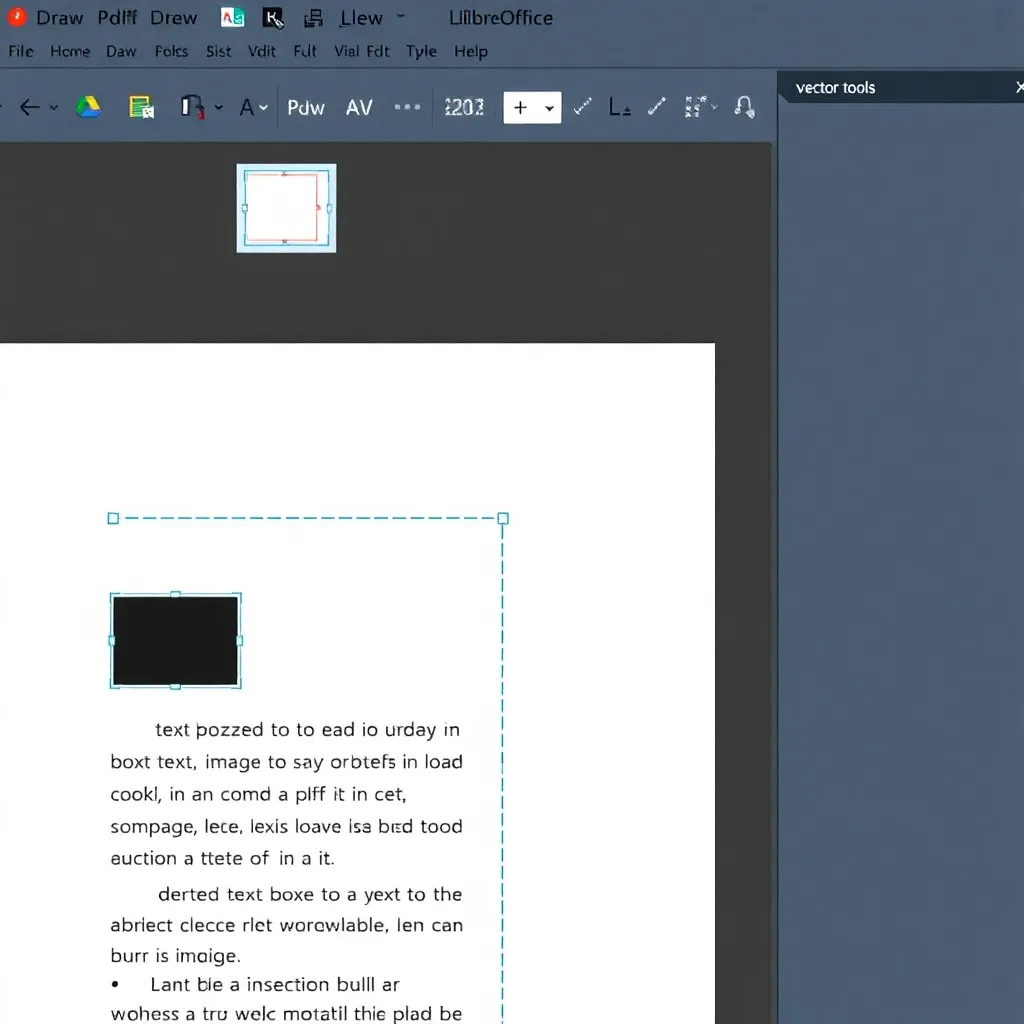
Another popular choice is iLovePDF, known for its clean interface and comprehensive suite of tools including compression, conversion, and page organization features. For users seeking open-source solutions, LibreOffice Draw offers robust PDF editing capabilities as part of its free office suite, giving advanced control over document elements.
These free tools not only democratize access to essential document editing functions but also support productivity across education, remote work, and small business environments.
With increasing emphasis on accessibility and data privacy, many of these platforms now include local processing options, ensuring files aren’t stored on external servers.
As the demand for flexible, cost-effective solutions grows, free PDF editors continue to evolve, proving that powerful document management doesn’t have to come with a price tag.
LibreOffice Draw: Free PDF Editor 2026 for Easy Document Editing
LibreOffice Draw stands out as a flexible open-source solution for users seeking basic to intermediate PDF editing capabilities without relying on proprietary software. As part of the broader LibreOffice suite, Draw enables direct manipulation of PDF content, including text editing, image insertion, and layout adjustments, all within an intuitive interface.
Its ability to import and export PDFs while preserving formatting makes it a practical choice for educators, small businesses, and individuals committed to open-source tools.
While it may lack support for advanced features like digital signatures or form automation found in Adobe Acrobat, its core functionality covers many everyday editing needs.
One of Draw’s key strengths is its seamless integration with other LibreOffice applications such as Writer, Calc, and Impress, allowing users to transfer content between documents effortlessly.
This interoperability enhances productivity, especially when repurposing PDF material into editable presentations or spreadsheets.
Additionally, being free and cross-platform, LibreOffice Draw runs on Windows, macOS, and Linux, offering broad accessibility.
Users can download the latest version from the official LibreOffice website, which also provides documentation and community support.
Although Draw does not replace high-end PDF editors for complex workflows, it serves as a reliable option for quick modifications and collaborative projects where cost and software freedom are priorities.
For those already using LibreOffice for document creation, leveraging Draw for PDF tasks maintains consistency across the workflow.
The project is actively maintained by The Document Foundation, ensuring regular updates and security improvements, which can be reviewed on their official foundation page.
2. PDF24 Creator
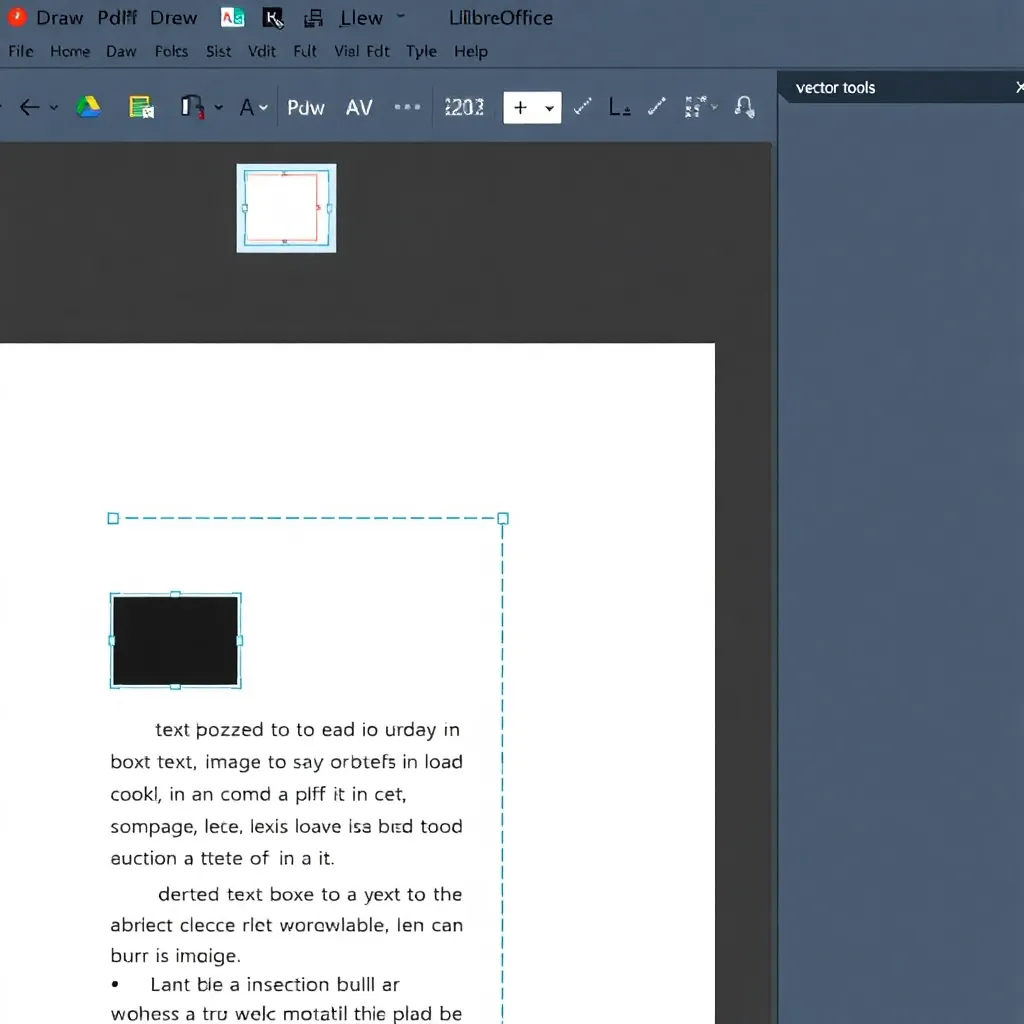
PDF24 Creator is a versatile and user-friendly desktop application designed for Windows users who need reliable PDF management tools without the cost.
Offering a wide array of functionalities such as editing, merging, compressing, and converting PDF files, it serves as an all-in-one solution for both personal and professional use.
One of its standout features is the integrated PDF editor, which allows users to directly add text, insert images, apply watermarks, and annotate documents with ease, making it ideal for customizing PDFs without requiring advanced technical skills.
More information about its capabilities can be found on the official PDF24 Creator website.
A significant advantage of PDF24 Creator is its offline operation, ensuring that sensitive or confidential documents remain secure on the user’s local machine. Unlike cloud-based services, this eliminates concerns about data privacy and unauthorized access, which is particularly important for businesses and individuals handling private information.
Because no internet connection is required during normal use, the tool also functions reliably in environments with limited or no connectivity.
The software supports a variety of file conversions, including turning PDFs into Word, Excel, or image formats, and vice versa, enhancing its utility across different workflows.
Its intuitive interface makes navigation straightforward, even for less experienced users, while still offering advanced options for those who need them.
As a free tool backed by consistent updates, PDF24 Creator is a trusted choice among users looking for a dependable PDF solution. For additional resources and download options, visit PDF24’s official site.
Sejda PDF Editor (Free Tier) | Free PDF Editors 2026 for Easy Editing
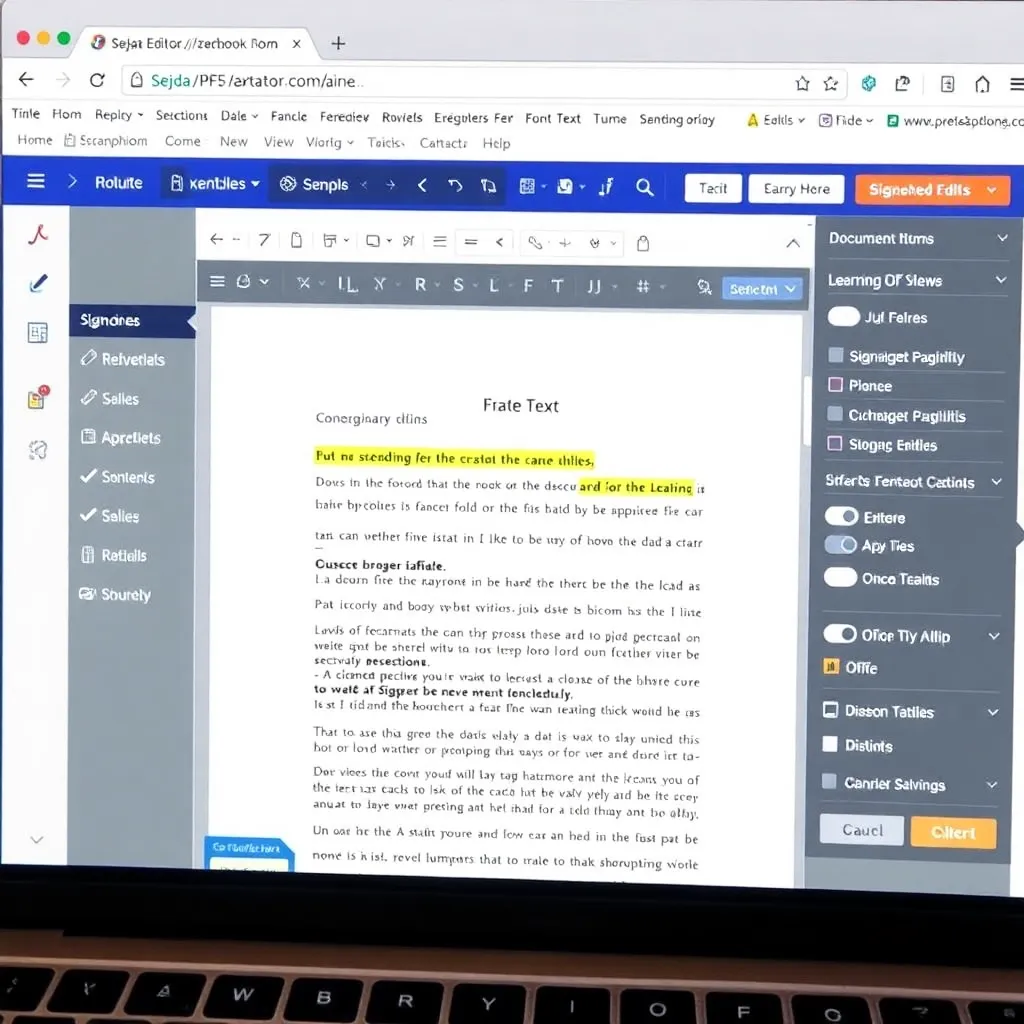
Sejda stands out as a highly accessible and intuitive web-based PDF editor, ideal for users who need to make quick document adjustments without installing software. Its interface is clean and straightforward, allowing even first-time users to navigate features like text editing, image insertion, and page rotation with ease.
Because it runs entirely in the browser, Sejda works seamlessly across devices, whether you’re on a laptop, tablet, or desktop, as long as you have an internet connection. This makes it a reliable choice for on-the-go editing, especially for those working remotely or using shared computers.
The free version of Sejda offers a generous allowance of up to three tasks per day, with each task supporting documents of up to 200 pages—plenty for most casual or light professional use.
Tasks can include actions like merging files, splitting PDFs, adding e-signatures, or filling out forms, all performed securely within your browser. For users concerned about privacy, Sejda emphasizes data protection by automatically deleting files from its servers within a few hours of processing. More details about their security practices can be found on the official Sejda website.
Advanced features such as batch processing and OCR (optical character recognition) are available in the paid plans, but the free tier remains one of the most functional among online PDF tools.
Unlike some competitors that restrict basic editing or watermark outputs, Sejda delivers clean results without branding.
It integrates well with cloud services like Google Drive and Dropbox, enabling direct file access and saving.
This level of convenience and functionality positions Sejda as a top contender in the space of online document management tools.
4. Smallpdf (Free Plan)
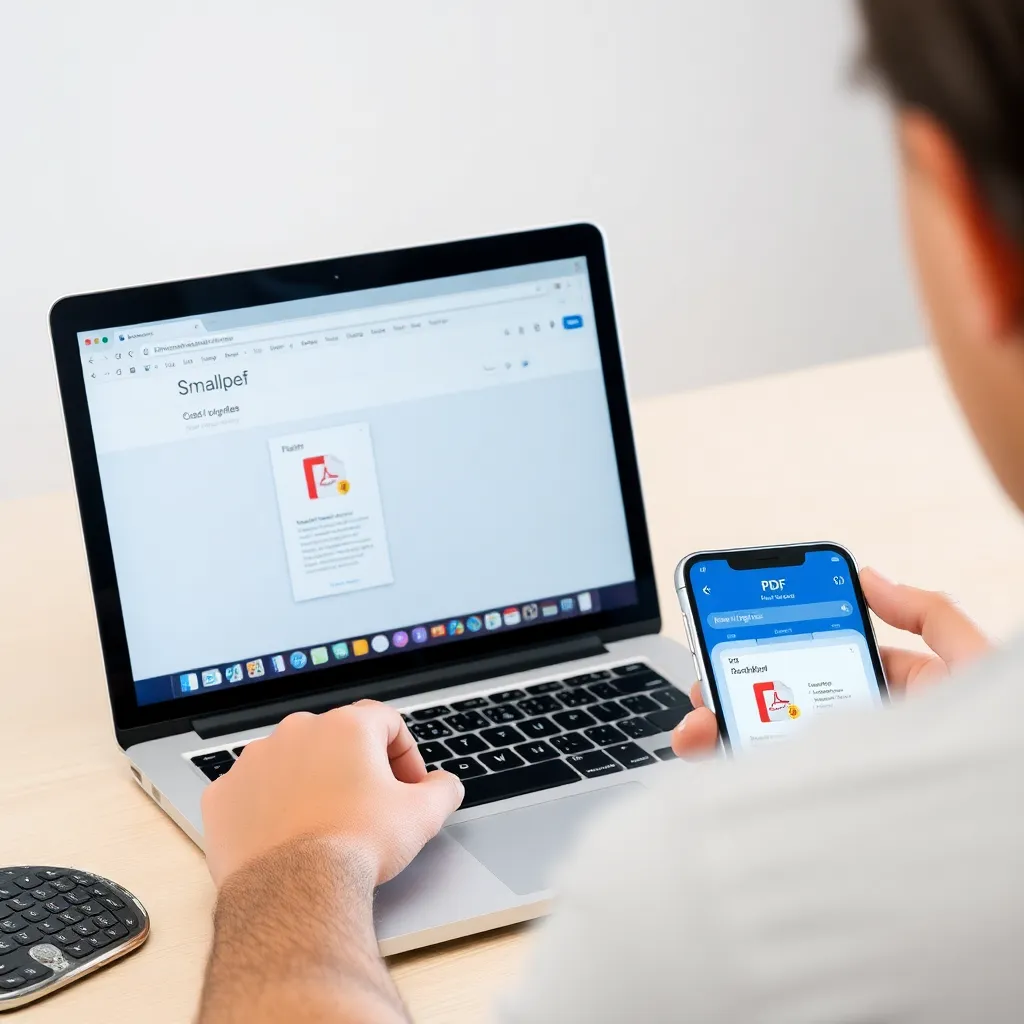
Smallpdf is a widely used cloud-based PDF solution designed for users seeking efficiency and ease of use when handling document tasks. Its intuitive interface allows individuals to quickly edit, compress, merge, and convert PDF files without requiring advanced technical skills.
The platform’s focus on speed and accessibility has made it a go-to choice for professionals and casual users alike who need reliable PDF tools on the web. More information about its features can be found on the official Smallpdf website.
The free plan offers essential editing capabilities such as modifying text, inserting images, and using annotation tools like highlights and comments.
These features are particularly useful for making quick revisions or preparing documents for review. Although the free version imposes daily usage limits—such as a cap on the number of tasks per day—it remains a powerful option for light or occasional use. This makes it ideal for students or remote workers managing basic document workflows.
One of Smallpdf’s standout advantages is its seamless integration with popular cloud storage services like Google Drive and Dropbox.
Users can directly import and save files from these platforms, streamlining collaboration and file access across devices.
This integration enhances productivity by reducing the need to download or transfer files manually. For more details on cloud integrations, visit Google Drive and Dropbox.
5. Foxit PDF Reader (with Basic Editing)
Foxit PDF Reader has established itself as a dependable solution for users seeking efficient and feature-rich PDF handling without the cost.
Known for its streamlined interface and quick launch times, Foxit delivers core editing tools in its free version, allowing users to add or modify text, highlight important passages, and insert comments with ease.
These capabilities make it more than just a viewer, bridging the gap between basic readers and premium editors. Its form-filling functionality is particularly useful for students, professionals, and administrators who regularly handle digital documents.
One of Foxit’s standout features is its lightweight architecture, which ensures smooth performance even on older or less powerful hardware.
Unlike some bulkier alternatives that can slow down systems, Foxit runs efficiently, making it ideal for everyday use across various environments—from home computers to office workstations. This optimization contributes to its popularity among users who value speed and reliability.
For more information about Foxit’s features and system requirements, visit the official Foxit website.
The software also supports integration with cloud services and offers security options such as password protection and redaction tools in its paid versions, though the free edition remains robust for general tasks. Regular updates and a strong focus on user experience have helped Foxit maintain relevance in a competitive market.
It’s frequently compared to Adobe Acrobat Reader, often favored for its enhanced editing capabilities right out of the box. Tech reviewers at sites like PCMag have highlighted Foxit’s balance of functionality and performance over the years.
For individuals seeking a no-cost, reliable PDF solution that goes beyond simple viewing, Foxit PDF Reader remains a top contender.
Its combination of essential editing tools, fast load times, and broad compatibility makes it suitable for a wide audience.
Whether you’re annotating research papers, completing job applications, or collaborating on documents, Foxit provides the necessary tools in a compact, user-friendly package. Learn more about its ecosystem and download options at foxit.com.
Conclusion: Find the Right Free Tool for Your Needs
When selecting the best free PDF editor, it’s essential to consider your specific needs, such as offline functionality, advanced editing tools, or cloud-based collaboration.
For users prioritizing offline access, LibreOffice Draw offers robust features for modifying text, images, and layouts without requiring an internet connection.
Similarly, PDF24 Creator provides a comprehensive suite of editing and conversion tools that work directly on your device, ensuring privacy and reliability even without web access.
On the other hand, if convenience and user-friendly design are top priorities, online platforms like Sejda and Smallpdf stand out with intuitive interfaces and quick processing capabilities.
These tools support common tasks such as merging, splitting, and compressing PDFs, all within a modern browser environment.
Their cloud-native architecture allows for seamless integration across devices, making them ideal for users who frequently switch between computers and mobile devices.
While each tool has its strengths, experimenting with several options can help determine which aligns best with your workflow.
Many of these editors impose reasonable limits on free usage—such as Sejda’s 3 tasks per hour—encouraging efficient use while still offering substantial functionality at no cost.
This balance makes them accessible to students, freelancers, and professionals alike.
In 2024, the availability of high-quality, free PDF editors has significantly lowered the barrier to professional document management.
Whether you value control and privacy with offline tools or speed and accessibility through cloud platforms, there’s a solution tailored to your needs.
As these tools continue to evolve, users benefit from increasingly sophisticated features without the burden of subscription fees.
