
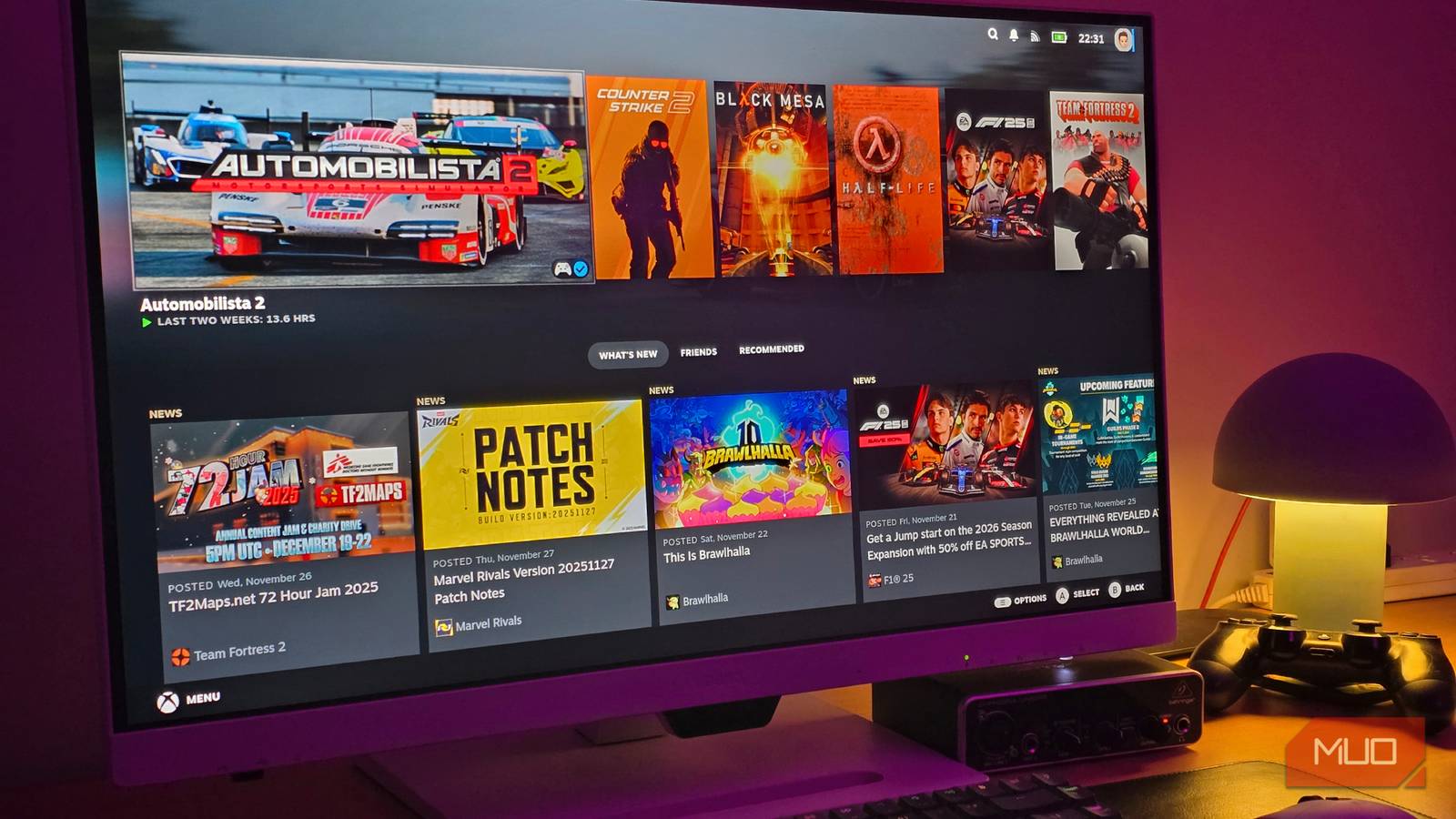
I’ve been a big fan of SteamOS for quite a while now, especially on my handheld gaming PC. And seeing as when I’m not working, I’m playing games on my PC, I figured that it was time to give it a test run on my desktop. While I’ve tried Nobara and other gaming-centric Linux distros in the past, I always tend to flock back to SteamOS.
After installing it on my desktop, I’m reminded exactly why I love using SteamOS as my gaming-centric Linux installation. While it may not be as endlessly customizable as other distros that I’ve tried, sometimes you just want things to work like you already know and trust.
Familiarity between handheld and desktop
Windows is my go-to for work, but SteamOS is my go-to for play
Switching between different Linux flavors often comes with a bit of a learning curve. Learning how you can customize and tweak your desktop to your exact specifications is a great thing. If I were planning on using Linux as my main OS, I’d likely stick with something like Bazzite or Nobara. But seeing as I’m primarily gaming on Linux, using SteamOS comes like second nature to me. Plus, Steam Cloud makes playing across any device easier, especially with SteamOS on everything.
I’ve grown incredibly familiar with how things work on this version of Linux after being introduced to it on my Steam Deck, and then again when I installed it on my ROG Ally X. It’s great for handheld play, but getting native Steam Big Picture mode, alongside all the plug-ins that I use on my handhelds, I’ve grown to appreciate it even more on a desktop. It’s rather vanilla compared to other gaming-centric OSs, but sometimes you just crave that simplicity. Plus, seeing as SteamOS is a local-first, telemetry-light environment, you don’t need to worry that they’re going to start introducing random AI features that you’ll quickly disable, as Windows does.
Performance is optimized
Seeing as it’s focused on Steam, SteamOS makes my games run great

Now, if you want consistency over customization, that’s where SteamOS takes the cake compared to other distros. Seeing as SteamOS works on shader pre-caching, lower CPU usage because of its gaming-centric features, and Proton and Vulkan translations, it oftentimes outperforms a Windows installation. Typically, users will see higher FPS, less stutter from shaders, and smoother frame times. The LAVD scheduler tells the CPU to prioritize your game over the background noise, making things run as smooth as butter here. This is where you’ll want to be, especially if you have an AMD graphics card. While Nvidia is getting better, SteamOS is primarily focused on AMD hardware. Even the upcoming Steam Machine uses primarily AMD tech inside it, and Valve works very closely with AMD to provide the best possible experience. Nvidia is getting better, but some of its drivers may cause some issues. I haven’t seen anything that has made me rage-quit yet, as I’m using an AMD CPU and an Nvidia 4060Ti in my desktop, but some users report issues with Nvidia drivers in particular. If you’re planning on making a dedicated Steam Machine of your own, use AMD for fewer headaches overall. The recent 3.8 update focused on video memory management, and it has made things better for Nvidia users, so the gap is much less significant. Even if AMD is still slightly better in this scenario.
Safer updates overall
System images versus traditional updates make it less prone to breaking

Linux can be a little temperamental at times, and that’s honestly part of the charm. But for the sake of my own sanity, I’d rather have SteamOS download updates, keep them on a secret secondary partition, and just reboot to install. The bootloader swaps the partitions, installs the updates, and you’re ready to start playing games again. It’s just that simple, and if something goes wrong, it’ll revert to the working version and act as if nothing happened.
By using image-based updates, similar to what Bazzite uses, it doesn’t overwrite individual files. It replaces the entire OS image, meaning that it’s an all-or-nothing update. If it doesn’t work or something goes wrong along the way, it’ll revert back to the last working image that it had, and I can go about my business as if nothing had ever happened. It’s safer, more foolproof, and just makes the whole process of trying to use and understand Linux easier for everybody.

- OS
-
SteamOS/Linux
- Minimum CPU Specs
-
Intel Core i5-4590
- Minimum RAM Specs
-
8GB RAM
- Software Version
-
3.0
Customization isn’t great here
Trying to do anything outside of what the OS wants isn’t easy

One of the biggest draws of the Linux family is the sheer amount of customization that power users can do with it. While I’m not exactly the most well-versed in Linux or its numerous distros, others live, breathe, and survive on Linux. I’ve seen some of the things that people can do, and if I ever wanted to try that on SteamOS, I’d be out of luck. It’s much more locked down than other distros, and it’ll be primarily for playing games and light usage. Plus, even though SteamOS is officially supported by Valve, games that require Kernel-Level Anti-Cheat still won’t work here.
Trying to do major customizations to SteamOS, outside of some plug-ins, or trying to run things like servers for your favorite games is going to be a bit of a pain, if not nearly impossible, here. You can use Distrobox, which gives users a version of Arch or Fedora in its own container, without risking the stability of your gaming-centric OS. But at the end of the day, it’s got one dedicated purpose that it does quite well, and it doesn’t want you messing with anything that could potentially throw that out of whack. Bazzite and Nobara give users plenty of customization options, while also excelling at gaming, so it may be worth checking those out if you don’t want something primarily dedicated to just gaming. At least VRR and HDR on external monitors alongside per-display scaling have recently been added, making it even better for gaming.
SteamOS is the king of gaming
Other Linux flavors may have more to offer, but I like it here
After experimenting with other Linux flavors for a minute there, I retreated to my comfy place. It’s like being embraced with a warm blanket, and I know what is and isn’t going to work right out of the box. Maybe in the future, if I ever decide to fully ditch Windows to finally go all in on Linux, I may go with a different OS. But seeing as I’m gaming and only gaming here? SteamOS is the perfect fit for me.
It runs my games better, looks great, and does exactly what I want it to. In a world where it feels like everything is getting more complicated every moment, sometimes it’s better to just stick with what you know and build from there.
