
You have it in your mind that the next big project in your home is going to be making it a smart one. Setting up a smart home for the first time can seem daunting, but it really shouldn’t be.
The most important aspect of setting up a smart home is understanding what parts of your home need to be smart. There isn’t a blanket answer for everyone. Every person wants their smart home to serve their purposes fully, which means your smart home won’t be exactly like someone else’s. That being said, for beginners who are making the leap into the smart home realm, there is a mistake many people make right off the bat that can be easily avoided.
Your smart home ecosystem doesn’t matter to most people
It only does if you care a lot about one brand
No matter which smart home ecosystem you want to belong to, there’s a smart home hub that’s compatible with it. Popular options like Amazon Alexa, Samsung SmartThings, or Google Home have plenty of devices that work within the space, meaning you don’t have to be specific to one brand.
This means you can buy products from different manufacturers and they might work with whatever ecosystem you prefer. Let’s say you choose to go with Google Home. You might buy a Google Nest Hub and feel great that you’ve started your journey toward a smart home with full integration and automations.
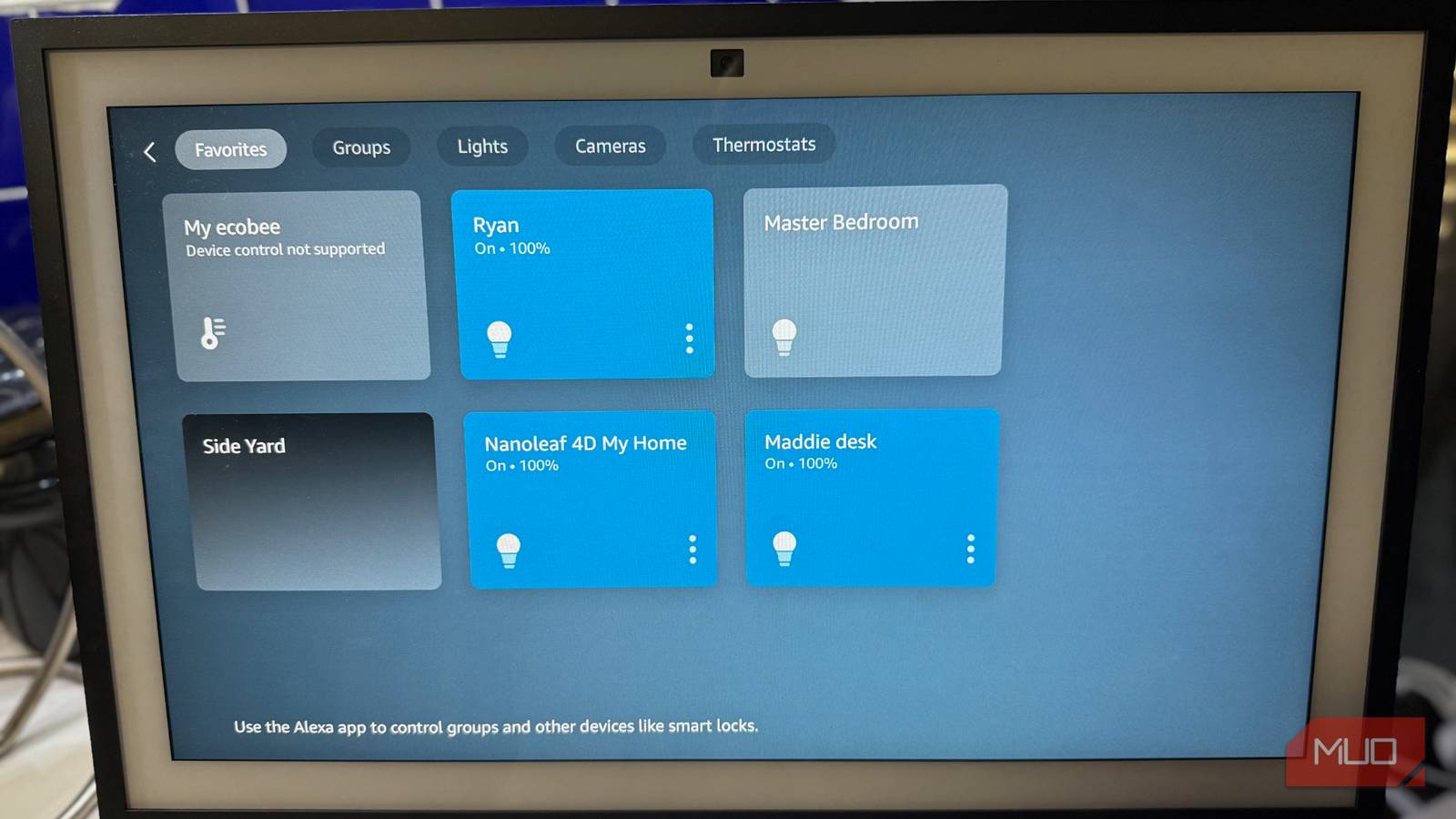
A Google Nest Hub is a fine product, just like an Amazon Echo Show is. But unless you want to use the smart speakers and hubs for more than smart home automations, you might be paying a premium for something that you don’t need. If you’re using the device to its fullest potential, that’s great. You could be listening to music and making announcements throughout your house without much effort.
If you know your Google Nest Hub is going to be the first part of a series of smart home devices that you’re going to purchase, then it makes sense to start this way. But, if you’re still trying to iron that out, it might not be the best first device to get.
What exactly do you want out of your smart home?
This is the focus of the situation

For most people, setting up a smart home means adding some smart plugs to their home or a colorful light bulb to one room. Maybe you swap out some smart switches and make it worth your while.
Many first-time smart home users are only looking for partial upgrades to their home. They aren’t looking to install a Tony Stark-level Jarvis system that is going to completely revolutionize their home. They just want to make some of their dumb appliances smarter.
Maybe being able to turn lights on and off from their phone to deter burglars is something they want. The ability to check and see if your front door is locked when you aren’t at home provides tremendous peace of mind.
If that’s the case, you don’t need to spend hundreds of dollars on a potential smart hub. While smart hubs can give you plenty in terms of features that can make your life easier, you may not need all that firepower.
Setting up smart bulbs is simple and usually connects via Wi-Fi, so you don’t need a Bluetooth device to connect with it. Many smart devices have their own apps or require their own bridges, so you don’t need a smart hub to set them up or run them.
While a smart hub can connect to your device and even allow your devices to communicate with one another, you can still use individual apps to operate them. There aren’t many devices that require a second-party smart hub to work at all. While some devices need a hub to work, this is often a hub from the same manufacturer. Is this annoying for the everyday consumer? Yes. Is it likely cheaper than buying a smart home hub? Also, yes.
I set up Aqara Smart Curtain Drivers a few years back in my home. In order to make them work, I needed the Aqara Hub M2, which was a separate charge. In addition to needing that, I could then hook the curtains up to an Amazon smart speaker to use voice controls. But I was just as able to control them through the Aqara app.
What to pay most attention to when it comes to starting a smart home
There’s advanced tech that you don’t really need to know

You need to understand what is included with the smart home devices that you want to install in your home. Your front door smart lock can let you lock it remotely and check its status from your phone. My Yale Smart Lock comes with a smart bridge that you have to plug in near the lock for it to work. I don’t need to hook up my smart lock to a central hub after that.
If you are looking to use something like a bulb, take a look at how it connects. It likely can connect via Wi-Fi and Bluetooth, meaning you don’t need another hub for it. Checking the boxes of your smart home products will tell you which smart home systems it will work with. But it will also advise you on what equipment you might need to use for it.
You could also be using a hub that only works with certain smart home protocols like Zigbee or Z-Wave. If you buy a hub like that but don’t choose compatible devices, you’re wasting money. Understanding what protocols your devices work with can also help you understand the best ways to connect and use them.
Also, many smart speakers can function as smart home hubs these days. Devices that are Thread Border Routers, meaning they can connect Thread-compatible devices, are multi-functional and can connect your devices. You don’t need a dedicated hub to get the desired effect.
Don’t buy a hub first if you’re setting up a smart home
As you’re setting up your smart home, you first need to think about what your goals are. If they are just to connect some smart bulbs or a smart lock, you don’t need a hub. You’ll get what you want by just connecting the device to your home network or hooking it up to a bridge. Understanding what a hub can do for you versus what the devices themselves can do will help you ultimately decide whether it is necessary.
