
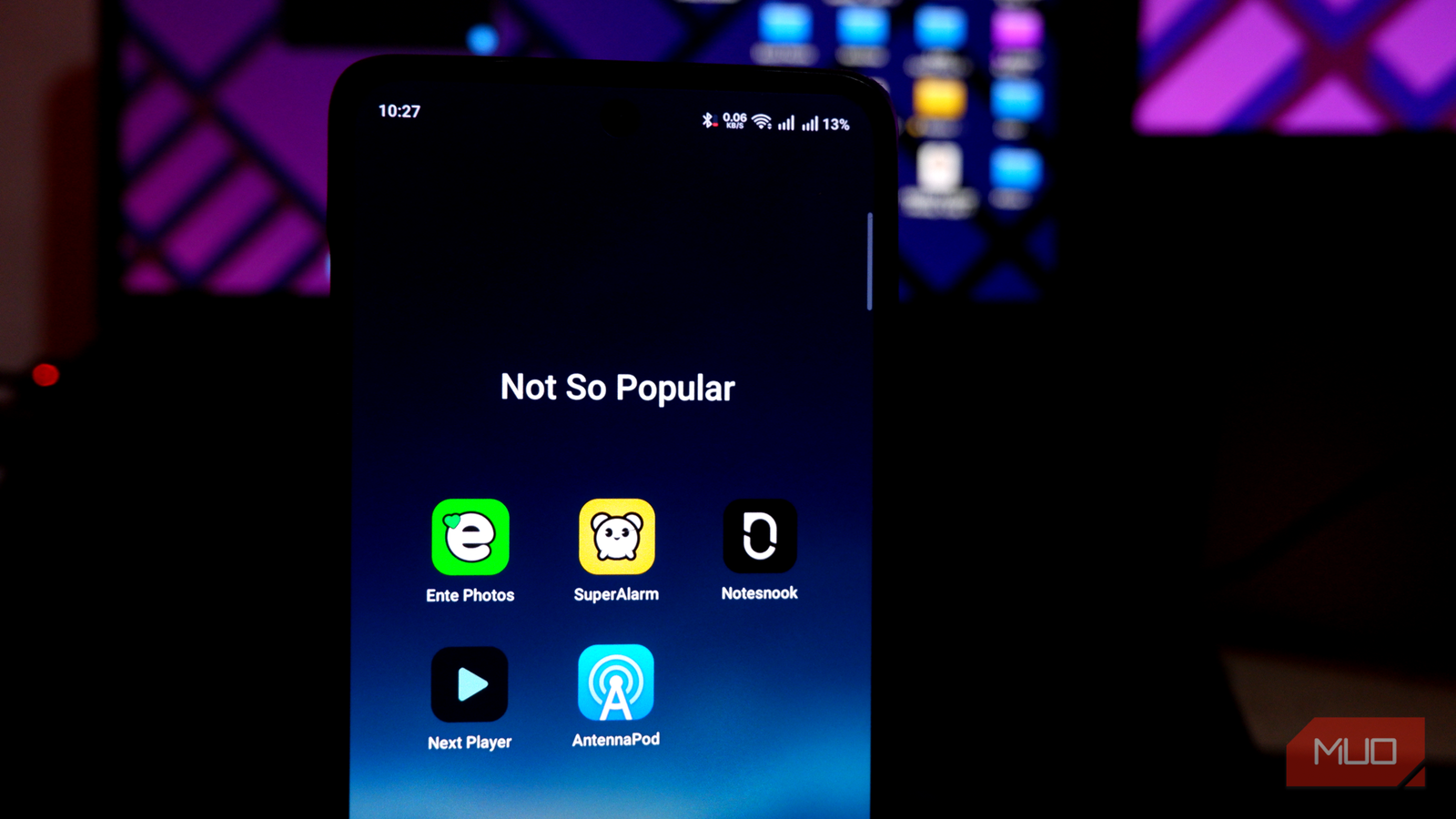
For the longest time on Android, I have relied on the Play Store to get my apps. Little did I realize at the beginning that the app recommendations were based on brand recognition, not the app’s actual quality. As a result, my Android smartphones were filled with so-called popular apps from the Play Store. While these apps worked okay, they never quite lived up to expectations.
Fortunately, however, I got out of this popularity fever, and my productivity and privacy are thankful for that. These days, several lesser-known Android apps have replaced the most popular ones for me, and I am happy to recommend every one of them. Here are, however, the five best non-popular Android apps I can vouch for.
Ente Photos replaced Google Photos
It does everything Google Photos does, minus the privacy compromise.
Google Photos is undoubtedly the most popular app for managing and backing up photos on Android. Because the Photos app is tightly integrated with the core Android system, you get the benefits of performance and system-wide access. However, there’s no denying that Google Photos is not the best option for privacy-conscious individuals. These compromises led me to try Ente Photos, which quickly replaced Google Photos for me.
Ente Photos is a privacy-first and ad-free photo backup solution. It allows you to save your photographic memories and share them with your loved ones without compromising privacy. The app does not use your data for sales or training; instead, it brings AI and machine learning to the device. So, as you do with Google Photos, you can search for people’s photos based on their face, but without sharing this facial data with Google.
I also love how easy it is to set up and manage Ente Photos. It makes it impressively easy to import data from existing services and set up conditions for how backup and quality work. You can also use features like app lock and hidden photos that you don’t find in Google Photos. The free version of this app gives you 10GB of storage, but you can expand it via paid plans. Overall, shifting to Ente Photos has been a much-awaited privacy upgrade.

- OS
-
Windows, Mac, Android, IOS, Web
- Price model
-
Free (paid plans available)
Ente is a browser-based photo gallery with a companion app that is similar in function and appearance to Google Photos. It is privacy-focused, making it a good alternative to many online photo galleries.
Next Player is better than VLC/MX Player
It proves that a cleaner, lighter app can do the job far more elegantly
I somehow knew better than to use the built-in video player on my Android from the very beginning. Coming from Windows, VLC was an obvious choice. However, over time, I felt that VLC was a little too clunky and not the most performance-friendly option either. Though I tried other popular options, like MX Player, the experience was subpar. It was rather recently that I came across Next Player, which has been my go-to media player on Android since.
The first thing I noticed about Next Player was its minimal user interface. It reminded me of the interface that MX Player had before it became an ad-filled nightmare. This ad-free app supports almost all media formats and offers additional features such as subtitles, picture-in-picture, gesture support, volume boost, controls lock, and media picker. It also offers multiple viewing modes to enjoy movies and TV series.
Next Player became so impressive that I forgot to install VLC media player on my recent Android devices. It makes it easy to manage large libraries of movies and TV series and ensures that I know what I am doing when I open an episode or a film. Considering that the app doesn’t track you or collect any information, I cannot ask for more from this extraordinary alternative to VLC and MX Player.

- OS
-
Android
- Price model
-
Free
Next Player is a modern Android video player with gesture controls, subtitle support, hardware acceleration, clean interface, and offline playback, designed for smooth performance without ads or unnecessary permissions requests.
AntennaPod outperforms Pocket Casts
No subscription, no tracking, no upsells
Pocket Casts (and briefly Spotify Podcasts) was my go-to podcast player on Android for the longest time. I didn’t like the constant upselling behavior, but it was okay. However, the moment I came across the not-so-popular AntennaPod, I said goodbye to Pocket Casts. This completely free app offers more than I ask for from a podcast app, and it does so without constant subscription reminders, ads, or tracking.
This open-source podcast manager app for Android is the best way to access millions of free and paid podcasts across multiple platforms, including Apple Podcasts and the BBC. It makes it incredibly easy to find the podcast you are looking for and keep track of them, thanks to the multi-tab interface. I find it particularly impressive because it significantly reduces my cognitive load. The playback interface is also great, and you can use multiple gestures and control options to ensure the best experience.
I also noticed that the shift from Pocket Casts to AntennaPod did not make me miss any features, because the AntennaPod team does a great job of adding new features and listening to the community. It has since become my favorite way to listen to podcasts and learn more about them.

- OS
-
Android
- Price model
-
Free
- Platform
-
Google Play / F-Droid
Notesnook helped me avoid Keep & Evernote
Zero-knowledge encryption and a distraction-free interface offer a lot
Google Keep and Evernote were two apps I relied on heavily when I started using an Android smartphone. They remained trusted options for a while, but the limitations soon caught up. I had concerns about privacy. I did not feel comfortable sharing sensitive information with a tool that was so easily accessible and without encryption. Fortunately, I came across Notesnook, and it has been a secure space for my notes.
While not as popular as Google Keep or Evernote, Notesnook offers a no-spy note-taking experience that doesn’t involve spying or tracking. Instead, all your notes remain encrypted, and you get multiple options to organize your notes and even a web clipper, for that matter. You can also connect your notes, so everything stays together. You also get support for reminders and rich content in notes via Markdown.
Notesnook has thus been an impressive upgrade over Keep and Evernote, without paying a dime. The free and open-source app offers an optional paid plan, but it does not limit core features on the free plan. So, it is an easy option to recommend for everyone who needs a better note-taking experience.

- OS
-
Windows, macOS, Linux, Web, Android, iOS
- Price model
-
Freemium with paid Pro plan
- Developer
-
Streetwriters
These apps have a few things in common
You may have noticed that all these lesser-known Android apps offer a privacy-focused yet minimal experience. However, they do not compromise the core features for the sake of staying free or open-source. At a time when free apps are vanishing from the Play Store, it is nice to have such impressive alternatives without paying much.

I used my phone without Google services for a week and it was (almost) fine
I never realised how dependent I was on Google services until I tried to live without them. I’ve found some good alternatives that respect my privacy.
