
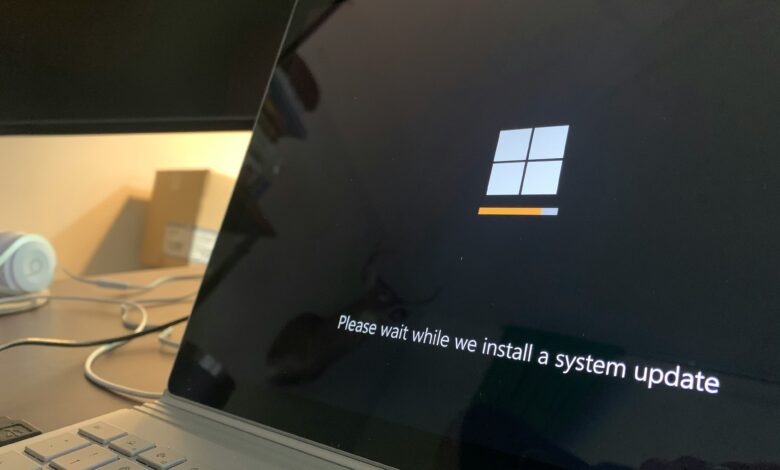
Automating the patching of Windows Servers can cause an infinite restart loop cycle for system administrators as a result of the most common issue in sequential playbook execution which is mismanaged state flags. Addressing the Ansible Windows update reboot loop issue systematically is needed for reliable patch management.
Manual interaction can defeat the goal of automation and create excessive operational overhead with a proper understanding of the functionality of the win_updates module.
Why Automation Triggers Reboot Loops
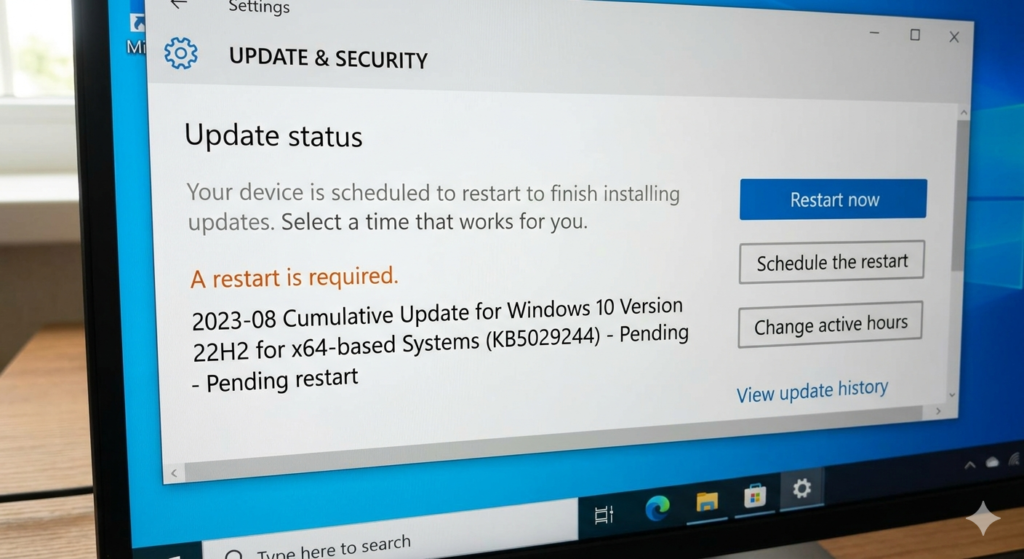
The understanding of how the Windows Update process operates begins with the ability to understand how Windows tracks all of the outstanding actions. Any time a KB install occurs, Windows stores a registry key indicating that a reboot is required for that KB to be complete. If Ansible queries this state before the reboot is complete, it may produce undesirable outcomes due to the reboot_required flag when trying to execute tasks in a sequence.
For example, a playbook may direct the node to reboot multiple times without verifying the success of the original installation point. The issue may be augmented when there are several other factors causing external disruption to the node, such as a power outage, disconnection of the WinRM sessions, or excessive and unreasonable endpoint protection from 3rd-party vendors.
Resolving the Ansible Windows Update Reboot Loop
Prerequisites for Clean Automation
Before performing any patching routines, you should ensure that both the compatibility with the target node and the WinRM listeners are stable. If the management connections that are used to communicate between your server and your workstations are unstable, you will likely encounter false failures during large loads of update transfers to those workstations.
Make sure you have the latest version of the Ansible Windows collections installed on your controller node because any outdated modules may lack some of the logic necessary to properly handle current builds of Windows Servers.
Initial Discovery with the win_updates Module
Performing a “Check Only” pass of the system prior to execution is an accepted practice as the professional standard to audit the system state. This dry-run will determine exactly what patches are needed without changing the environment. At this time, you should register the update_info variable in order to capture more in-depth information about updates.
- name: Audit missing updates
  ansible.windows.win_updates:
    category_names: ['CriticalUpdates', 'SecurityUpdates']
    state: searched
  register: update_info
The payload that you review allows you to decide whether you need to run a task based on your compliance to the systems.
Executing the Update and Handling win_reboot Logic
You should execute the command stating that the software package has been installed only on the updates which belong to the Approved status group. Be sure to monitor all variables created during the reboot sequence and manage them appropriately as well as through use of the test_command parameter of the win_reboot module.
- name: Install updates and reboot if required
  ansible.windows.win_updates:
    category_names: ['CriticalUpdates', 'SecurityUpdates']
    state: installed
  register: update_results

- name: Reboot server securely
  ansible.windows.win_reboot:
    test_command: 'Exit (Get-Service -Name W32Time).Status -eq "Running"'
  when: update_results.reboot_required
To run this command, the command will check if the OS was ready after the reboot completed and have at least 1 core service up. Once these two conditions are made, the command will continue to execute.
Post-Reboot Verification and Validation
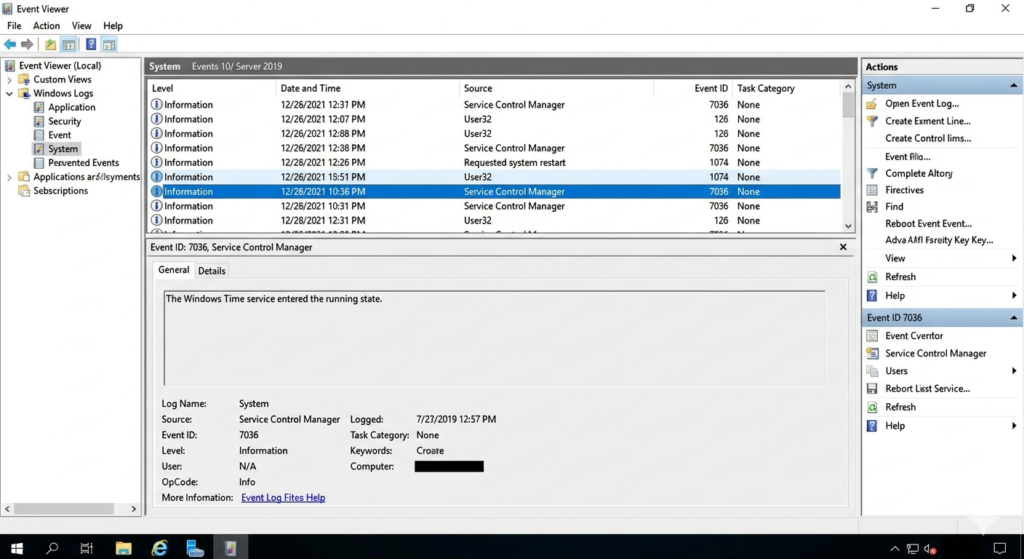
You will complete your validation process once you have checked the integrity of each patch installed during the patch cycle using final state checks that assure that the failed_update_count per update KB remains zero (0). In addition, it must be required to have automated logging of successfully applied updates for compliance tracking.
All of this data should be forwarded to a centralized log server for an unalterable audit history.
Handling the Recursive Update Bug
The “double reboot” condition exists where certain infrastructure KBs take 2 reboots to complete. After the first reboot, the OS reports “Installed” for that patch, but then upon next boot the OS throws another pending restart flag. During these updates, particularly the large payloads, a severe WinRM timeout problem usually occurs as a result of the servicing stack being delayed by these extensive updates.
You need to dynamically configure the operation_timeout parameter for these specific payloads. If the system is completely locked in “Downloading”, you must manually override.
- name: Purge corrupt SoftwareDistribution cache
  ansible.windows.win_shell: |
    Stop-Service -Name wuauserv -Force
    Remove-Item -Path C:\Windows\SoftwareDistribution\* -Recurse -Force
    Start-Service -Name wuauserv
Flushing the SoftwareDistribution directory will force Windows to recreate its local patch database.
Edge Cases & Troubleshooting Beyond the Basics
Dealing with High failed_update_count Metrics
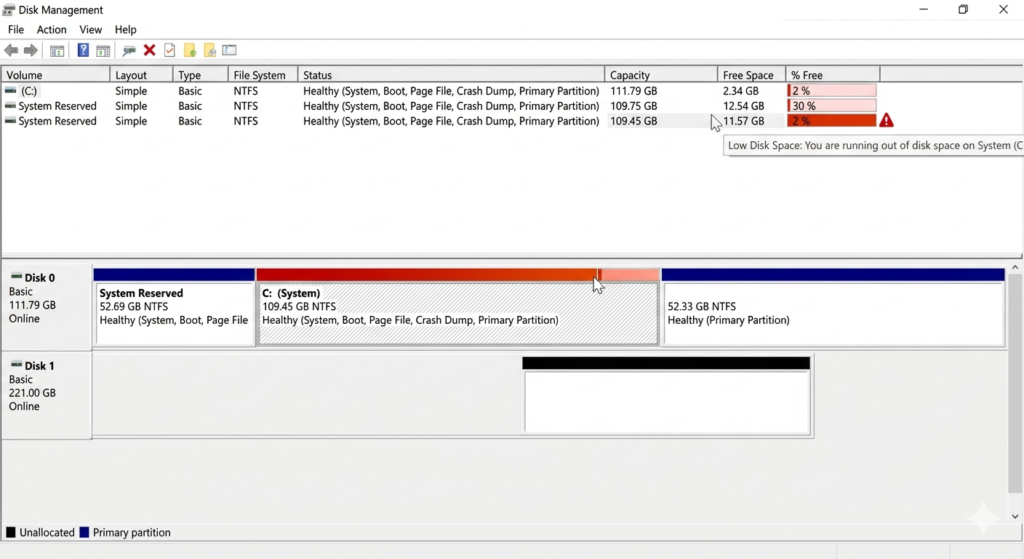
Repeated patch failures can indicate possible deterioration or decay within your infrastructure, as well as with Ansible; therefore, it is important to always check for critical disk space limitations and/or drift from NTFS permissions on the target system. You can look at the exact root cause of patches failing by checking Windows Update error codes, which are accessible from Ansible’s register output.
Mitigating Connectivity Loss During the Cycle
Long-running installation phases using old hardware will eventually disconnect active management sessions. Applying async and poll directives to your playbook prevents failure during prolonged installation and upgrades. It detaches the task and periodically checks back with the long-running background process.
Managing the WinRM timeout parameters at the transport level helps avoid the controller timing out from workloads with higher than average loads of CPU.
Resolving Persistent Loop Persistence
Some of the times, due to underlying registry locks, the OS will incorrectly determine that a reboot is required. Determine what third-party drivers are the cause of the multiple reboot flags and resolve those driver conflicts before attempting to diagnose any stubborn nodes. You may also want to manually audit the PendingFileRenameOperations registry key when troubleshooting stubborn nodes.
Use the win_regedit module to programmatically clear phantom entries left over from poorly coded legacy software installers.
Bulletproofing Your Windows Patching
In order to stabilize automation processes via an automation pipeline, you will need to carefully monitor the various state flags returned from the operating system. The implementation of systematic checks through the entire automation pipeline allows you to provide a guaranteed solution for eliminating the Ansible Windows update reboot loop. Idempotency in playbook design is not an optional choice for enterprise environments, it is an essential requirement for maintaining a stable environment.
Your routines must be prepared to execute indefinitely without causing any unintentional changes of state. Be sure you are actively monitoring your environment, log aggregation, and tracking all potential edge cases so you can be proactive about preventing escalation in the event of an edge case becoming an actual situation that requires escalation.
