
“Explore the best software programs of 2026 to supercharge your productivity, streamline tasks, and get the most out of your PC. Find top-rated tools for every need.”
Why the Right Software Defines Your Success in 2026
We are living through the most accelerated period of digital transformation in history. By 2026, the global productivity software market is projected to surpass $102 billion, driven by the sustained rise of remote and hybrid work, the explosion of AI-assisted workflows, and an ever-growing demand for seamless digital collaboration across time zones and industries.
In this environment, the software you choose is no longer a matter of preference — it is a strategic decision. The right stack of tools can mean the difference between a team that ships projects ahead of schedule and one that drowns in communication bottlenecks. For individual professionals, students, and creators, the right efficiency apps determine how much meaningful work gets done in a given day — and how much time is wasted on tasks a well-chosen program could handle in seconds.
Automation is no longer the exclusive domain of enterprise IT departments. In 2026, a freelance designer, a small business owner, and a Fortune 500 operations manager all have access to tools that automate repetitive tasks, surface intelligent insights, and integrate deeply with every platform in their digital ecosystem. Cybersecurity has become equally democratized — and equally non-negotiable — as data breaches cost businesses an average of $4.88 million per incident (IBM, 2024), a figure that continues to climb.
This article cuts through the noise. Below, you will find the definitive list of the top 10 must-have software programs for 2026, carefully selected across categories — AI productivity, cloud collaboration, cybersecurity, automation, creative tools, project management, and communication. Each pick is evaluated on real-world utility, feature depth, and genuine return on investment.
The Ultimate List of Best Software Programs Every PC User Needs”
1. Microsoft 365 Copilot — AI-Powered Productivity Suite
What It Is
Microsoft 365 Copilot is the AI-integrated evolution of the classic Office suite. It embeds a large language model directly into Word, Excel, PowerPoint, Outlook, and Teams, turning everyday office tools into intelligent assistants that draft, summarize, analyze, and automate on demand.
Key Features
- Copilot in Word: Drafts documents, rewrites sections, and summarizes lengthy reports
- Copilot in Excel: Generates formulas, creates pivot tables from natural-language prompts, and identifies data trends
- Copilot in Outlook: Summarizes email threads, drafts replies, and prioritizes your inbox
- Meeting Recap in Teams: Transcribes meetings, highlights action items, and generates follow-up summaries automatically
Why It’s Essential in 2026
Knowledge workers spend an estimated 57% of their workday on communication and coordination (McKinsey). Copilot attacks that number directly by offloading the cognitive overhead of writing, formatting, and information retrieval. In 2026, organizations that haven’t integrated AI into their core productivity suite are operating at a structural disadvantage.
Who Benefits Most
Business professionals, executives, executive assistants, financial analysts, HR teams, and any knowledge worker who lives inside Microsoft’s ecosystem.
Real-World Use Case
A project manager pastes a 40-slide stakeholder deck into Copilot and asks: “What are the three biggest risks mentioned across this presentation?” In under ten seconds, she has a concise, actionable summary — work that previously took 30 minutes of careful reading.
Pros
- Deep integration with the world’s most-used office software
- Continuously improving AI models with each update
- Enterprise-grade security and compliance
Cons
- Requires a Microsoft 365 Business subscription plus the Copilot add-on (adds cost)
- Quality of AI output depends on prompt clarity
- Less compelling for users outside the Microsoft ecosystem
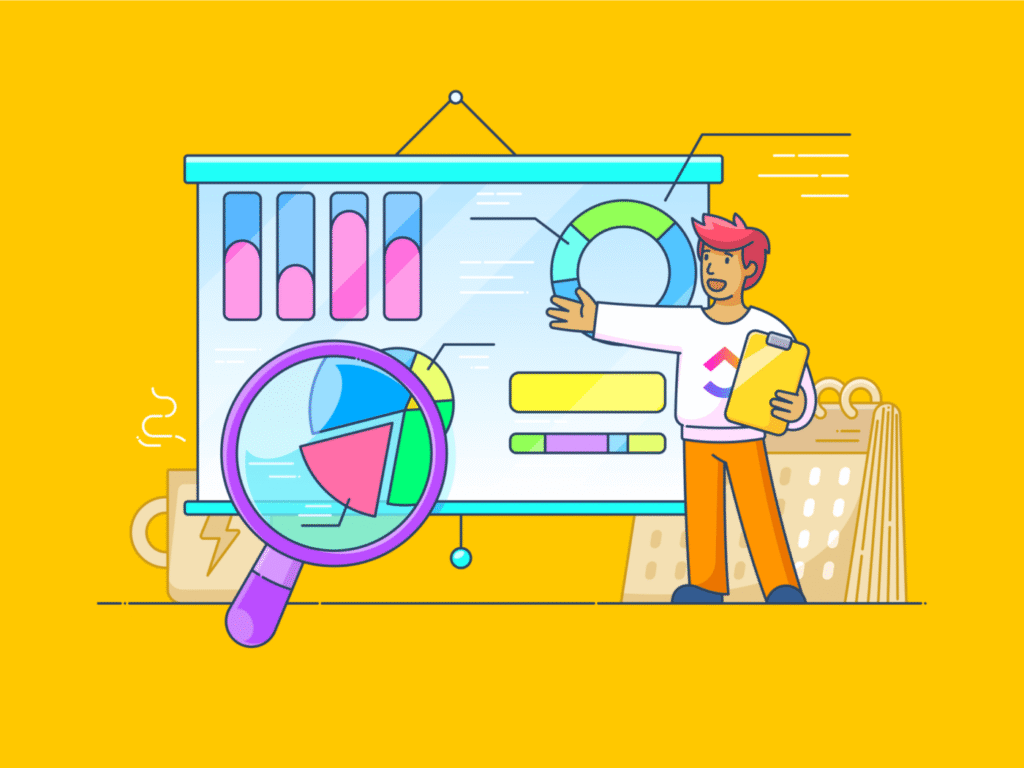
2. Notion AI — The All-in-One Workspace with Intelligence
What It Is
Notion is a flexible workspace that blends notes, databases, wikis, and project tracking into a single platform. Notion AI layers generative intelligence on top of that foundation, making it one of the most versatile productivity software solutions available in 2026.
Key Features
- AI writing assistant built natively into every page
- Connected databases that link tasks, docs, and calendars
- Customizable templates for SOPs, roadmaps, meeting notes, and CRMs
- Notion Q&A: Ask questions about your entire workspace and receive sourced answers
Why It’s Essential in 2026
Teams increasingly reject siloed tools. Notion consolidates what used to require four or five separate apps — a wiki, a task manager, a note-taking app, a basic CRM — into one searchable, permission-controlled workspace. With AI enhancing every text block, it reduces the time spent on documentation dramatically.
Who Benefits Most
Startups, product teams, content creators, researchers, students, and solopreneurs who need a flexible, scalable system.
Real-World Use Case
A content team uses Notion to house their editorial calendar, brand guidelines, and draft articles. The AI summarizes feedback left in comments, auto-generates outlines from a one-line brief, and flags when a draft drifts off-brand — all without leaving the app.
Pros
- Extremely flexible and customizable
- Excellent free tier for individuals
- AI is genuinely integrated, not bolted on
Cons
- Can feel overwhelming to new users without a setup strategy
- Mobile app lags slightly behind the desktop experience
- Offline functionality is limited
3. Figma — The Standard for Collaborative Design
What It Is
Figma is a browser-based interface design and prototyping tool that has become the industry standard for product teams. Its 2026 version includes AI-assisted design features, advanced prototyping, and tighter developer handoff capabilities.
Key Features
- Real-time multi-user collaboration on design files
- AI-powered layout suggestions and auto-fill for components
- Dev Mode for seamless designer-to-developer handoff
- FigJam whiteboard for brainstorming and diagramming
- Advanced prototyping with conditional logic and variables
Why It’s Essential in 2026
Design is no longer just a creative department’s concern — every digital product team, marketing group, and entrepreneur needs to prototype and communicate visually. Figma eliminates version-control chaos and makes collaboration frictionless regardless of geography.
Who Benefits Most
UX/UI designers, product managers, developers, marketing teams, and startup founders building digital products.
Real-World Use Case
A fully remote product team across three continents collaborates on a mobile app redesign. Designers, developers, and the product manager work simultaneously in the same Figma file — commenting, iterating, and approving components in real time, cutting the design review cycle from two weeks to three days.
Pros
- Best-in-class real-time collaboration
- Runs entirely in the browser — no installs required
- Robust plugin ecosystem
Cons
- Requires a subscription for professional team features
- Complex animations still require supplementary tools
- Performance can slow on very large, complex files
4. 1Password — Enterprise-Grade Password and Secrets Manager
What It Is
1Password is a password and identity security manager for individuals, families, and businesses. In a 2026 threat landscape defined by AI-powered phishing attacks and credential stuffing, it is among the most critical cybersecurity software tools available.
Key Features
- End-to-end encrypted password vault with zero-knowledge architecture
- Watchtower: Continuously monitors for breached, weak, or reused passwords
- Passkey support for passwordless authentication
- Secrets automation for developer teams (API keys, SSH credentials)
- Business-wide security reporting and policy enforcement
Why It’s Essential in 2026
Over 80% of data breaches involve compromised credentials (Verizon DBIR). With AI enabling attackers to craft hyper-personalized phishing emails at scale, password hygiene is no longer optional. 1Password makes secure credential management effortless enough that there is no excuse not to use it.
Who Benefits Most
Everyone — from individuals securing personal accounts to development teams protecting production secrets and enterprise IT administrators enforcing security policy.
Real-World Use Case
A SaaS startup uses 1Password Business to onboard new developers. API keys, database credentials, and SSH keys are provisioned through vaults with role-based access. When an employee departs, IT revokes access instantly — with a full audit trail — rather than scrambling to rotate dozens of shared credentials.
Pros
- Exceptionally clean and intuitive interface
- Strong family and team sharing features
- Passkey and biometric support across all platforms
Cons
- No free tier (paid subscription required)
- Migrating from another manager takes initial effort
- Occasional sync delays across devices
5. Zapier — The Automation Backbone for Modern Workflows
What It Is
Zapier is a no-code automation platform that connects over 7,000 apps, allowing users to build multi-step workflows (called “Zaps”) that automate repetitive tasks between tools that don’t natively integrate.
Key Features
- Zap builder with drag-and-drop logic and conditional branching
- AI-powered Zap creation from plain-language descriptions
- Tables and Interfaces for lightweight internal apps
- Error monitoring and automated retries
- Team collaboration on shared workflows
Why It’s Essential in 2026
Automation is the most asymmetric productivity investment you can make. A well-built Zap can save hours every week — indefinitely — after an initial 20-minute setup. In 2026, businesses that rely on manual data entry, copy-pasting between tools, or human-triggered follow-ups are leaving an enormous amount of efficiency on the table.
Who Benefits Most
Operations managers, marketers, sales teams, small business owners, and any professional who juggles multiple software platforms daily.
Real-World Use Case
An e-commerce business uses Zapier to automatically create a Trello card when a Shopify order is flagged as high-value, send the customer a personalized Slack notification via a bot, log the order into a Google Sheet for finance, and notify the warehouse team via email — all triggered the instant the order is placed, with zero human intervention.
Pros
- Enormous app library covering virtually every tool category
- AI Zap builder drastically lowers the technical barrier
- Scales from simple two-step automations to complex multi-path workflows
Cons
- Costs can escalate quickly at high task volumes
- Debugging failed Zaps requires some technical patience
- Some advanced features locked behind higher-tier plans
6. Slack — The Communication Platform That Replaced the Inbox
What It Is
Slack is a channel-based messaging and collaboration platform that has become the default communication layer for modern teams. In 2026, its AI-powered features make it far more than a chat app.
Key Features
- Slack AI: Summarizes channel history, threads, and search results instantly
- Huddles for lightweight audio and video conversations
- Workflow Builder for no-code process automation within Slack
- Deep integrations with GitHub, Salesforce, Jira, Google Workspace, and hundreds more
- Canvas — a persistent, collaborative document within any channel
Why It’s Essential in 2026
Distributed teams need a communication nervous system. Email is too slow and unstructured; meetings are too expensive. Slack provides real-time and asynchronous communication in one place, and its AI layer ensures that no one misses critical context even when they’re in a different time zone.
Who Benefits Most
Remote and hybrid teams, software engineering organizations, agencies, and any company with more than five employees who want to move faster than email allows.
Real-World Use Case
An engineering team uses a dedicated #incidents channel during a production outage. Slack AI summarizes the thread for a senior engineer who joins 45 minutes into the incident, bringing them up to speed in seconds rather than having them scroll through 300 messages.
Pros
- Industry-standard — integrates with almost everything
- Slack AI is a genuine time-saver for busy teams
- Excellent search and archiving
Cons
- Can become a source of distraction without good channel hygiene
- Pricing for larger organizations adds up
- Message history limits on free plan
7. ClickUp — The Project Management Platform That Does Everything
What It Is
ClickUp is a project management and work operating system that combines tasks, docs, goals, time tracking, and dashboards into a single platform. Its 2026 AI capabilities make it one of the most comprehensive project management tools available.
Key Features
- 15+ views including List, Board, Gantt, Timeline, and Calendar
- ClickUp AI: Writes task descriptions, generates project summaries, and suggests next actions
- Time tracking with billable hours reporting
- Custom automations and dependency management
- Whiteboards, Docs, and Dashboards built in
Why It’s Essential in 2026
Project complexity has increased alongside team size and tool proliferation. ClickUp consolidates the project management, documentation, and reporting functions that many teams spread across three to five separate paid tools — reducing software costs and context-switching simultaneously.
Who Benefits Most
Project managers, agency teams, software development teams, marketing departments, and operations leaders managing multiple workstreams.
Real-World Use Case
A digital marketing agency uses ClickUp to manage client campaigns. Each client has a dedicated Space with task lists, a shared Doc for strategy briefs, and a Dashboard showing live progress. The agency replaced Asana, Google Docs, and a separate time-tracking tool — saving $800/month in software subscriptions.
Pros
- Extremely feature-rich for the price
- Highly customizable to match any workflow
- Strong free tier
Cons
- Steep initial learning curve
- Occasional performance issues in large workspaces
- Feature overload can overwhelm smaller teams
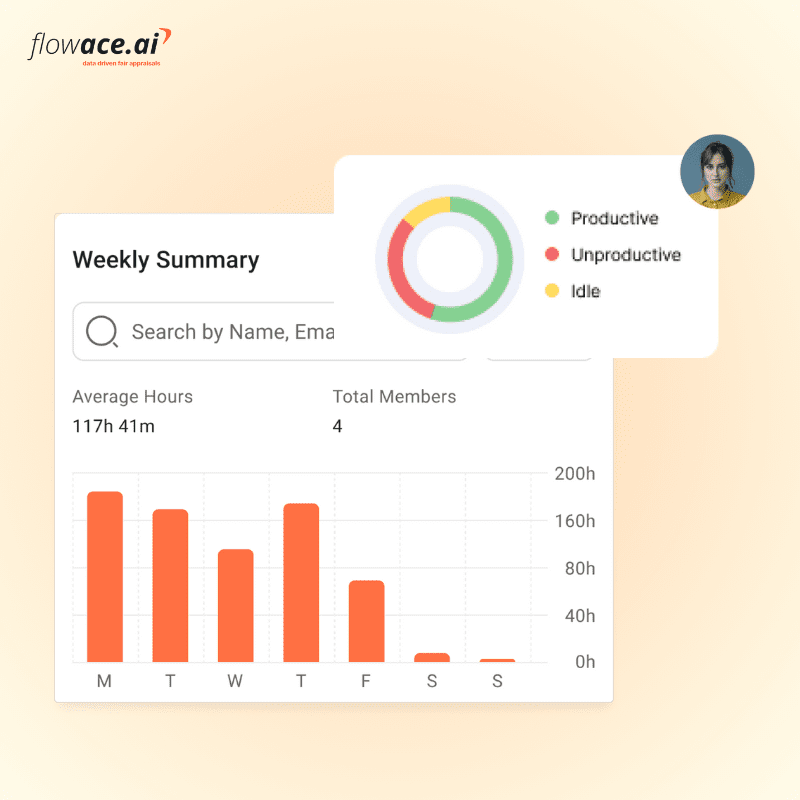
8. Google Workspace — Cloud Collaboration at Global Scale
What It Is
Google Workspace is the cloud-native productivity suite encompassing Gmail, Drive, Docs, Sheets, Slides, Meet, and Calendar — all deeply interconnected and accessible from any device, anywhere.
Key Features
- Duet AI (Gemini for Workspace): AI writing, data analysis, and meeting assistance across all apps
- Real-time collaborative editing with granular permission controls
- 1TB+ pooled cloud storage per user
- Smart scheduling and calendar conflict resolution
- Vault for enterprise archiving, eDiscovery, and compliance
Why It’s Essential in 2026
Google Workspace’s browser-first architecture was built for the way we work now. There are no files to save, no versions to reconcile, and no VPN required. For distributed teams, it is the lowest-friction path to real-time collaboration on documents and spreadsheets that the market offers.
Who Benefits Most
Educational institutions, small-to-midsize businesses, remote-first teams, nonprofits, and any organization that values ease of access over feature complexity.
Real-World Use Case
A university research team across four countries co-authors a grant proposal in Google Docs. Each section is assigned to a different contributor who works asynchronously. Comments, suggestions, and tracked changes are resolved in one file — no emailing attachments, no version confusion, no final_FINAL_v3 document chaos.
Pros
- Unmatched ease of collaboration
- Affordable pricing, especially for education
- Constant feature updates with Gemini AI integration
Cons
- Heavy users of advanced Excel features may find Sheets limiting
- Privacy considerations for regulated industries
- Vendor lock-in is a real long-term consideration
9. Malwarebytes — Advanced Cybersecurity for Every Device
What It Is
Malwarebytes is a multi-platform cybersecurity solution offering real-time threat protection, ransomware defense, and browser security. In 2026, with AI-generated malware and zero-day exploits proliferating, having a dedicated endpoint security layer is non-negotiable.
Key Features
- Real-time malware, spyware, and ransomware protection
- Browser Guard: Blocks malicious websites, trackers, and phishing pages
- VPN with no-log policy included in premium plans
- Scheduled and on-demand deep scanning
- Business endpoint management console
Why It’s Essential in 2026
Traditional antivirus is no longer sufficient. Attackers in 2026 use AI to create polymorphic malware that evades signature-based detection. Malwarebytes uses behavioral analysis and heuristic detection to catch threats that other tools miss. With remote workers accessing company resources from personal devices, endpoint protection has never been more critical.
Who Benefits Most
Remote workers, small and medium businesses without dedicated security teams, students, families with multiple devices, and freelancers handling sensitive client data.
Real-World Use Case
A remote contractor’s laptop is compromised after clicking a link in a spear-phishing email. Malwarebytes detects the ransomware’s file-encryption behavior before it can propagate, quarantines the threat, and sends an alert — preventing what could have been a catastrophic data loss event.
Pros
- Lightweight on system resources
- Excellent detection rates in independent lab tests
- Easy to use for non-technical users
Cons
- Premium pricing can be a barrier for individuals
- VPN performance is average compared to dedicated VPN services
- Some advanced enterprise features require the Teams or Business plan
10. Canva — Democratizing Professional Design for Everyone
What It Is
Canva is a web-based graphic design platform that enables anyone — regardless of design training — to create professional-quality visuals. In 2026, its AI-powered features, including Magic Studio, have made it one of the most transformative creative tools available to non-designers.
Key Features
- Magic Design: Generate complete design templates from a single text prompt
- Magic Write: AI copy generation for social posts, presentations, and marketing materials
- Background remover, image upscaler, and AI image generator
- Brand Kit for consistent visual identity across all assets
- Team collaboration with shared folders and comment threads
- Video editing, website builder, and presentation tools included
Why It’s Essential in 2026
Visual communication is now a core professional skill. Social media, investor decks, product marketing, and internal communications all demand polished visuals — and most professionals don’t have access to a designer on demand. Canva closes that gap entirely, enabling marketing teams, solopreneurs, educators, and HR departments to produce high-quality content at the speed of thought.
Who Benefits Most
Small business owners, social media managers, marketers, educators, HR professionals, content creators, and startups that don’t have in-house design resources.
Real-World Use Case
A nonprofit communications coordinator uses Canva to produce a donor impact report, weekly Instagram posts, an event banner, and a staff training presentation — all in one afternoon, using branded templates that maintain visual consistency across every format. What previously required a freelance designer and a two-week turnaround is now done in hours.
Pros
- Extremely intuitive — near-zero learning curve
- Generous free tier; Pro plan is exceptional value
- AI features are among the most practically useful in the market
Cons
- Not a replacement for professional design tools like Figma or Adobe for complex work
- Some premium templates and elements require a Pro subscription
- Downloaded file formats can have compatibility quirks
The 2026 Software Landscape: Key Trends to Watch
Before settling on your software stack, understanding the macro trends shaping these tools will help you make smarter decisions:
AI Integration Is Now Table Stakes. Every significant productivity platform has embedded AI by 2026. The differentiator is no longer whether a tool has AI, but how naturally and usefully that AI is integrated into the actual workflow.
The Consolidation Effect. Businesses are aggressively reducing their number of SaaS subscriptions. Tools that can replace two or three point solutions — like ClickUp replacing Asana + Confluence + Harvest — win. Expect tool consolidation to be a dominant purchasing theme throughout 2026.
Security as a Feature. Following years of high-profile breaches, software buyers now treat built-in security as a baseline expectation rather than a premium add-on. Platforms without strong encryption, SOC 2 certification, and compliance reporting are increasingly rejected at enterprise procurement.
Asynchronous-First Design. The permanent shift toward hybrid and distributed work has pushed software development toward async-first interfaces. Features like thread summaries, recorded video messages, and AI-generated meeting recaps reflect a world where not everyone is online at the same time.
Conclusion: Choose Your Stack, Shape Your Future
In 2026, your software stack is your competitive infrastructure. The tools covered in this article — spanning AI productivity, cybersecurity, cloud collaboration, automation, design, project management, and communication — represent the clearest path to maximizing your efficiency and protecting your digital operations.
The right choices compound over time. A team that adopts ClickUp and automates its reporting with Zapier doesn’t just save hours this week; it saves hours every week, indefinitely. A freelancer who builds their entire client-facing output in Canva and secures every credential with 1Password operates with a professionalism and resilience that used to require a full team.
You don’t need all ten tools at once. Start with the categories that address your most pressing friction points — whether that’s chaotic project management, insecure credentials, or hours lost to manual tasks. Add tools deliberately, integrate them deeply, and review your stack every quarter.
The professionals, teams, and organizations that thrive in 2026 won’t be those with the most tools. They will be the ones who have chosen wisely, implemented thoughtfully, and built workflows where software does the heavy lifting — leaving human intelligence free to do what it does best: think, create, and decide.
Your stack is waiting. Build it well.
