
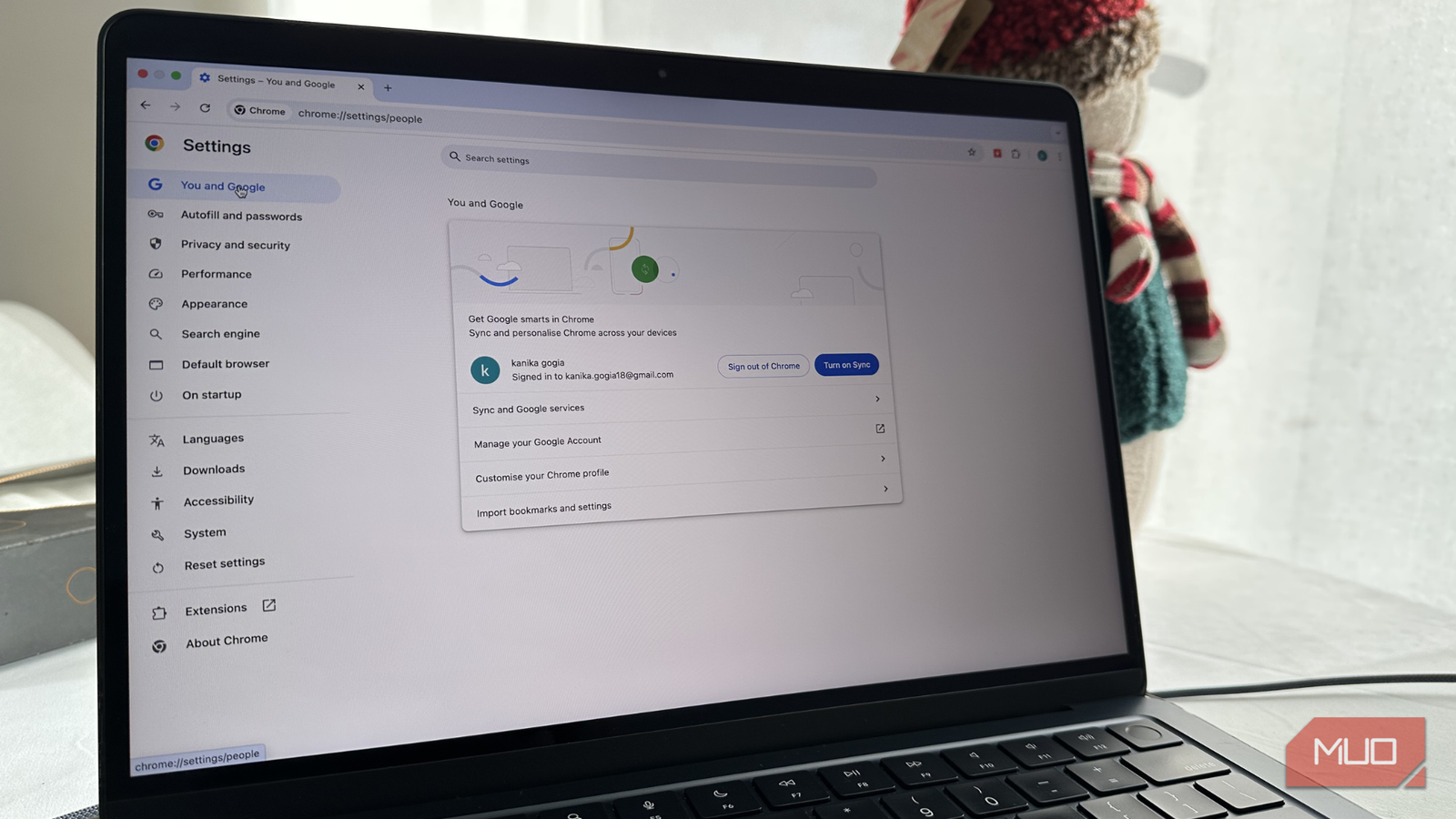
Google Chrome is finally making tab chaos a little less painful by rolling out vertical tabs, a long-requested tweak that shifts your open tabs off the top bar and onto the side, where they’re easier to scan through, especially when your browser starts to look like a digital junk drawer.
One less reason to use other Chromium browsers
Move over Brave and Vivaldi, Chrome’s back for its lunch money

Saying that vertical tabs are almost mandatory to my workflow these days is honestly a bit of an understatement. As a writer, I spend a lot of time researching different parts of an article when I sit down to work, and being able to easily sift through tabs of that information and data is vital to making my job as streamlined as possible. That’s why for the past year or two, I’ve had to resort to using other Chromium browsers like Brave just to take advantage of vertical tabs and improved browser privacy functionality.
While I don’t regret swapping from Chrome to Brave, there’s still a lot of good to be said about Google’s browser, and the ways that it is weaker than other options are slowly dwindling. And vertical tabs are just one way that the company is doing this, as Google announced the arrival of vertical tabs in Chrome’s stable build earlier today. What’s even more appealing about their arrival in Chrome is the fact you won’t have to dig through annoying menus to turn them on. Instead, all you have to do is right-click the top of a Chrome window and then select Show vertical tabs.
From there, you can also minimize the tabs to open up more space in your window, which is great for those moments you need to really focus on something and get the job done. As with most Google updates, the feature is slowly rolling out to the latest Chrome build, and should appear on your device sometime over the next few days.
You can check your Chrome build by clicking the three vertical dot menu at the top-right of the app’s window, selecting Help > About Chrome and then looking at the update version you have installed. If you have an update available, it will automatically install when you reach this screen.
Immersive reader gets a full-page update
No reader mode extensions needed

On top of adding in vertical tab support, Google has also brought a new immersive reader mode to Chrome, allowing you to click on a tab that you want to focus on and select Open in Reading Mode. This moves that singular tab to a full-screen view, cleaning up unneeded items from the screen so you can focus in on the text before you a bit better.
Over the years, Google Chrome has become one of the biggest players in the browser game, and for good reasons. While there are certainly a list of issues that plague Google’s browser — the fact it uses a lot of memory is one of a few reasons people recommend avoiding Chrome — there are also a lot of great Chrome extensions that help elevate the browser to new levels, especially for productivity and usefulness. And it’s hard to beat the overall simplicity and performance that it offers right out the box.

- OS
-
Windows, macOS, Linux, Android, iOS/iPadOS, ChromeOS
- Developer
-
Google LLC
- Price model
-
Free
Google Chrome is a cross-platform web browser developed by Google LLC, built for speed, security, and integration with Google services. It uses the Blink rendering engine (formerly WebKit) and supports extensions, tab sandboxing, synchronization across devices, and frequent updates.
I’ve been swapping between different Chromium browsers for a bit now and just tryin to find the one that fits my needs the most. But with the introduction of vertical tabs and the big update to how reading mode works, I might finally be back home for good.
