
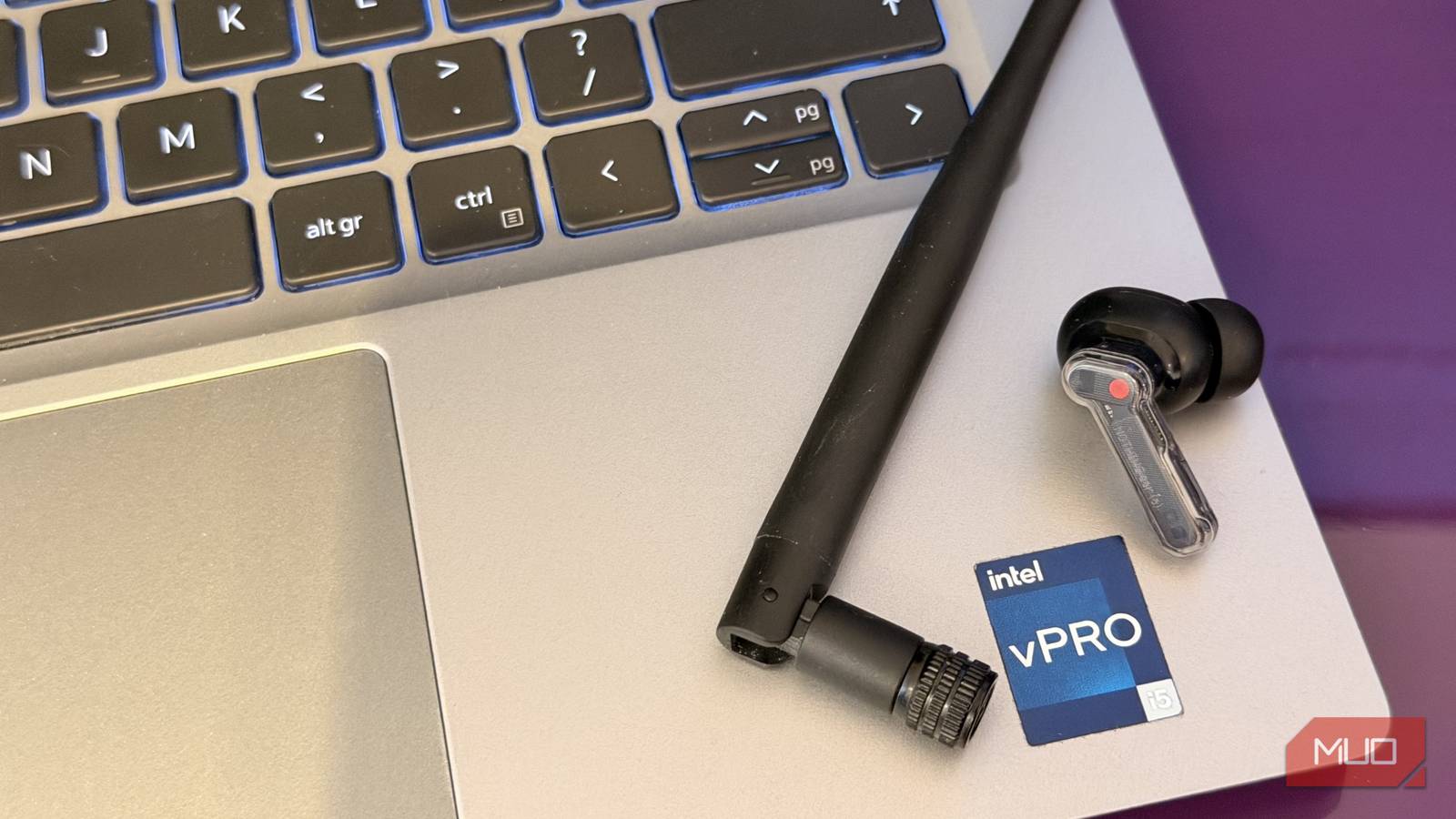
I have been looking at wireless headphone and earphone deals for the past week, because I had concluded (falsely) that my earphones don’t play well with Windows. They work perfectly on macOS, Android, and iOS, but they were just terrible on my Windows PC. The audio was choppy, it stuttered constantly, and I had tried every software fix short of reinstalling Windows. Nothing worked.
Then yesterday, I decided to give it another go. Roaming around forums, I found one suggestion I hadn’t tried yet. I tried it, and it instantly fixed my Bluetooth issues. My earphones work perfectly now, and I cannot believe how simple the fix was.
Everything I tried that didn’t work
The usual suspects
For the record, I tried a lot. Restarting the computer (of course!), forgetting the device and pairing it again, removing the Bluetooth driver and reinstalling it, downloading the drivers manually from Intel. None of it worked. The problem wasn’t the earphones disconnecting. They stayed connected, but the audio was so choppy it was unusable.
Given the earphones worked perfectly on every other non-Windows device, I blamed Windows. Windows 11 is notoriously bad at making Bluetooth work. The next natural step was messing with Bluetooth settings in Windows. There’s actually a heap of services that you can toggle for a Bluetooth device in Control Panel. Some people said that disabling Handsfree Telephony in the device services fixed it for them. It didn’t work for me. Some said that disabling RFCOMM fixed it for them, but… it didn’t do it for me.
I had tried all of this the week before, and walked away with nothing. Yesterday, I went looking again — and this time, I took the non-Windows advice I had been avoiding.
I screwed in my Wi-Fi antennas
That’s it

I know how this sounds. But it was the fix. The problem, it turned out, was range. My PC’s Bluetooth had awful range without the antennas attached. I actually had the antennas on the computer before, but I never bothered putting them back after moving a few weeks ago. After all, I was on a wired LAN connection and not Wi-Fi, so I figured the Wi-Fi antennas were irrelevant.
Once I screwed the antennas in, my Bluetooth earphones worked perfectly. I didn’t even have to re-pair or restart or anything. Just instant clean audio. That was the fix. I was happy, but now there were questions that needed answering.


7/10
- Battery Life
-
Up to 8 hours
- Charging Case Included?
-
Yes
What’s Wi-Fi got to do with Bluetooth?
Surprise. They’re literally on the same chip

On most modern motherboards, Wi-Fi and Bluetooth aren’t separate chips. The Intel AX210, for example, is a combo chip that handles both protocols on a single die. I already knew this, but what I hadn’t realized was that the Wi-Fi antennas boost Bluetooth signal too. In hindsight, it should have been obvious.
An antenna is just a passive resonant conductor. It has no idea whether the signal it’s carrying is Wi-Fi or Bluetooth. It only cares about the frequency and wavelength. As it turns out, Bluetooth operates at the 2.402 – 2.480 GHz frequency. Sound familiar? Yes. That’s the 2.4 GHz Wi-Fi band frequency! They overlap almost perfectly, and that’s why one Wi-Fi antenna works to boost both Wi-Fi and Bluetooth. Because it boosts the 2.4 GHz signal. The 2.4 GHz channel is notoriously overcrowded.
That’s not to say that the antenna handles only 2.4 GHz though. If you’ve got two antennas, chances are that they’re both 2.4 GHz and 5 GHz capable. But, if you do connect an antenna that covers only 5 GHz or 6 GHz, it would do nothing for your Bluetooth range.
Why does a motherboard need external antennas at all?
It’s a particular case

Why does my Raspberry Pi (or my phone, for that matter) have decent Bluetooth range without any massive external antennas? Why does the Wi-Fi/Bluetooth card on a motherboard need them?
Motherboards with onboard Wi-Fi/BT use a PCIe M.2 card that has tiny U.FL or IPEX connectors on it. Without antennas attached, the signal radiates from those bare connector stubs which are effectively just a few millimeters of exposed conductor. They do act as antennas, but terrible antennas. Other boards, like a Raspberry Pi, have a trace antenna integrated into the PCB.

But, that aside, the bigger problem is the case itself. Steel and aluminum PC cases act as Faraday cages. They absorb and reflect RF energy. Even if the motherboard had antennas built into it, it wouldn’t work because it would be inside the case. The advantage of the antennas is that they sit outside the case. Therefore, a tiny USB Bluetooth dongle would work much better than the on-board Bluetooth simply because it’s outside the case.

- Brand
-
UGREEN
- CONNECTOR
-
USB
This fix obviously only applies to desktop PCs. Laptops have built-in antennas and don’t suffer the same range problem — though an external Bluetooth adapter with a larger antenna will still boost range if you need it.
Antennas are a must for all desktop computers
Lesson learned. Number one, the Wi-Fi antennas also work for Bluetooth. Number two, the Wi-Fi antennas are not optional. The Bluetooth will seriously struggle without them, because it’s meant to have them. It’s not an optional boost.
That said, the antennas did instantly fix my Bluetooth issues. Turns out, just this once, Windows wasn’t to blame, and there was a nice lesson buried underneath.
