
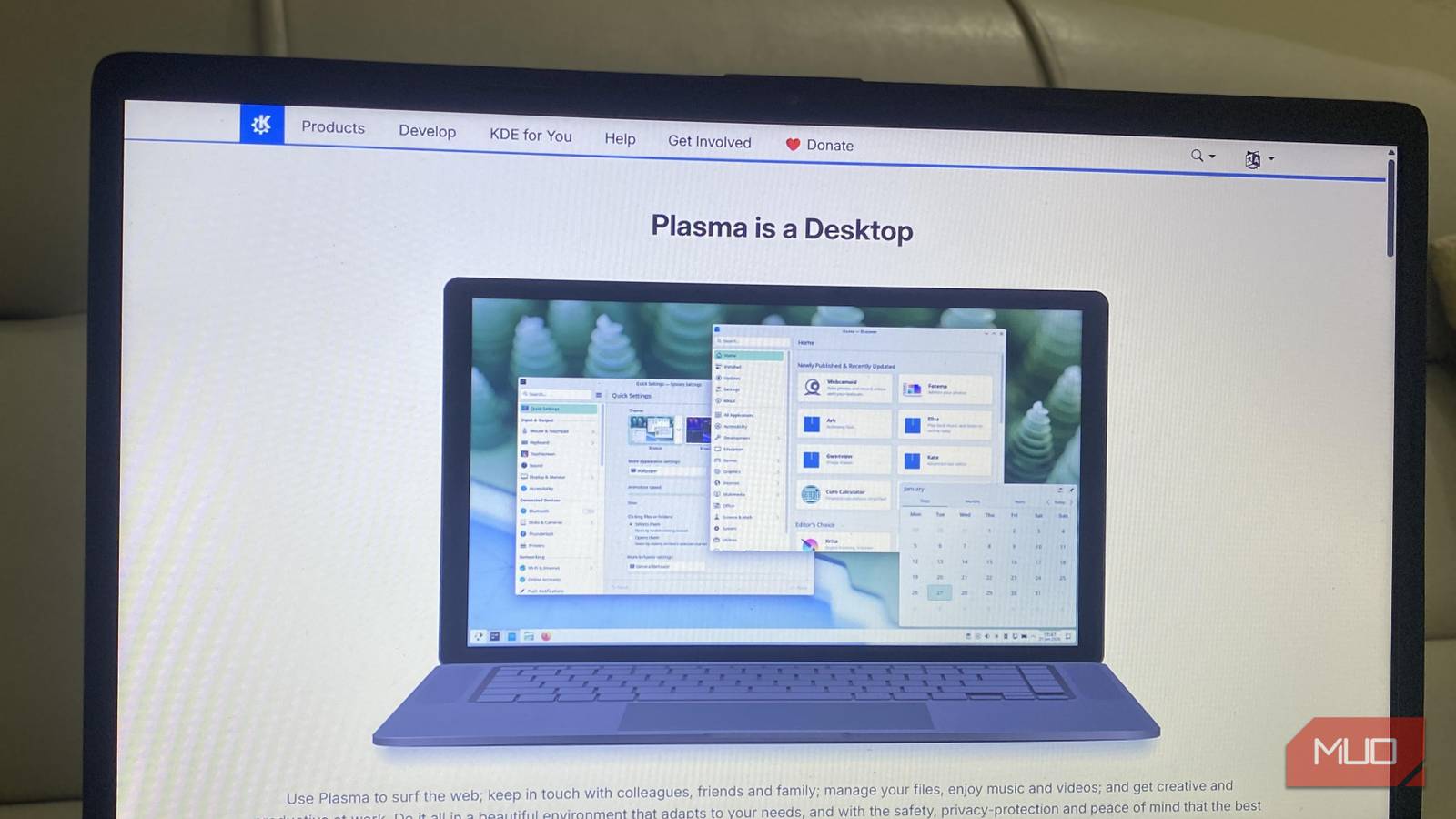
When I installed and booted into Ubuntu GNOME, I stuck to the defaults, and that was fine for a while. Even though GNOME is a clean, minimal, and modern setup, it was far from perfect. Certain extensions broke, and even something as basic as waking from sleep often felt sluggish.
I didn’t expect much better from KDE Plasma 6 when I switched. So it was really exciting to see defaults like panel customization, drag-and-drop that actually worked, and shell stability — features I had begged for in GNOME. KDE Plasma 6 was intuitive and, unexpectedly, fun. My experience with the desktop environment makes me feel that this is officially the year of the KDE Linux desktop.
GNOME forced me to rely on extensions
KDE Plasma 6 includes what GNOME makes you beg for
The GNOME desktop environment is simplistic. This means key features are missing by default, and the only workaround is to patch them with extensions. I started using Dash-to-Panel, DING, and Arc Menu to make it more functional, but each of these solutions is threatened by major and minor GNOME updates. I’ve experienced a few extensions stop working altogether, and in some cases, there are conflicts.
However, most of the features you add to GNOME via extensions are already defaults in Plasma 6. So you are getting native implementations for panel layouts, desktop icons, window behavior tweaks, notification customization, and window snapping. There is a big difference between the two desktop environments:
Feature | GNOME | KDE Plasma |
|---|---|---|
Panel customization | Extension needed | Built-in |
Desktop icons | Extension needed | Built-in |
Window snapping | Extension needed | Built-in |
System notifications | Extension needed | Built-in |
Always-on-top windows | Manual config | Built-in |
Quick app launcher | Traditional/non-fullscreen launcher | Built-in |
GNOME’s default tiling is basic, and dragging a window to either the left or right side snaps it to half the display. Without extensions, there is no quarter tiling.
What typically takes about 20 minutes of tweaking in GNOME works from your first login in Plasma.
Wayland on KDE Plasma 6 is no longer an experiment
Real session stability without killing apps

GNOME used to be the major desktop environment developed for and supporting Wayland. This was one of the reasons why I remained with GNOME. Plasma lagged behind, and I wanted stability. But this reason no longer holds. Plasma 6’s Wayland session is one of the most polished and reliable options available.
My daily workflows are where I notice the real differences between these desktop environments. Plasma 6 doesn’t require the slow desktop reinitialization that GNOME causes when you wake a laptop from sleep. Even when there are shell crashes, my running apps remain untouched.
I stopped getting random hangs while using Firefox and no longer scramble to restart frozen sessions. In practical terms, I now experience faster context switching and fewer interruptions during daily tasks. The switch has been one of my most significant productivity upgrades on Linux.
System Settings gives you real control
Everything is configurable without touching the terminal
Every power user will appreciate KDE’s System Settings. It centralizes almost all aspects of the system, including touchpad speed, three-finger gestures, keyboard shortcuts, and window decoration shadows and contrast.
This is how tweaking on both desktop environments compares:
Tweak | GNOME | KDE Plasma 6 |
|---|---|---|
Scroll speed | Command-line | GUI slider |
Window always-on-top shortcut | Hidden/terminal | Assign in GUI |
Window shadow/contrast | Limited | Full control |
Keyboard shortcut mapping | Limited | Assign anything |
Display scaling | Basic | Fine-grained control |
Notification behavior | Limited customization | Detailed options |
KDE Plasma 6 makes more advanced customization GUI-based and reduces reliance on dconf or typing arcane commands. Also, because all the elements are easily discoverable, it’s easier to experiment. The desktop environment rewards you with faster and smoother productivity.
File management in KDE is a different league
Dolphin and Ark solve real workflow problems
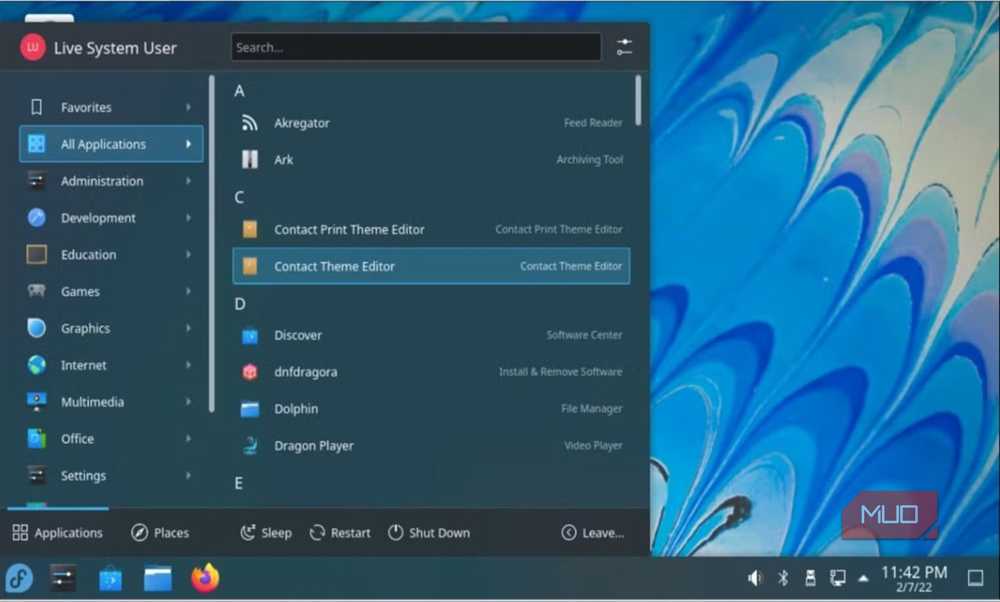
For everyday use, the difference is easily evident in file handling. Even under Wayland, the drag-and-drop between Ark and Dolphin works well. It’s been a smooth experience browsing archive files as if they were directories. I effortlessly extract selected files from large archives and move them between directories. Previewing compressed content is equally seamless.
Plasma 6 sidesteps the long-standing drag-and-drop limitation of GNOME Files + File Roller entirely, since Dolphin and Ark don’t share that problem. However, I’ve noticed that Firefox still encounters issues with multi-file drag-and-drop in Wayland sessions.
Generally, I’ve seen a real improvement in my daily workflow since I switched to KDE Plasma 6. Archive behavior is predictable. Folders move faster, and I don’t get focus bugs during multi-monitor setups. It’s the first time in a long while I’ve felt like my desktop is working with me.
That said, I don’t think there is such a thing as a perfect desktop. I’ve had a few minor annoyances with KDE Plasma 6. For instance, its gesture customization pales in comparison to GNOME for touchpads and tablets. Also, there’s limited screen calibration in Wayland sessions, which is significant for tablets.
I’m sticking to KDE Plasma 6
It’s unlikely that I will go back to GNOME. The pain points it forced me to work around for years are mostly addressed in KDE Plasma 6. Switching has transformed my workflow, making me more efficient and productive. Even though there are still some small inconveniences, they are far outweighed by the merits.
I no longer think of broken extensions, frozen Firefox sessions, or a sluggish wake from sleep. I would recommend Plasma 6 to anyone frustrated by GNOME’s defaults.

I Switched to a Desktop After Years of Using Laptops—Here’s What Changed
If it’s been years since you owned a desktop PC, it could be time to make the switch back.
