
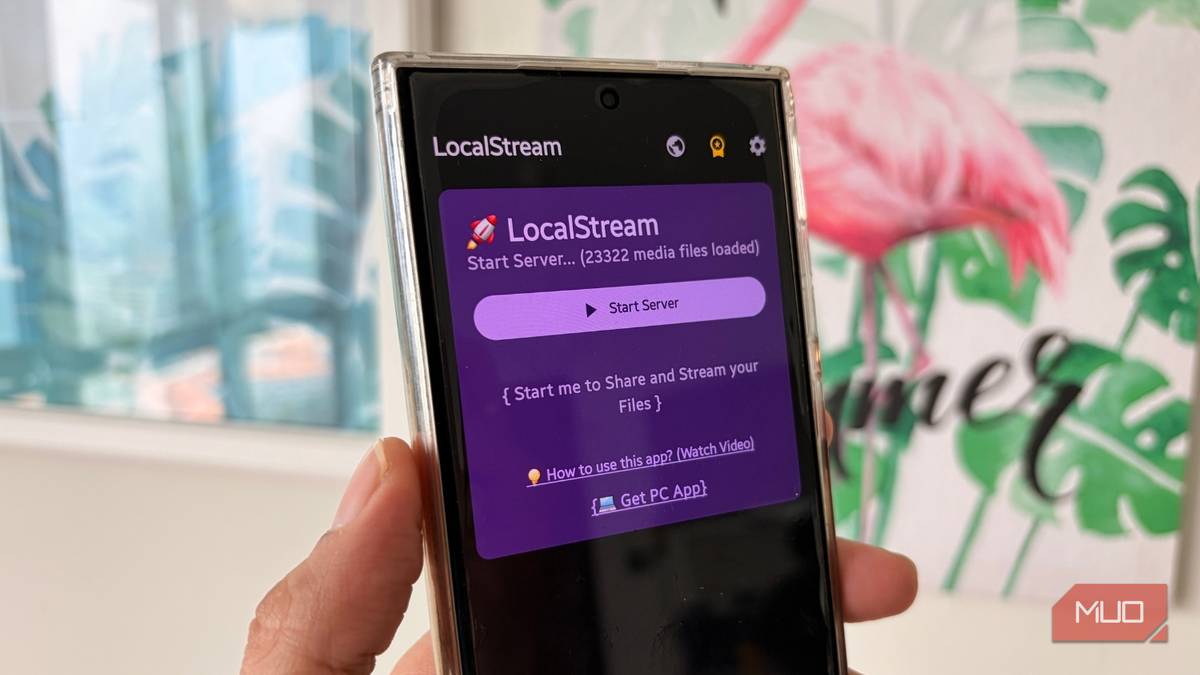
We carry our smartphones everywhere, and it is the main source of entertainment for most of us. We click a lot of our photos and videos, and also store a lot of our favorite content on it. Imagine wanting to watch a 4K video file or flip through your recent vacation album on your living room TV. Your best bet would be to start screen mirroring. However, this always results in a frustrating lag or stutter. For me, most of the time, the connection drops midway, leaving me fuming.
Instead of fighting clunky workarounds, you can turn your Android smartphone into a dedicated Wi-Fi media streamer with a simple app called LocalStream File & Server. This not only gets rid of the connection drops, but also results in high-quality viewing on any screen. The best part, it does more than just mirror your phone. Let’s know more about it.
Beam your files across your home network
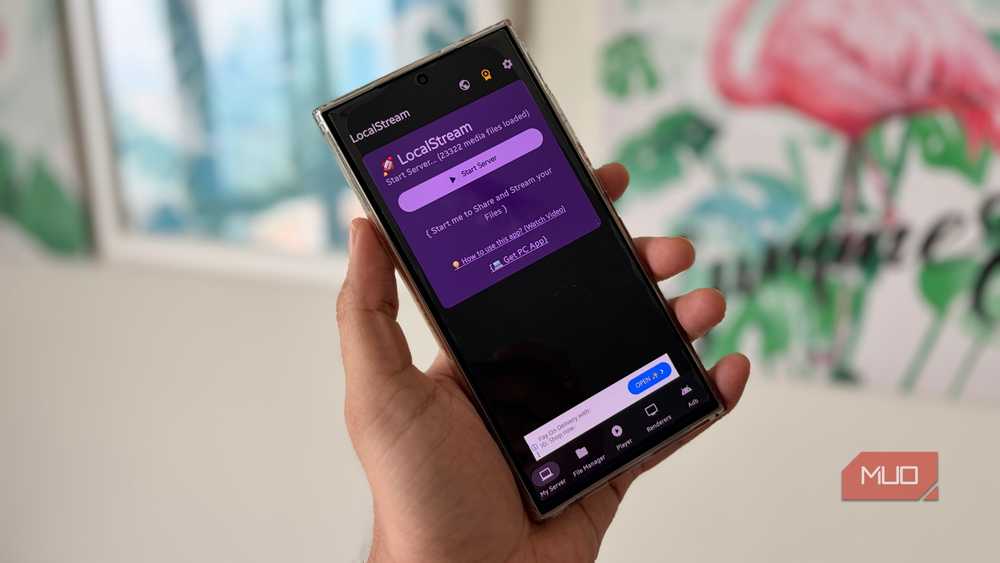
LocalStream File & Server is an app that I recently discovered when screen mirroring failed for me. I wanted to watch one of my European road trip videos on my smart TV. But before the connection dropped, the video was lagging and playing at low quality.
After researching and trying a bunch of mirroring apps, I came across this app on the Google Play Store. The basic idea of this app is to broadcast your phone’s files locally to any screen in your house. But it is more than just a media server.
LocalStream File & Server app can browse your entire file storage, meaning apart from the photos and videos, it can also access, open, and manage non-media files like PDFs, Office files, ZIP, and even Android APKs. Additionally, if your media is stored in an external storage, then you can simply plug it into your phone and access or manage it straight from the app.
But firstly, it is a powerful media streamer. You can stream any file from your Android device to any device via your Wi-Fi network. Since LocalStream File & Server comes with UPnP/DLNA compatibility, you don’t need to install a complicated receiver app on your smart TV. You can simply open the media player on your Smart TV, PC, PlayStation, or Xbox and stream your favorite videos, photos, and music flawlessly over your local connection.
That’s not all. By connecting over Wi-Fi with ADB (Android Debug Bridge), you can manage other Android devices directly from the app. Your phone transforms into an advanced remote control, full of a virtual D-Pad, keyboard, and a mouse. You can use this to remotely install APK files, reboot the device, and execute advanced commands.
It also comes with a built-in media player so that you can view and manage your files without the need to switch over to a different application.

- Price model
-
Free, Paid
- Platform
-
Android
LocalStream File & Server is a versatile media management tool that turns your Android device into a powerful UPnP/DLNA server, allowing you to seamlessly browse your entire file system and stream 4K content to smart TVs, consoles, and PCs.
Setting up LocalStream File & Server is easy
You can start broadcasting your media files in a few minutes
Transforming your Android phone into a media server sounds technical and time-consuming, but with LocalStream File & Server, it takes just a few minutes. Here’s how you can get everything running:
- Install the LocalStream File & Server app from the Google Play Store.
- Open the application and grant all the necessary permissions.
- Press the Start Server button on the home screen. If you are using the free version, then you will see ads, which you have to watch till the end to take action.
- Under the Server Access URLs, you will see two server URLs: the Main Server URL and the Media API Endpoint.
- You have to type the Main Server URL into your smart TV, your PC, or any other device on which you want to stream your phone’s content.
- Once you load the URL, you will see an interface that gives you the option to Browse Media, Direct Access, and UPnP/DLNA.
- You can use the Browse Media option to locate the file you want to stream on your other device and start streaming instantly.
The media is streamed without any lag or loss of quality, which is often the case with screen mirroring. If you want to watch content from your other devices on your smartphone, then you need to head over to the Renderers option from the bottom menu and toggle the Phone as Receiver option on.
The only downside I found about this app is that there are ads in the free version, and you have to purchase a subscription for a nominal fee to get rid of them.
The ultimate local streaming solution
Relying on HDMI adapters for streaming, uploading media to cloud storage, or using the screen mirroring option often results in connection drops and low-quality streams. The LocalStream File & Server app is the ultimate solution for anyone looking to convert their phone into a media streamer. You gain complete control over your files, and you can enjoy your media on a big screen anytime and anywhere.
