
If you’ve ever encountered an issue with your PC, you already know how much of a bear it can be to try to figure out what’s going wrong with it. I’ve had my particular build for roughly 5 years, and while I’ve spent plenty of time upgrading it, I still run into issues here and there with it. Technology is great when it works.
While I’m late to join the AI bandwagon, I’ve learned that NotebookLM is a genuinely helpful tool, especially for someone like myself who is eager to learn more about what makes their PC tick. There’s not enough time in the world to learn every little thing about your computer, and I’ve learned that NotebookLM is the perfect addition to my deep-dives, even if I still need to occasionally check my work.
Ask and receive
Need to find out where something is in the manual? Just ask it
While I’ve upgraded many of the parts that are in my PC, I’m still using the original motherboard that I’ve had since 2020. My MSI Pro B450M has been kicking and screaming since I installed it, and I don’t plan on replacing it until the time finally comes. But when it comes to trying to remember something about it, I normally need to log into Newegg just to search for the name of the motherboard. Everything else has prominent tags on it, and I’m not always thinking about what the name of my motherboard is, you know?
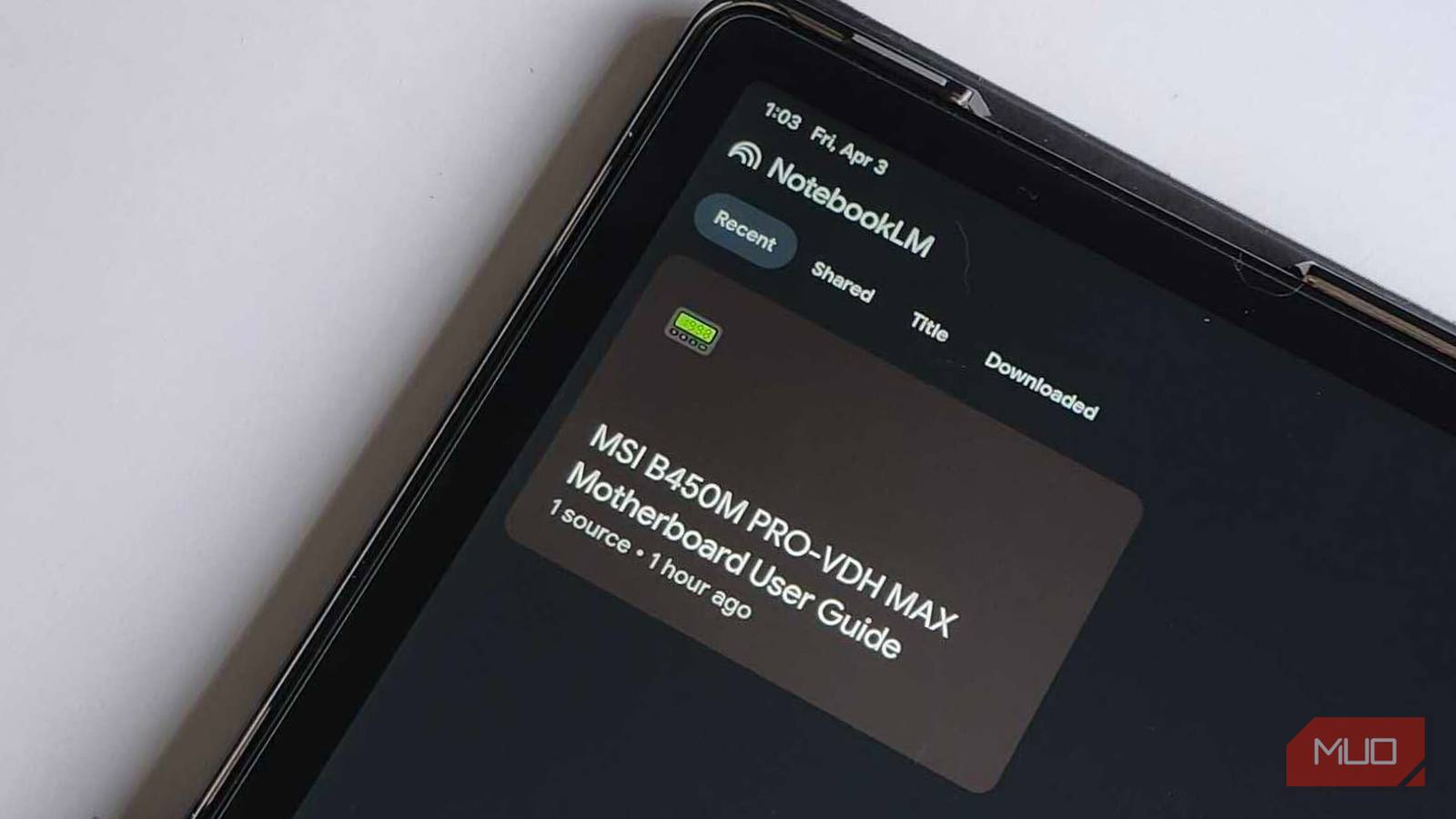
By searching for the manual and downloading it directly from the MSI website, I can then upload it to NotebookLM, and have everything that I need to know about this MB available from just a few prompts. I can ask nearly anything and get a curated answer quickly. Google states that NotebookLM does not source personal data to train its global model, so you don’t need to fret about that if you’re planning on using it for other projects, either.
Multi-device sync is great
If my PC isn’t working, I can use my phone to ask questions
I use my PC daily for a variety of different things. If I’m not working, I’m playing a game. If I’m not playing a game, I’m setting up media libraries for my favorite books and movies. But even though I take care of my PC like it’s my firstborn child, there are still times that I run into issues. What would be the point of having a completely accessible manual if I can’t get it on my computer when I get a BSOD? NotebookLM syncs across multiple devices with no issues, as long as you’re logged into your Google Account.
To prep for potential disaster in the future, I’ve got NotebookLM installed on my budget Android tablet, as well as my phone. This way, if I need to quickly troubleshoot an issue, or I just want to learn something about my motherboard while I’m doing other things on my PC, I can jump into the app and fire off some questions. Just know that you do need internet access to get into NotebookLM, so keeping a hard copy is also recommended. Or sync it between NotebookLM and Obsidian for even more ways to access it in the future.

- OS
-
Android, iOS, Web-based app
- Developer
-
Google
- Pricing model
-
Free
Clearer jargon for everybody
Don’t know what a BIOS setting or a Q-Code is? Fret not

Accessibility is one of the most important things in my life, no matter if it’s simplifying the process of understanding technical jargon or making life easier for someone with different abilities. Even after building multiple PCs across the span of a few years, there are still parts that I don’t completely understand. Jumping into the hobby can be incredibly daunting, but I was surprised to see how “easy” NotebookLM makes some parts of it. Even though it doesn’t “see” diagrams, it can still parse the vast majority of questions I throw its way by reading the technical tables and indexes that accompany the images. Just ask about CPU_FAN1 instead of just “the fan”, and you’ll be golden.
I try to explain things about computers to someone like my parents, and it’s like there’s a language barrier between us. They’re never going to understand how BIOS settings work, but by using a program like this, they could ask a question and get a digestible answer that would make way more sense to them. Or if I just need help trying to explain it to someone in less technical speak, this could also be an incredibly easy way to do that, too.
Always double-check your work
AI hallucinations are a thing, so don’t only depend on NotebookLM

One thing that still makes an AI less reliable than actual human ingenuity is the “hallucinations” that it can suffer. Seeing as AI tries to “predict” the next word while it’s coming up with something, there’s a chance that you may get some incorrect information. They don’t know actual facts, but instead, follow patterns. And if there is a particular pattern it doesn’t know, it’s going to just start coming up with stuff, and that’s the last thing you want.
While I’ve never run into this issue personally with NotebookLM, it’s still a good thing to verify your work before you do it. Think of NotebookLM as the Cliff Notes version of the manual, and you’re trying to give a proper book report. You can’t always depend on what the Cliff Notes are going to say, so you’ll still need to double-check and verify the work. At least it provides citation bubbles, so I can click and see if it’s giving you the correct answer, or just pulling something out of thin air.
Finding mobo info has never been easier
As long as you know that you should fact-check, this is quite nice
While I was quick to remove CoPilot and other AI tools from my PC, I must say that NotebookLM has been a nice little tool to make a difficult task far more accessible for myself and others. Seeing as I try to still help the friends that I built PCs for, having a way to access their specific motherboard or graphics card and relay the information to them quickly and easily has been incredibly nice. One section for my stuff, and separate sections for their builds. That way, we all win.
As long as I’m double-checking and verifying the work, I can view NotebookLM like a study-buddy, instead of a full replacement for my PC building escapades in the future. It’s surprisingly intuitive, and it works exactly as I’d like it to, so I can always make sure my next upgrade is going to be compatible and work properly.
