
Staying organized in today’s fast-moving digital world can be challenging. You may need one app for notes, another for tasks, and a third for managing projects. Switching between multiple tools can waste time and create confusion.
That’s where Notion comes in.
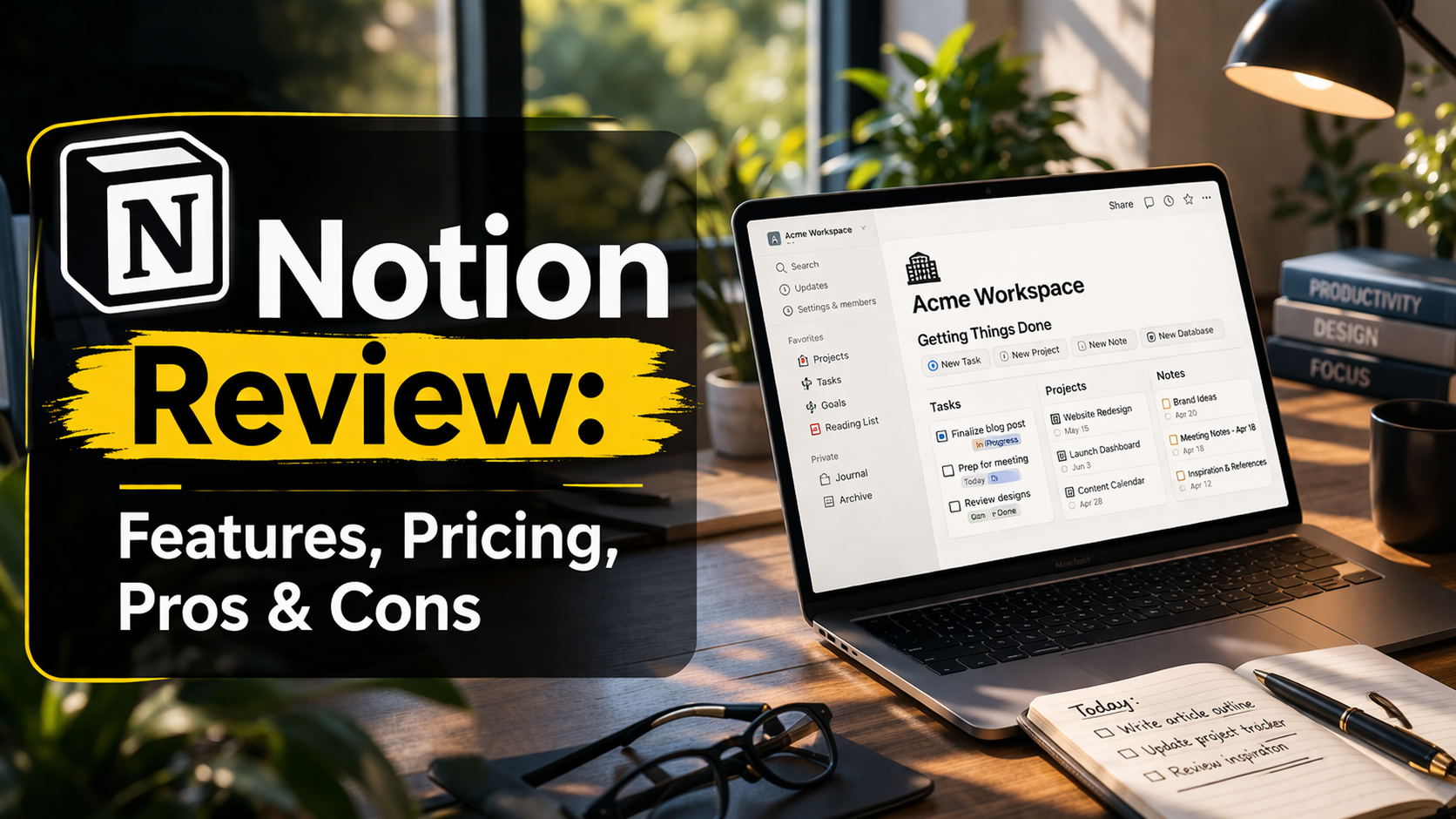
Notion is an all-in-one productivity tool that combines notes, tasks, databases, and collaboration features in a single workspace. In 2026, it has become one of the most popular tools for students, freelancers, teams, and businesses.
But is Notion really worth it? Is it easy to use? And how does it compare to other productivity apps?
In this detailed review, we’ll explore Notion’s features, pricing, pros and cons, and help you decide if it’s the right tool for you.
What Is Notion and How Does It Work?
Notion is a flexible workspace where you can organize everything in one place.
Instead of using separate apps for notes, tasks, and projects, Notion lets you create a system that fits your needs.
What You Can Do with Notion
- Take notes
- Manage tasks and to-do lists
- Track projects
- Create databases
- Build personal dashboards
- Collaborate with teams
Notion works using pages and blocks, which means you can add and arrange content however you like.
Why Notion Is So Popular in 2026
Notion has grown quickly because it gives users full control over how they organize their work.
Key Reasons for Its Popularity
- All-in-one productivity solution
- Highly customizable
- Works on desktop, mobile, and web
- Supports collaboration
- Offers free plan for individuals
- Includes AI-powered features
Unlike many apps, Notion doesn’t force you into a fixed structure—you build your own system.
Notion Features Explained (Beginner-Friendly)
Let’s break down the most important features in simple terms.
Flexible Page System
Everything in Notion is built using pages.
You can:
- Create pages for different topics
- Nest pages inside other pages
- Organize content like folders
This helps you keep everything structured.
Block-Based Editing
Notion uses blocks for everything.
Types of Blocks
- Text
- Headings
- Lists
- Images
- Tables
- Checklists
You can move blocks around easily, making editing simple.
Databases for Task and Project Management
Databases are one of Notion’s most powerful features.
What You Can Do with Databases
- Create task lists
- Track projects
- Organize information
- Filter and sort data
Multiple Views for Better Organization
Notion lets you view the same data in different ways.
Common Views
- Table view
- Board view (Kanban)
- Calendar view
- List view
This makes it easier to manage tasks and deadlines.
Templates to Save Time
Notion offers ready-made templates for different use cases.
Popular Templates
- To-do lists
- Weekly planners
- Project trackers
- Study notes
- Habit trackers
Templates help beginners get started quickly.
Collaboration Features
Notion allows teams to work together in real time.
Collaboration Tools
- Shared workspaces
- Comments and mentions
- Permissions and access control
Notion AI (New in 2026)
Notion now includes AI-powered tools.
AI Features
- Summarize notes
- Generate content
- Suggest tasks
- Improve writing
This helps save time and increase productivity.
Notion Pricing Plans (2026)
Notion offers multiple pricing options depending on your needs.
Pricing Table
| Plan | Price | Best For | Key Features |
|---|---|---|---|
| Free Plan | $0 | Individuals | Basic features, limited sharing |
| Plus Plan | Low monthly fee | Small teams | More storage and collaboration |
| Business Plan | Higher tier | Companies | Advanced permissions, analytics |
| Enterprise | Custom pricing | Large organizations | Security and admin controls |
Is Notion Free Enough?
Yes, the free plan is very powerful.
You can:
- Create unlimited pages
- Use databases
- Manage tasks
- Build personal dashboards
For most beginners, the free plan is more than enough.
When Should You Upgrade?
Consider upgrading if you:
- Work in a team
- Need advanced permissions
- Require more storage
- Use Notion for business
Notion Pros and Cons
Let’s look at the advantages and disadvantages.
Advantages of Notion
- All-in-one tool for notes and tasks
- Highly customizable
- Clean and modern interface
- Free plan available
- Strong collaboration features
- Supports multiple views
Disadvantages of Notion
- Can feel overwhelming for beginners
- Requires time to set up
- Limited offline functionality
- Too flexible for some users
Notion for Different Users
Notion is used by many types of users.
Notion for Students
Students use Notion for:
- Taking notes
- Managing assignments
- Organizing study plans
Notion for Freelancers
Freelancers use Notion for:
- Tracking projects
- Managing clients
- Organizing tasks
Notion for Teams
Teams use Notion for:
- Collaboration
- Project management
- Documentation
Notion vs Other Productivity Tools
How does Notion compare to other tools?
Comparison Table
| Feature | Notion | Traditional Apps |
|---|---|---|
| Flexibility | Very High | Limited |
| Ease of Use | Medium | Easy |
| Features | All-in-one | Separate tools |
| Customization | High | Low |
| Learning Curve | Medium | Low |
Real Workflow Example Using Notion
Here’s how a beginner might use Notion daily.
Step-by-Step Workflow
- Open your dashboard
- Check today’s tasks
- Update task status
- Add new tasks
- Review progress at the end of the day
Tips to Use Notion Effectively
Start Simple
- Use one database
- Avoid complex setups
Use Templates
- Save time
- Learn structure
Keep It Organized
- Use clear page names
- Group related content
Review Regularly
- Update tasks daily
- Clean up old pages
Common Mistakes Beginners Make
Overcomplicating Setup
- Creating too many pages
- Using too many features
Not Updating Tasks
- Leads to outdated system
- Reduces usefulness
Ignoring Templates
- Makes setup harder
- Slows down progress
SEO Benefits of Using Notion
If you are a content creator, Notion can help with SEO.
How Notion Helps
- Organize blog ideas
- Plan content calendars
- Track keywords
- Manage publishing schedules
Future of Notion in 2026 and Beyond
Notion is evolving rapidly.
Key Trends
- AI-powered automation
- Better collaboration tools
- Improved mobile experience
- Deeper integrations
- Smarter task management
Notion is becoming more than just a productivity tool—it’s a complete workspace.
Final Verdict: Is Notion Worth It?
So, should you use Notion?
Simple Answer: Yes
Notion is one of the best productivity tools available in 2026.
Why Notion Is Worth It
- Combines multiple tools in one
- Saves time and effort
- Highly customizable
- Free plan is powerful
- Works for individuals and teams
Conclusion
In 2026, Notion continues to stand out as one of the most powerful productivity tools available. It allows users to manage tasks, organize information, and collaborate—all in one place.
While it may take some time to learn, the flexibility and features make it worth the effort. Beginners can start simple and gradually build a system that works for them.
Whether you are a student, freelancer, or business owner, Notion can help you stay organized, improve productivity, and manage your work more efficiently.
