
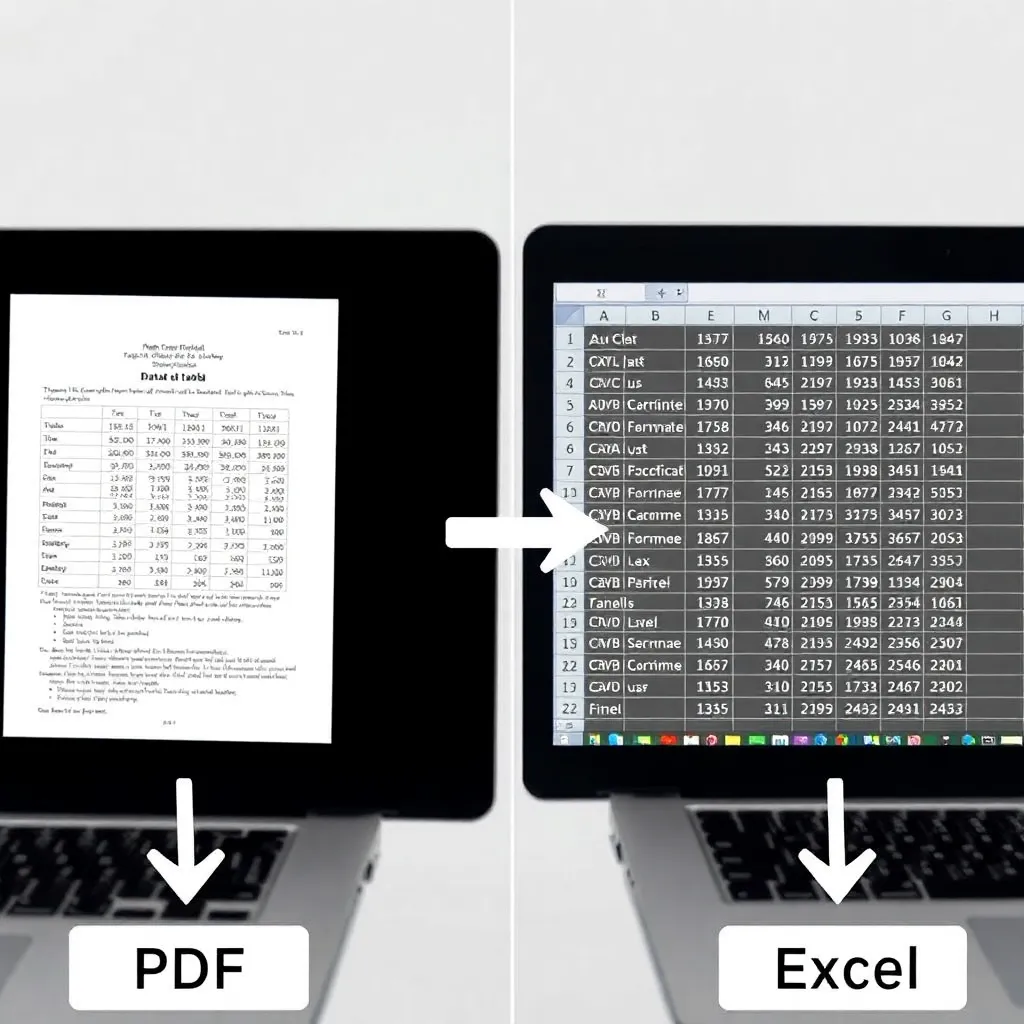
Learn how PDF to Excel converters turn static PDFs into editable spreadsheets, boosting productivity and data accuracy in 2026.
In today’s fast-paced professional environments, the ability to quickly transform unstructured data into actionable insights is crucial. PDF files, while excellent for preserving document formatting, often pose a challenge when it comes to data manipulation and analysis.
This is where Adobe and other software innovators have stepped in with reliable PDF to Excel conversion tools that preserve data integrity during the transition.
By converting tables and forms from PDFs into editable Excel spreadsheets, professionals in finance, research, and operations can seamlessly import data into analytical models, databases, or reporting systems.
The underlying technology behind these converters leverages optical character recognition (OCR) and intelligent layout parsing to accurately detect tables, headers, and cell boundaries—even in complex, multi-column documents.
Advanced tools ensure minimal manual correction, significantly reducing the risk of human error during data entry. According to Gartner, automation in data preparation can reduce processing time by up to 70%, making PDF to Excel converters an essential component of modern data workflows.
These tools are particularly valuable for accountants reconciling financial statements or researchers compiling datasets from published reports.
Beyond individual productivity, organizations benefit from enhanced collaboration and data standardization. Once converted, Excel files can be shared across platforms like Microsoft Excel or Google Sheets, enabling real-time teamwork and integration with business intelligence tools such as Power BI or Tableau.
Cloud-based converters also offer secure, scalable solutions that comply with data privacy standards, ensuring sensitive information remains protected throughout the conversion process.
As digital transformation accelerates, the demand for efficient data extraction tools will continue to grow. The PDF to Excel converter exemplifies how targeted technological solutions can bridge gaps between static documentation and dynamic data analysis.
With ongoing improvements in AI and machine learning, future iterations promise even greater accuracy and broader format compatibility, further streamlining how professionals interact with critical information.
The Challenge of Data Trapped in PDFs
PDF files have become a standard for sharing documents such as reports, invoices, and financial statements because they preserve formatting across different devices and operating systems. This reliability makes them ideal for official communication where layout precision is crucial.
However, the very feature that makes PDFs dependable — their fixed, immutable structure — also poses challenges when users need to extract or repurpose data. Unlike editable formats such as spreadsheets or word processors, PDFs are not inherently designed for easy data manipulation, making them less flexible in dynamic workflows.
Manually copying tables or figures from a PDF into another application is not only time-consuming but also prone to human error, especially when dealing with complex or large datasets. In sectors like finance and research, where accuracy is paramount, even minor mistakes during data transcription can lead to significant downstream consequences.
For logistics and administrative teams managing high volumes of documentation, this inefficiency creates bottlenecks that delay decision-making and reduce operational agility.
Automated tools and libraries such as Adobe’s PDF Extract API and open-source solutions like Tabula-py aim to streamline data extraction, allowing users to convert PDF content into structured formats like CSV or Excel.
These technologies leverage optical character recognition (OCR) and layout analysis to accurately identify tables and figures, significantly reducing manual effort.
As organizations continue to digitize records, improving access to data trapped in PDFs becomes essential for efficiency and integration with modern analytics platforms.
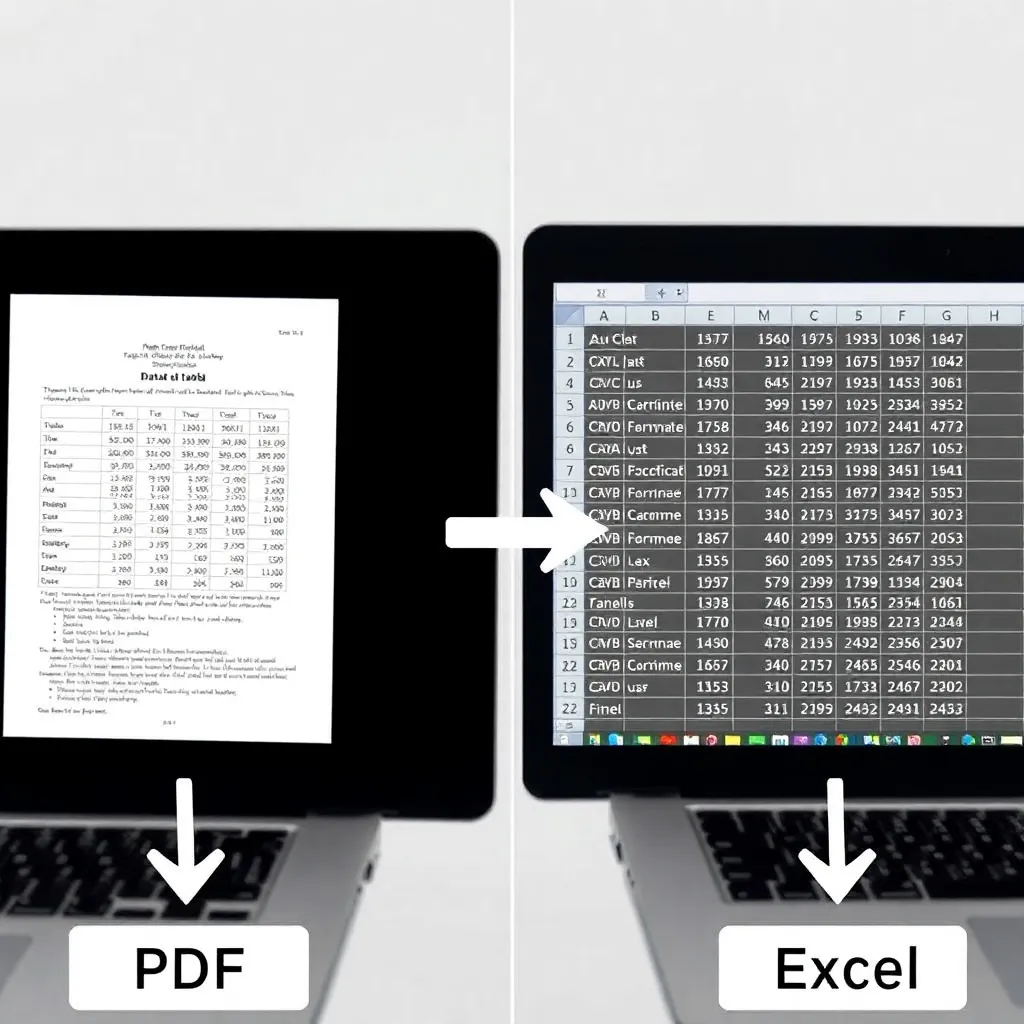
How PDF to Excel Converters Work
Modern PDF to Excel converters leverage sophisticated optical character recognition (OCR) technology to transform static PDF content into dynamic, editable spreadsheets.
These tools go beyond simple text extraction by analyzing the visual layout of a document, identifying tables, and mapping data accurately into corresponding rows and columns in Excel.
This process is especially effective for scanned documents where the original text isn’t machine-readable, enabling users to repurpose legacy data efficiently. For more information on OCR advancements, visit Google’s AI OCR overview.
Advanced layout analysis algorithms play a crucial role in preserving the structural integrity of complex documents. By detecting lines, borders, and spacing patterns, these algorithms can distinguish between different types of content—such as headers, footers, and multi-column tables—and assign them correctly within the spreadsheet.
This ensures that numerical data remains aligned with appropriate labels and categories, reducing manual correction time. Organizations relying on data accuracy often turn to trusted software solutions detailed by Adobe Acrobat’s PDF to Excel tools.
Beyond basic conversion, leading tools aim to maintain critical formatting elements such as font styles, cell colors, and merged cells.
Some even attempt to reconstruct formulas based on recognized mathematical relationships in the original data. While perfect replication isn’t always possible—especially with highly unstructured PDFs—the fidelity of modern converters has improved significantly, making them indispensable for finance, research, and administrative workflows.
The ability to convert both scanned and digitally generated PDFs into structured Excel files streamlines data migration and integration across platforms. Users benefit from faster processing times and reduced errors compared to manual re-entry.
As businesses increasingly adopt digital transformation strategies, reliable conversion tools become essential components of efficient document management ecosystems. More insights on digital workflow optimization can be found at Microsoft’s guide on smart document processing.
Boosting Productivity in Professional Workflows
Automating the extraction of data from PDFs to Excel significantly reduces the time and effort required for manual entry, allowing professionals across industries to focus on higher-value tasks.
Tools that convert PDF to Excel streamline workflows by transforming static documents into editable spreadsheets, enabling immediate manipulation and analysis of data. This automation is especially valuable in fields like finance and research, where accuracy and speed are critical.
For accountants, converting financial reports into Excel spreadsheets allows for seamless integration with existing models and dashboards, improving financial forecasting and reporting efficiency. Instead of rekeying figures manually, they can instantly import tables from PDF statements or audit reports, minimizing the risk of human error.
The American Institute of CPAs (AICPA) emphasizes the importance of accurate data handling in financial reporting, which automated tools help support (aicpa.org).
Researchers benefit by quickly aggregating datasets from published studies, many of which are distributed in PDF format.
Converting these into structured Excel files enables meta-analyses and comparative studies without tedious transcription. Similarly, project managers can transform static project timelines into dynamic Gantt charts in Excel, enhancing planning and stakeholder communication.
Microsoft’s official documentation offers guidance on building such project management tools within Excel (support.microsoft.com).
Overall, the shift from manual data entry to automated conversion fosters faster decision-making, improves data integrity, and supports more agile operations.
As organizations continue to prioritize digital transformation, tools that bridge document formats—like PDF to Excel converters—become essential components of modern productivity ecosystems.

Integration with Cloud and Collaboration Tools
Modern PDF to Excel conversion tools are increasingly designed to work in tandem with leading cloud storage platforms such as Google Drive, Dropbox, and Microsoft OneDrive.
This integration eliminates the need for manual file transfers, enabling users to directly import PDFs from their cloud accounts and export converted Excel files back to the same location.
As remote and hybrid work models grow, this seamless connectivity ensures that data remains accessible and up to date across devices and locations.
For teams collaborating on data analysis or financial reporting, these integrations streamline workflows by reducing friction between departments.
Once a PDF document—such as a scanned invoice or report—is converted into an editable Excel spreadsheet, it can be instantly shared with team members or stakeholders via permission-based access. Real-time co-authoring features in platforms like Excel Online allow multiple users to review, edit, and validate data simultaneously, minimizing delays and version control issues.
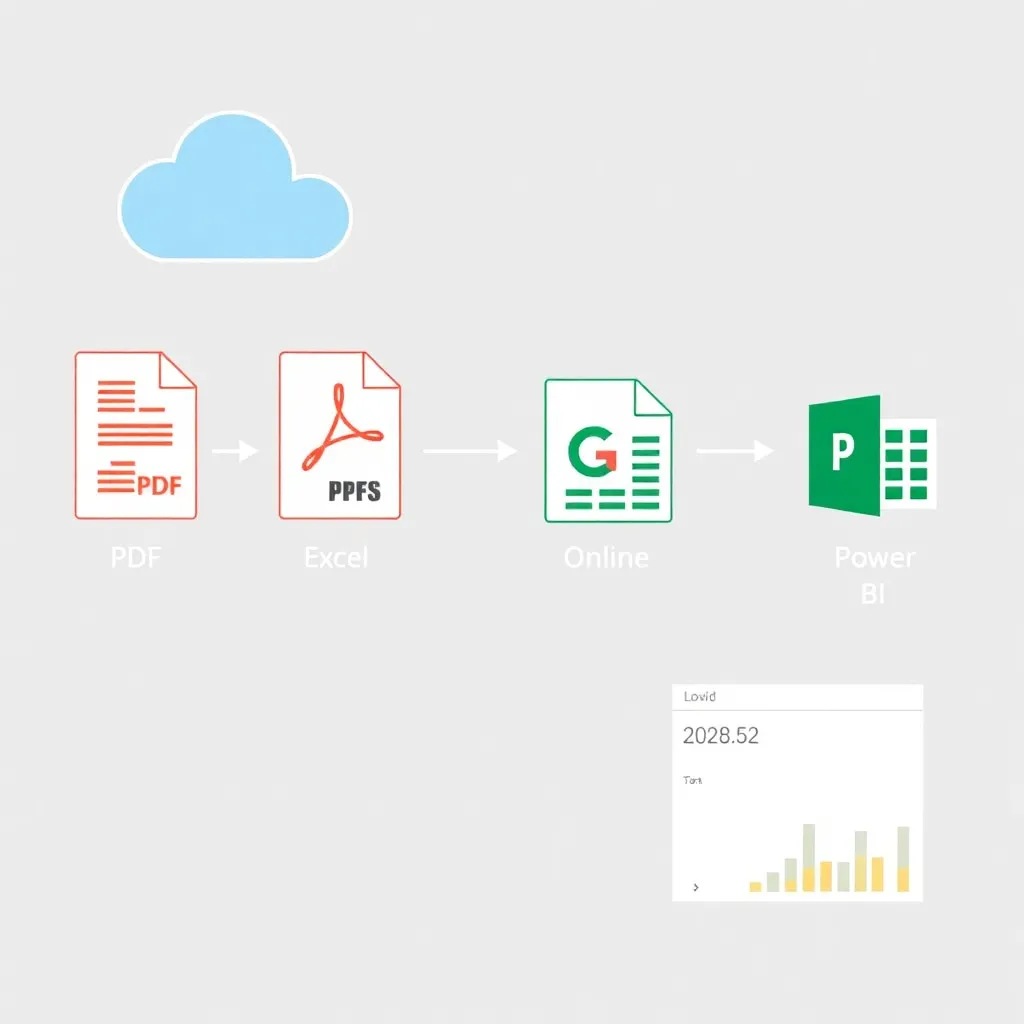
Beyond collaboration, the ability to quickly convert and share structured data supports integration with business intelligence tools like Microsoft Power BI or Google Looker Studio. Converted Excel files can be automatically imported into dashboards, enabling faster decision-making based on accurate, recently extracted data. This end-to-end automation reduces manual data entry errors and accelerates reporting cycles across finance, operations, and marketing functions.
As organizations prioritize digital transformation, the synergy between PDF conversion utilities and cloud ecosystems plays a crucial role in enhancing productivity.
By minimizing the technical barriers to data reuse, these tools empower non-technical users to participate in data-driven initiatives. The result is a more agile, informed workforce capable of responding swiftly to changing business needs—all starting with a simple drag-and-drop conversion from PDF to Excel.
Conclusion: Embracing Smarter Data Management
Converting PDF files to Excel workbooks streamlines the way professionals handle data, transforming static content into actionable, manipulable information.
This process eliminates the need for manual data entry, significantly reducing errors and saving valuable time. Tools that automate this conversion enable users to preserve formatting, retain critical data structures, and quickly integrate information into existing workflows, making them indispensable in finance, research, and operations.
As organizations embrace digital transformation, the ability to extract and reuse data efficiently becomes a competitive advantage.
PDF to Excel converters support this shift by bridging the gap between document-based communication and data-driven decision-making. Whether dealing with scanned reports, invoices, or survey results, these tools ensure that information isn’t trapped in uneditable formats.
Leading software solutions offer high accuracy and compatibility, often leveraging OCR (optical character recognition) technology to interpret complex layouts.
Professionals across industries benefit from reallocating time once spent on repetitive data handling toward strategic initiatives like forecasting, trend analysis, and innovation.
According to the Adobe website, which pioneered PDF technology, seamless data conversion is a cornerstone of modern digital workflows. As data volumes grow, scalable tools that maintain integrity and usability will remain vital to productivity.
Investing in reliable PDF to Excel conversion tools reflects a broader commitment to operational efficiency and agility.
By enabling faster access to structured data, businesses can respond more quickly to market changes and internal demands.
For best practices and standards in document management, resources from ISO provide guidance on maintaining data quality and interoperability across platforms.
