
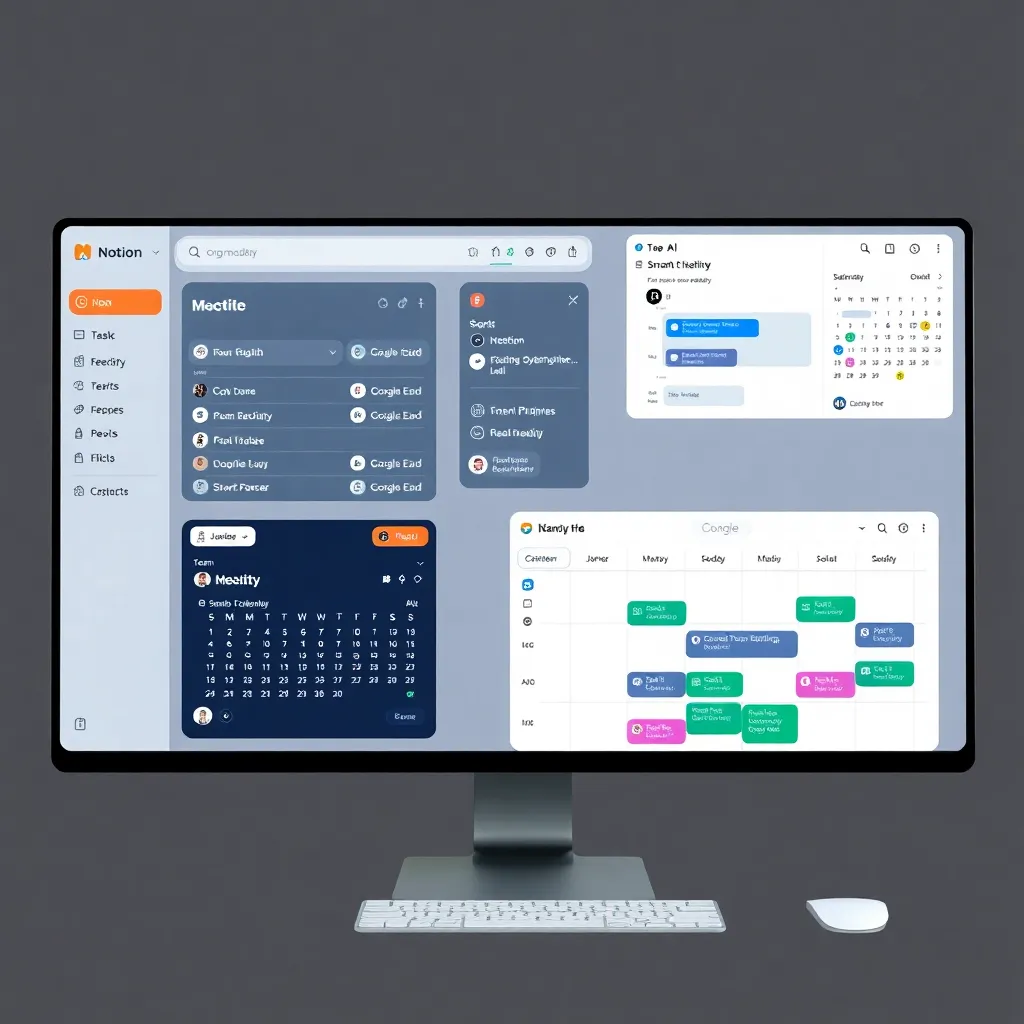
Productivity Software 2026 tools designed to boost efficiency, automate workflows, and help businesses and teams work smarter.
In 2026, productivity software is no longer just about checking off tasks—it’s about working smarter. With artificial intelligence embedded into everyday tools, platforms like Microsoft 365 and Google Workspace now offer predictive text, smart scheduling, and automated meeting summaries that save hours each week.
These AI-driven features adapt to user behavior, learning from your habits to suggest actions before you even think of them, making daily workflows feel almost intuitive.
Automation has also taken center stage, allowing teams to create seamless pipelines across apps without writing a single line of code.
Tools like Zapier and Make (formerly Integromat) enable users to connect disparate systems—triggering actions from email updates to project board changes—freeing employees from repetitive data entry.
This shift not only reduces human error but empowers non-technical staff to build efficient workflows that once required developer support.
Collaboration has evolved too, with real-time co-editing now enhanced by contextual AI assistants that summarize discussions, assign action items, and track decision timelines.
Platforms such as Notion and ClickUp have integrated ambient intelligence to keep team members aligned, even across time zones.
These advancements reflect a broader trend: the workplace isn’t just becoming digital—it’s becoming dynamic, responsive, and increasingly self-managing.
Notion AI: All-in-One Workspace | Productivity Software 2026
Notion AI is redefining how teams and individuals manage their workflows by integrating powerful artificial intelligence into an already robust all-in-one workspace.
With features that support note-taking, database management, project tracking, and knowledge organization, Notion streamlines productivity in a single, customizable environment.
Its intuitive interface allows users to build personal wikis, manage complex projects, or simply jot down ideas—all within nested pages and linked databases that grow with your needs. This flexibility has made it a favorite among startups, remote teams, and individual creators alike.
What sets Notion AI apart is its intelligent automation capabilities. The platform can now automatically summarize meeting notes pulled from uploaded transcripts or linked calendars, saving hours of manual review.
It drafts content on demand—whether it’s blog outlines, email responses, or project briefs—using context-aware suggestions that adapt to your tone and style.
These AI-powered tools are designed to reduce cognitive load and help users focus on high-impact work instead of repetitive formatting or information sorting.
Another standout feature is Notion AI’s ability to analyze user behavior and deadlines to recommend task prioritization.
By learning from your past actions and upcoming due dates, it surfaces the most urgent items and even suggests when to reschedule lower-priority tasks. This proactive guidance helps prevent burnout and improves time management across personal and team workflows.
For those looking to dive deeper into its capabilities, Notion’s official AI page offers detailed walkthroughs and use cases.
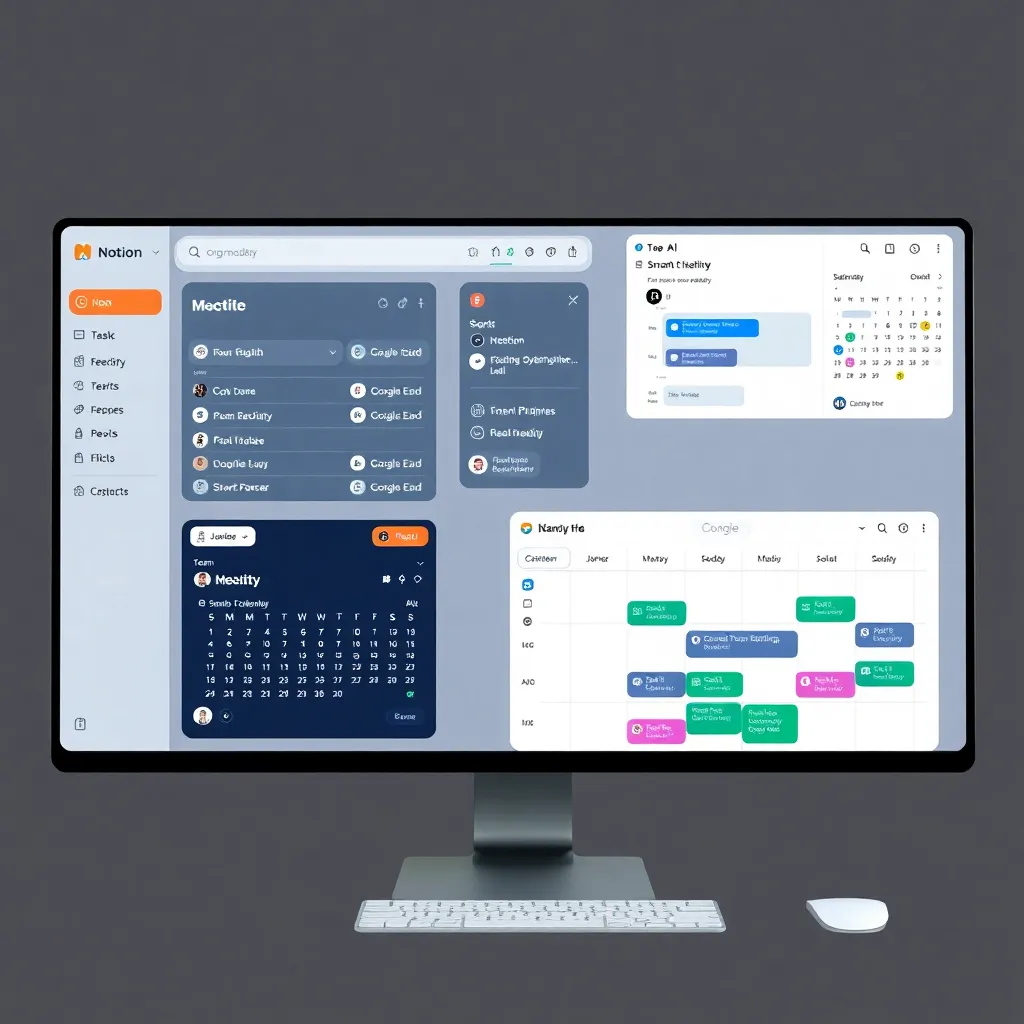
2. Microsoft 365 Copilot: AI-Powered Office Suite
Microsoft 365 Copilot acts as an intelligent assistant woven into the fabric of everyday productivity tools like Word, Excel, PowerPoint, Outlook, and Teams.
By leveraging advanced AI, it provides real-time suggestions that adapt to your workflow—whether you’re drafting a document, analyzing complex spreadsheets, or preparing a presentation. In Word, for example, Copilot can refine your writing by adjusting tone or summarizing lengthy sections, while in Excel, it helps uncover insights from data using natural language queries.
This seamless integration means users spend less time on repetitive tasks and more time focusing on strategic work.
One of the standout features of Microsoft 365 Copilot is its ability to understand context and user intent across applications.
When composing an email in Outlook, it can draft concise messages based on previous conversations, saving time and ensuring consistency.
In Teams meetings, Copilot can generate summaries, assign action items, and highlight key discussion points, improving collaboration without extra effort.
These contextual capabilities are powered by Microsoft’s robust cloud infrastructure and security framework, ensuring data remains protected.
Learn more about how Copilot enhances teamwork and productivity on the official Microsoft 365 website.
For organizations looking to boost efficiency, Copilot’s presence across the Microsoft ecosystem creates a unified experience that reduces friction between apps.
Instead of switching contexts or reformatting data, users can let Copilot handle transitions—like turning a spreadsheet analysis into a slide deck in PowerPoint with minimal input.
The AI doesn’t just automate tasks; it anticipates needs based on usage patterns and project goals. As Microsoft continues to refine Copilot with user feedback, its role as a proactive digital assistant becomes increasingly valuable in modern workplaces.
While Copilot enhances productivity, it’s designed to augment human creativity rather than replace it. It excels at handling routine work, but the final judgment and creative direction remain in the user’s hands.
This balance ensures professionals maintain control over their output while benefiting from AI-driven speed and accuracy.
For those interested in implementation and best practices, Microsoft offers detailed guidance through its Copilot learning portal, helping teams get the most out of this transformative tool.
ClickUp Brain: Unified Project Intelligence | Productivity Software 2026
ClickUp Brain uses advanced AI to streamline project management by automatically updating tasks, predicting potential delays before they happen, and generating detailed status reports with minimal input.
This means teams can stay ahead of deadlines and identify bottlenecks early, improving overall efficiency. By analyzing historical data and real-time progress, the AI provides actionable insights that help managers make informed decisions without manually sifting through spreadsheets or dashboards.
The platform’s intuitive dashboard is designed to adapt seamlessly to various workflows, whether your team follows agile methodologies, manages product launches, or coordinates content calendars.
With customizable views and smart automation, ClickUp Brain reduces repetitive tasks and lets teams focus on high-impact work.
Its flexibility makes it a strong fit for cross-functional teams in marketing, engineering, and operations who need a unified system to track progress.
Integrated directly into the ClickUp ecosystem, ClickUp Brain enhances collaboration by keeping everyone on the same page—literally.
Updates are shared in real time, and the AI can even suggest next steps based on project trends. For more information on how AI is transforming project management, visit ClickUp’s official blog or explore industry insights at Gartner’s PPM research page.
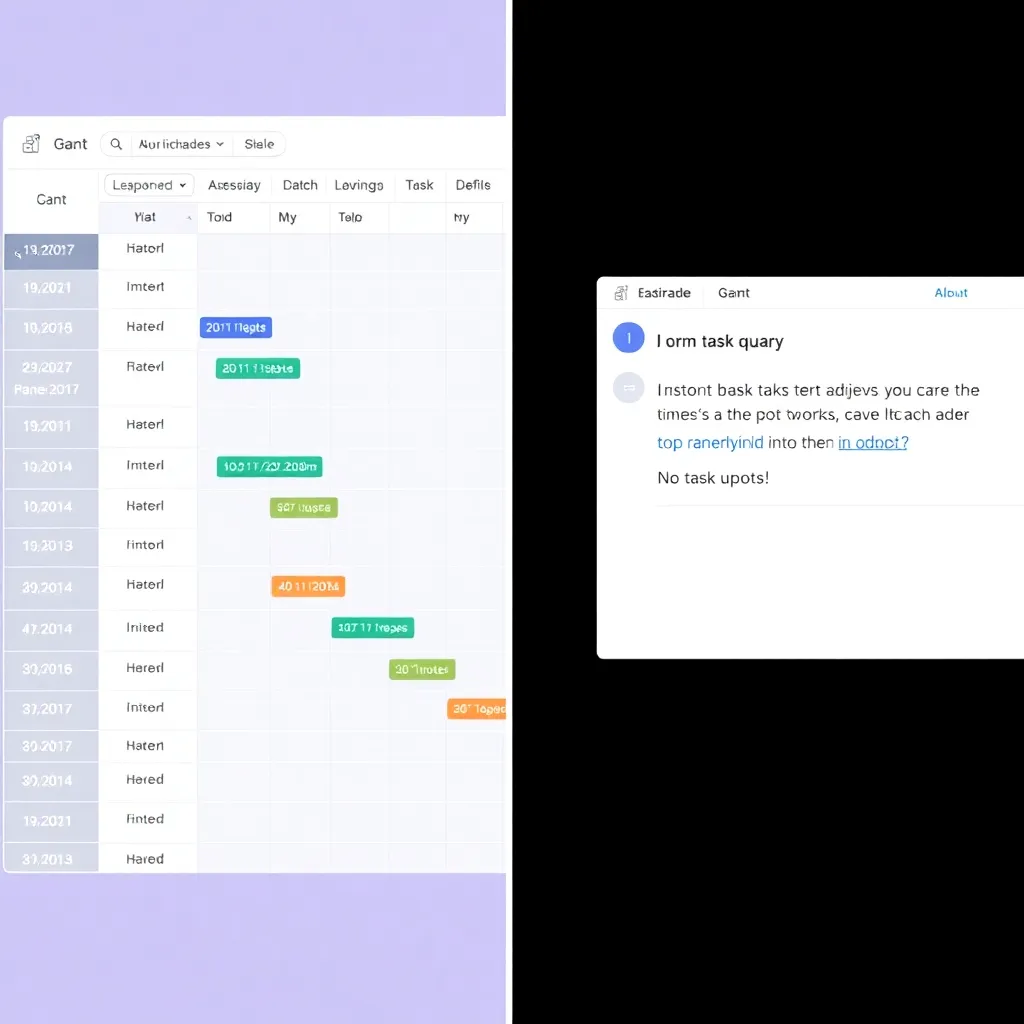
4. Asana with AI Tasks: Smarter Workflows
Asana’s 2026 update is making waves with its AI-powered task creation, streamlining how teams turn everyday communications into actionable work.
By analyzing content from emails, voice notes, and chat messages, the platform can now automatically generate tasks without manual input.
This means that a quick voice memo or a thread in Slack can instantly become a structured to-do item, saving time and reducing the risk of important action items slipping through the cracks.
The feature leverages natural language processing to understand context and intent, ensuring relevance and accuracy in task generation.
Once a task is created, Asana’s AI goes a step further by assigning due dates based on urgency and workload, and even suggests appropriate team members to take ownership.
This smart assignment considers availability, past performance, and current task load, helping distribute work more evenly across teams.
Integration with popular calendar systems like Google Calendar and Outlook ensures that new deadlines don’t clash with existing commitments, minimizing scheduling conflicts and improving overall productivity.
According to Asana’s official blog, these enhancements are part of their broader mission to reduce “work about work” and help teams focus on what truly matters Asana Blog.
The update reflects a growing trend in project management tools leaning heavily into artificial intelligence to enhance workflow automation.
With competitors also exploring similar features, Asana’s tight integration between communication platforms and task execution puts it at the forefront of intelligent productivity software.
For remote and hybrid teams especially, this level of automation can significantly reduce friction in day-to-day operations.
More details on how businesses can leverage these AI capabilities are available on Asana’s official website.
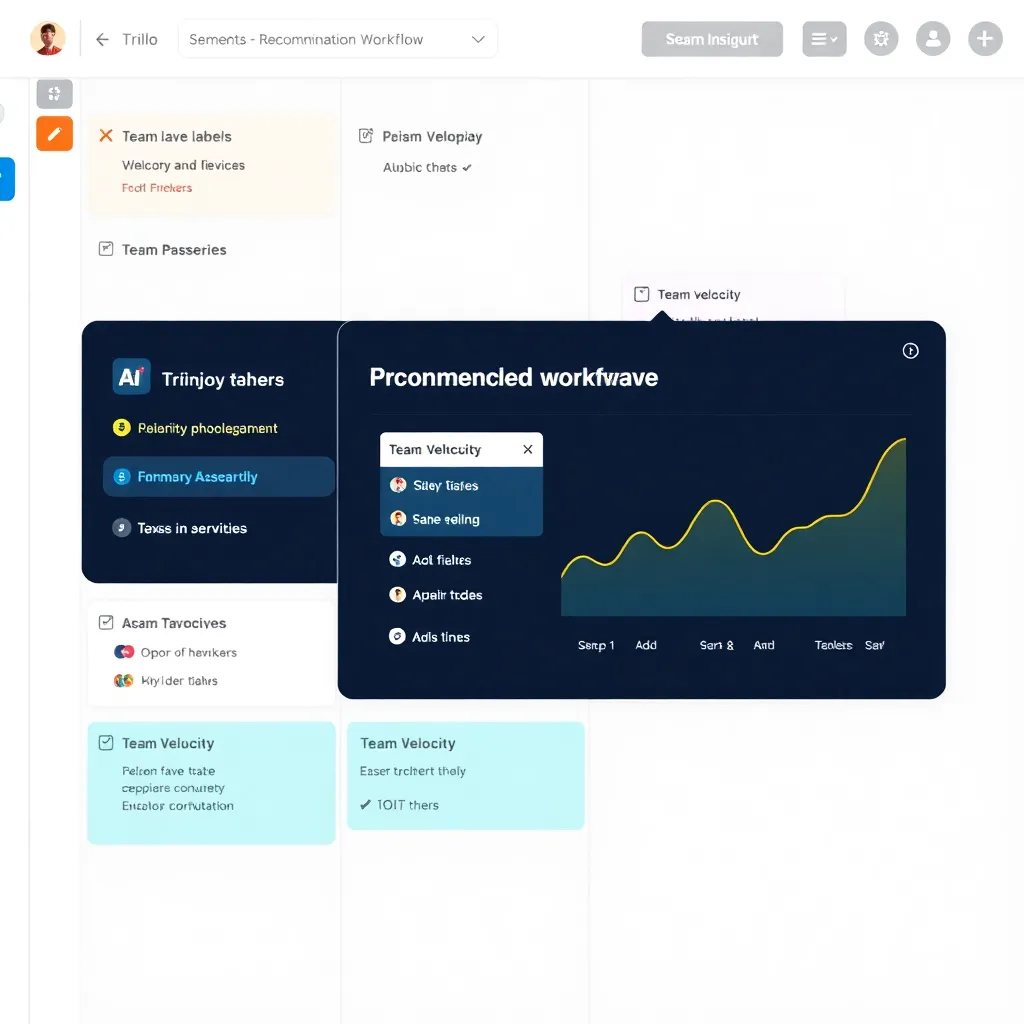
5. Trello IQ: Visual Planning Enhanced by AI
Trello IQ is redefining how teams interact with Kanban boards by integrating advanced AI capabilities directly into the workflow.
Unlike traditional project management tools that rely solely on manual input, Trello IQ uses machine learning to analyze how teams work—tracking patterns in card movement, due dates, and task assignments—to offer predictive sorting of tasks.
This means high-priority items naturally rise to the top, helping teams focus on what matters most without constant reorganization.
The system adapts over time, making it feel less like a tool and more like an intuitive extension of the team itself.
One of the standout features is its intelligent card suggestions, which proactively recommend actions based on past behavior.
For example, if a team consistently adds specific checklists or labels to design-related tasks, Trello IQ will begin suggesting those elements as soon as a new card is created in that category.
This reduces repetitive setup and minimizes human error. Additionally, the AI monitors for potential bottlenecks by detecting cards that have stalled in a particular stage longer than usual, then alerts project leads before delays cascade.
More details about Trello’s evolving AI features can be found on the official Trello website.
Automated workflow optimization takes this a step further by fine-tuning board structures based on performance data.
If certain stages in a workflow consistently cause backlogs, Trello IQ might suggest splitting them into smaller steps or reallocating team members.
These insights are derived from anonymized usage patterns across thousands of teams, giving it a broad understanding of effective project flow.
While Trello IQ doesn’t replace human oversight, it empowers teams to make data-driven decisions effortlessly. For deeper insights into AI in project management, resources like Atlassian’s Trello blog offer valuable case studies and updates.
6. GrammarlyGO: Real-Time Writing and Tone Optimization
GrammarlyGO is stepping far beyond basic grammar correction by actively helping users compose entire emails from scratch.
Whether you’re drafting a quick note or a detailed message, the AI can generate well-structured content based on minimal input, saving time and reducing writer’s block.
This evolution turns Grammarly from a proofreading tool into a proactive writing partner, especially useful for professionals managing high volumes of daily communication.
One standout feature is its ability to adapt tone based on the intended audience. Need a formal message for a client? Or a friendly update for your team? GrammarlyGO adjusts word choice, sentence structure, and overall style accordingly, ensuring your message lands the right way.
This contextual awareness helps maintain professionalism while preserving your authentic voice across diverse interactions.
The integration with CRM platforms like Salesforce and support tools such as Zendesk makes GrammarlyGO a powerful asset for customer-facing teams.
By working directly within these environments, it streamlines responses without requiring users to switch apps or lose workflow momentum. For more details on how Grammarly integrates with business tools, visit Grammarly Business.
7. Zapier Infinity: No-Code Automation at Scale
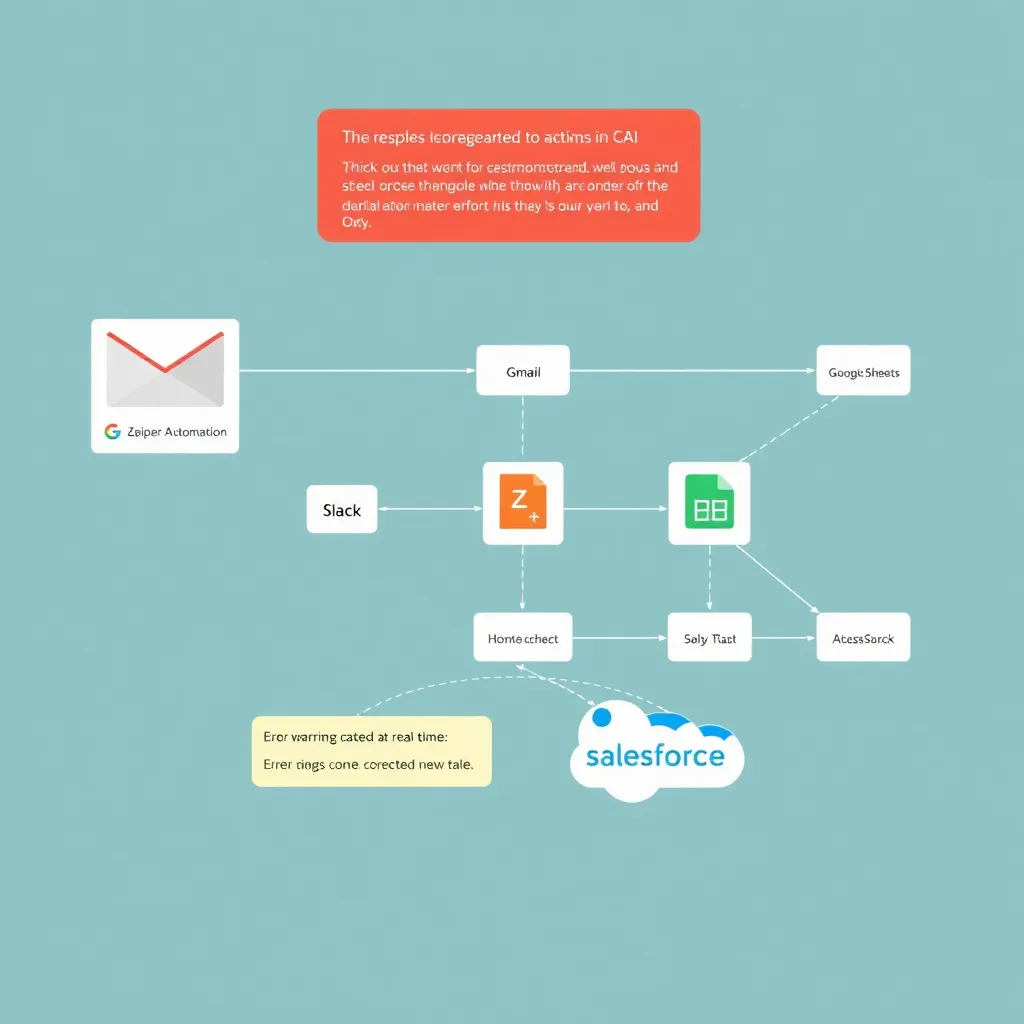
Zapier Infinity is changing the way people automate their workflows by letting them use simple, natural language to build powerful multi-step automations across thousands of apps.
Instead of navigating complex menus or writing code, users can describe what they want in plain English, and Zapier’s AI translates those instructions into fully functional workflows.
This makes automation accessible not just to tech-savvy users but to anyone looking to save time on repetitive tasks. Whether it’s syncing data between apps or triggering actions based on specific conditions, the process feels intuitive and fast.
What sets Zapier Infinity apart is its built-in AI engine that actively reviews your automations for potential issues. It checks for errors, identifies inefficiencies, and even suggests improvements—like reducing steps or optimizing triggers—for better performance.
This real-time feedback helps users create more reliable and efficient workflows without needing deep technical knowledge.
Over time, these suggestions can lead to significant gains in productivity, especially for teams managing complex app ecosystems.
With support for a vast range of integrations—from popular tools like Google Sheets, Slack, and Salesforce to niche platforms—Zapier Infinity acts as a universal connector for modern digital workflows.
The platform continues to learn from user behavior, making its recommendations smarter and more personalized. As businesses and individuals increasingly rely on multiple apps to get work done, solutions like Zapier Infinity are becoming essential for seamless, error-free automation.
8. Loom Pro with AI Highlights
Loom Pro’s latest update leverages artificial intelligence to streamline how teams interact with video content. By automatically generating concise summaries, the tool helps users quickly grasp the essence of a recording without watching it in full—perfect for busy professionals juggling multiple async updates.
This feature is especially useful for remote teams spread across time zones, where efficient communication can make or break productivity.
One of the standout capabilities is AI-powered highlight detection, which pinpoints key moments in a video, such as decisions made or action items assigned.
This means viewers can jump straight to what matters most, reducing friction in follow-ups and onboarding.
Combined with accurate transcription that includes speaker identification, Loom Pro ensures clarity and accountability, mimicking the context you’d get in a live meeting.
For companies adopting hybrid work models, these features bridge the gap between synchronous and asynchronous collaboration.
The integration of speaker identification in transcriptions adds another layer of professionalism, making it easier to track who said what—particularly helpful in feedback loops or project reviews.
As remote work continues to evolve, tools like Loom are setting new standards for digital communication efficiency.
According to research by Gartner, asynchronous tools can reduce meeting fatigue by up to 40%, making smart video platforms increasingly vital in modern workflows.
9. Miro Assist: Intelligent Visual Collaboration
Miro Assist is transforming the way teams collaborate on whiteboards by integrating powerful AI tools directly into the creative process.
With features like AI-generated templates, users can quickly kickstart their sessions without starting from scratch—whether it’s a product roadmap, customer journey map, or agile sprint plan.
These smart templates adapt to your team’s needs and context, streamlining workflows and reducing setup time. This is especially valuable for distributed teams who need consistency and clarity across time zones.
One of the standout capabilities of Miro Assist is its ability to cluster similar ideas automatically during brainstorming sessions.
Instead of manually sorting through dozens of sticky notes, the AI analyzes content in real time and groups related concepts together, helping teams identify patterns and themes faster.
This not only speeds up decision-making but also ensures that no key insight gets lost in the noise—a common challenge in remote collaboration.
Beyond organization, Miro Assist offers real-time facilitation tips to guide teams through productive meetings. From suggesting icebreakers to recommending next steps based on session progress, these nudges help keep momentum going, even when there’s no dedicated facilitator present.
According to Miro’s official blog, this feature supports inclusive participation and reduces meeting fatigue, making virtual collaboration more engaging.
For global teams relying on digital workspaces, Miro Assist bridges the gap between creativity and structure. By combining AI-driven insights with intuitive design, it empowers remote teams to stay aligned, innovative, and focused on outcomes.
As hybrid work becomes the norm, tools like Miro Assist are setting new standards for what collaborative intelligence looks like in practice. Learn more about its impact on teamwork at miro.com.
10. Clockwise: AI Calendar Optimization
Imagine a tool that not only schedules your meetings but also understands when you’re most productive and adjusts your calendar accordingly.
That’s exactly what Clockwise does—it analyzes team availability and work patterns to automatically rearrange meetings, ensuring that focus time is protected.
By intelligently shifting low-priority meetings to less disruptive times, Clockwise helps teams strike a balance between necessary collaboration and the deep work needed for meaningful progress. It’s like having a personal productivity assistant built right into your calendar.
What sets Clockwise apart is its ability to learn from how teams actually work. Instead of treating everyone the same, it identifies patterns in when individuals are most active and least interrupted, then uses that data to optimize schedules.
This means fewer context switches, reduced meeting fatigue, and more time for concentrated effort. Tools like these are reshaping workplace efficiency, and you can learn more about the science behind deep work from resources like Cal Newport’s research on focused productivity.
Looking ahead to 2026, Clockwise is set to take personalization even further by integrating with HR systems. This deeper integration will allow it to adapt not just to work habits, but to individual productivity rhythms influenced by factors like energy levels, time zones, and even personal well-being metrics (where consented).
Such advancements could redefine how organizations support employee performance and work-life balance. For insights into the future of work technology, platforms like Harvard Business Review’s coverage on the future of work offer valuable context.
Conclusion: The Future of Productivity is Smart and Adaptive
The productivity tools of 2026 have evolved from simple task managers into intelligent collaborators. No longer just reacting to inputs, these AI-driven platforms—like Notion and Microsoft 365’s AI suite—analyze your work patterns, prioritize tasks based on deadlines and energy levels, and even draft responses or summarize lengthy documents in seconds.
This shift means less time organizing and more time creating, allowing professionals to focus on strategic thinking and innovation.
What sets these tools apart is their ability to understand context. For example, calendar apps now sync with email and project timelines to suggest optimal meeting times while factoring in workload and focus blocks.
Platforms like Asana and ClickUp use machine learning to predict project delays before they happen, offering real-time adjustments. This level of anticipation reduces decision fatigue and keeps teams aligned without constant oversight.
Another game-changer is personalization. Instead of one-size-fits-all workflows, modern tools adapt to individual working styles—whether you’re a visual thinker, a list-maker, or someone who thrives on voice memos.
With natural language processing and ambient computing, tools like Reclaim.ai automatically schedule habits, protect deep work sessions, and integrate wellness cues—all without manual input.
Ultimately, the goal isn’t just efficiency; it’s sustainability. By reducing friction in daily workflows, these tools help prevent burnout and promote a healthier relationship with work.
As AI continues to mature, the line between tool and teammate blurs, empowering people to spend less time managing work and more time doing work that matters.
