
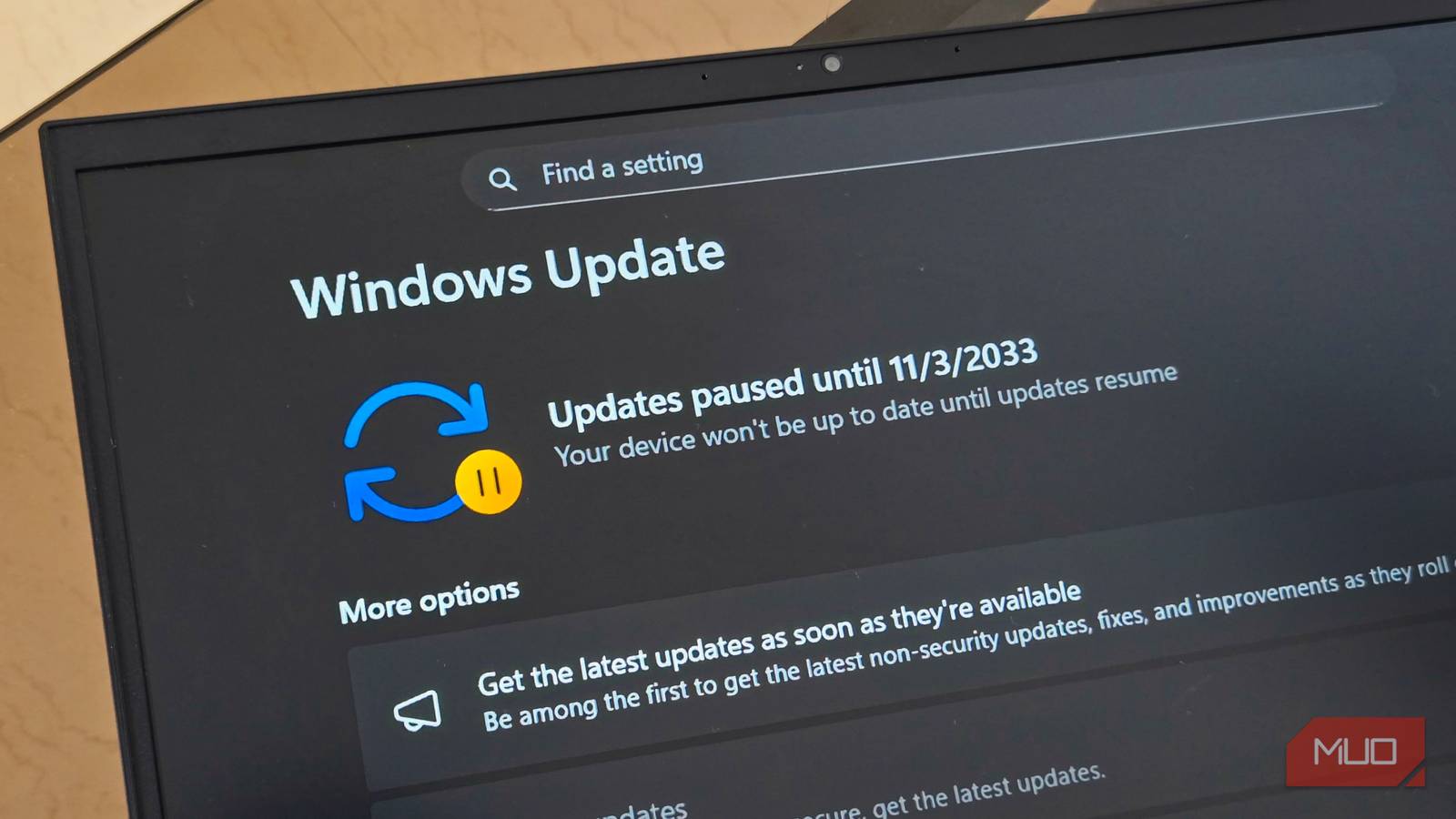
Last week, Microsoft made headlines by saying it wanted to make Windows 11 better. The foundation of this announcement was built on a lot of promises about improved performance, less invasive Copilot integration, and customization options missing from previous versions of Windows were key to this. And so far, it seems the company is already following up on its promises.
The newest Windows 11 Preview is a good step forward
But we should be way further along by now

Seeing a lot of promises from Microsoft that it wants to make Windows 11 better is nice, but the age old saying that actions speak louder than words is key here. But less than a week later, Microsoft appears to be taking a good first step toward actually delivering on its promises, starting with the latest Windows 11 Preview.
The new update, titled 2026-03 Preview Update (KB5079391) (26200.8116), includes a slew of changes, most of which will roll out gradually. This means they won’t be available immediately after you update, but should arrive sometime soon. First is support for 1000Hz refresh rates. This isn’t something most people will need, as we’ve only just seen the first monitor with a 1000Hz refresh rate showcased by Acer, so it’s perhaps the least important change coming.
However, Microsoft is also enhancing Smart App Control (SAC) — something it promised to do back in January 2026 but just started rolling out with this update. The change will now allow you to turn SAC on and off without having to restart your computer, which is a much-needed change.
However, as I noted with the 1000Hz refresh rate support, none of this is paramount to Windows 11’s success, or even some of the big-picture issues that have been plaguing Windows users for years.
File Explorer gets a needed fix
Nowhere near what we were hoping for, though

Perhaps the biggest change that people will care about with this update, and the one that has actually given me some hope that Microsoft will follow through with its promise, is the change we’re already seeing to File Explorer.
If you’ve used Windows for any amount of time, then you know that File Explorer can be an absolute mess with how it performs. We’ve highlighted several File Explorer alternatives as well as tools that improve File Explorer over the years, which have been paramount in making Windows 11 work faster and smoother — especially since File Explorer hasn’t really changed in years.

Windows 10 Might Be Old, but It’s Still the Best Version of Windows
Who needs Windows 11 anyway?
But all of these have been nothing more than a band-aid to the underlying problem, which Microsoft says it plans to finally address. One way it’s doing this is by fixing quality-of-life problems that were introduced in previous Windows updates, one of which is meant to provide extra protection for internet-downloaded files, but has mostly led to an annoyance when trying to preview trusted files you downloaded. Thankfully, the update KB5079391 makes the process of whitelisting trusted files much easier, though this is probably only something that power users will pick up on.
While Windows 11 has gotten better over the years, this update only gives us a small taste of what Microsoft can and should do to make Windows 11 the operating system that it could be. Sure, this update gives me hope that we’re heading in the right direction, but the fixes aren’t mainstream enough for the majority of users to care about. Because of this, I’m still only cautiously optimistic about how quickly Microsoft is going to accomplish its promises. But if the company does deliver, Windows 11 will be a much better platform for it.
