
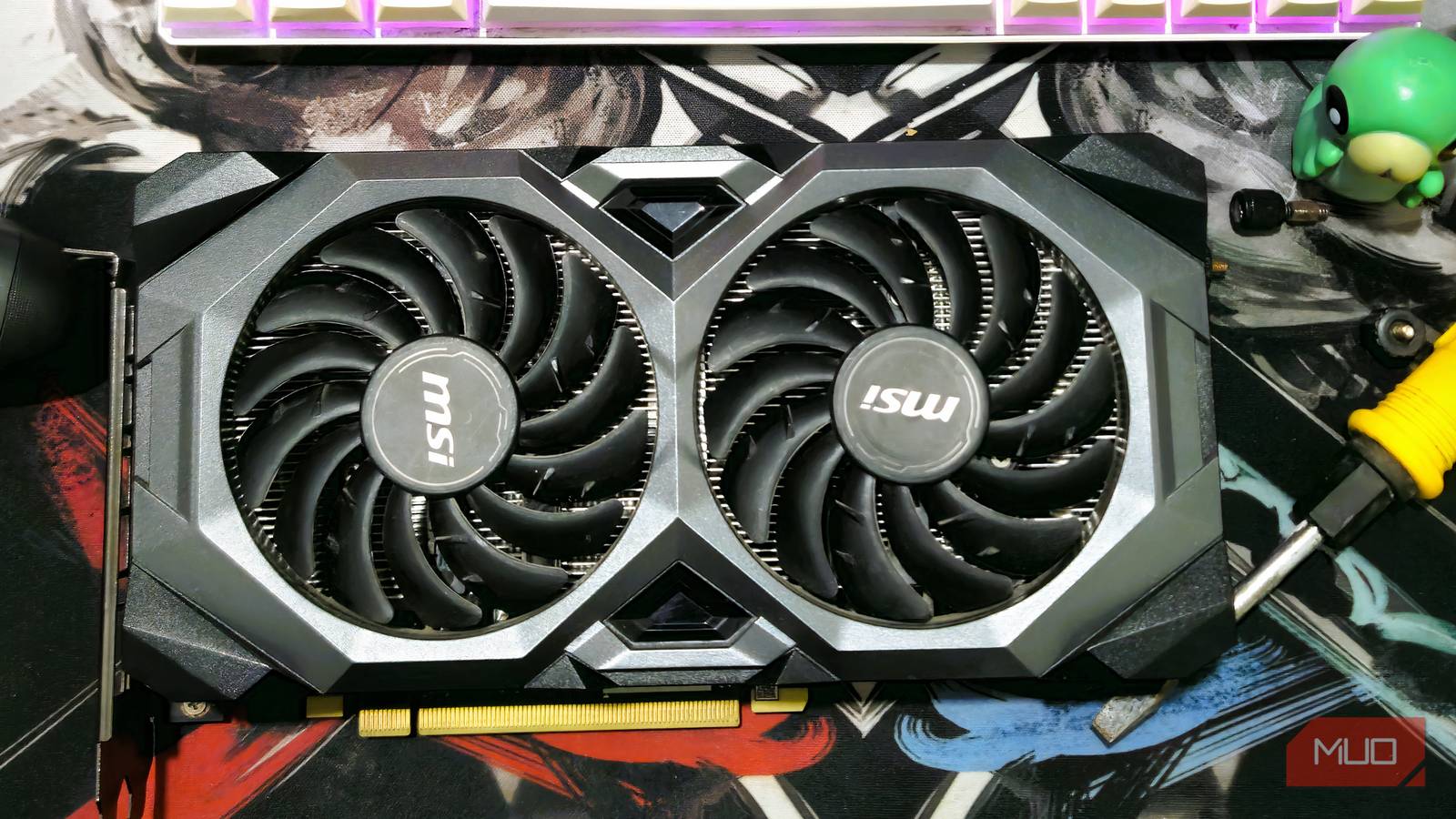
I’m an avid PC gamer, and I’ve spent plenty of time obsessing over frame rates, frame times, and even installing separate operating systems on my PC to try to get the best results from my hardware. But when I’m playing a game that requires kernel-level anti-cheat, and I have to be on Windows, there’s a BIOS setting I’d had off for far too long that could have really helped my performance.
Instead of accessing my VRAM in small chunks, enabling ReBAR or SAM gives my PC access to all available portions of my VRAM at once, reducing traversal stutter and other issues along the way. Before you log onto your favorite game, check your BIOS settings first and check it out for yourself.
Breaking barriers via BIOS
Access all of your VRAM at once instead of little chunks

Video games are a fickle thing. Even if you’ve got the greatest graphics card on the market, or you’ve got a PC that feels like it could withstand anything you throw at it, you may still encounter stuttering. While ReBAR or SAM requires UEFI boots to function properly, you may already have this turned on. Games like Valorant already require a UEFI boot instead of a CSM boot, so you’re already halfway there. By enabling ReBAR or SAM, depending on the type of motherboard you’re using, you could see many of these micro-stutters disappear and get generally better performance because of it. It’s also another one of those settings that manufacturers love to rename for themselves, so depending on your board, it may have a different name. You may need to enable Above 4G Decoding before any of these options show up:
Motherboard Brand | Setting Name | Where to find |
|---|---|---|
MSI | Re-Size Bar Support | Settings -> Advanced -> PCIe Subsystem Settings |
ASUS | Resizable BAR | Advanced -> PCI Subsystem |
Gigabyte | Re-Size BAR Support | Settings -> IO Ports |
ASRock | C.A.M. (Clever Access Memory) | Advanced -> Chipset Configuration |
EVGA | Resizable BAR | Advanced -> PCI |
Once you’ve found and enabled this setting, test it out in your favorite game. The biggest thing that you’re going to notice off the bat, now that your PC is using all available VRAM at once rather than in 256MB chunks, is that micro-stuttering should be almost non-existent. With all of the VRAM being available at the start, it doesn’t have to pick and choose, and instead, can use the full power of your GPU when it needs it. You won’t even need to worry about sending your GPU into overdrive by enabling this, especially if you’re keeping it nice and cool.
More frames per second
You could potentially see an impressive increase in your FPS

Seeing as the GPU has effectively gotten rid of the “chunking” process, using all VRAM instead of 256MB at a time, performance gains are waiting for you. Seeing as I’m using an Nvidia 4060Ti with 8GB of VRAM, I’m seeing performance gains between 5% and 15% in some of my favorite AAA games. Cyberpunk 2077 already ran great on my rig, but I’m seeing some significant improvements by just toggling this one setting on.
Seeing as your GPU helps render assets by essentially removing the bottleneck that was on there before, this helps games run smoother than ever. And you’re able to get these particular gains without any form of overclocking on your device. If you do already overclock, or plan on overclocking in the future, the brute-force gains that you’re already seeing will only be improved further with this setting being toggled on. Verify that your games are taking advantage of this by using GPU-Z or the Nvidia Control Panel to verify that Resizable Bar is set to Yes.

- OS
-
Windows
- Developer
-
TechPowerUp
- Pricing model
-
Free
- Useage
-
GPU Testing
Developers plan for ReBAR
May as well get the gains that devs are including, you know?
Many new games are being developed with DirectX 12 in mind. As developers slowly shift away from DirectX 11, the possibilities for what games may be able to do are looking fantastic. DirectX 11 had a few issues, especially when it came to encountering bottlenecks from single-core CPU issues. DirectX 12 is trying to take full advantage of all of your CPU cores, as well as ReBAR. Things like Ray Tracing, Path Tracing, Mesh Shaders, and more are becoming more popular with DirectX 12 titles, and this setting can make them run better.
Key modern features, things like DLSS or AMD FSR, are tied to DirectX 12, and by toggling ReBAR in my settings, games that ran terribly before are running better now. If you have a more modern GPU and like playing more modern games, turning this setting on is a free way to boost your overall performance.
Some older games may suffer
It can be too much of a good thing, and some games suffer

Some games, like Oblivion Remastered or Hunt: Showdown, can run into issues with ReBAR turned on. Seeing as some of those games are built on the bones of an older title, or they may have an engine that doesn’t know how to read all of that VRAM at once, the micro-stutters that you were trying to get rid of may peek their ugly head in when you least expect them. DirectX 11 titles may also suffer from more stuttering, but there are ways around it.
You can leave the setting on to see the gains in other games, but use something like Nvidia Profile Inspector to toggle the rBAR setting to Enabled or Disabled. This way, you can get the best of both worlds and see major performance gains in your favorite games, while troubleshooting what could have gone wrong in others.
Free boosts are always welcome here
Now I have six years of gaming to catch up on with better FPS
It’s shocking to see how a little BIOS tweak can cause such a major difference, especially if you’re using your PC to play games. While some folks may suggest altering your Registry to get better daily performance, I’d rather mess with the BIOS and see what kind of features I’ll unlock while playing my favorite games.
I’m never going to complain about free boosts, and this way, I don’t have to risk the integrity of my GPU by overclocking it. While it’s fun to push a GPU or CPU to its limit with overclocking, having a piece of expensive technology die out for a few extra frames isn’t the best feeling in the world. Now, I can get it without spending countless hours of my life stress-testing my PC components.
