
I know how frustrating it is to deal with a slow Android phone. Your apps take forever to load, animations stutter, the screen freezes randomly, and your phone might even overheat. I have been there too. Usually, most folks either blame their hardware or think it’s due to a software update (sometimes, we even blame updates for slowing things down). It’s actually some of the apps that you use every day. Of course, modern smartphones have smarter memory management. They can automatically take care of the running apps. You don’t have to close apps on your phone. However, some apps go far beyond. They keep working even if you aren’t using them. Some apps may run background services and constantly sync data, which puts extra pressure on your phone.
I’m not talking about any shady apps. Some of the biggest culprits are, in fact, the popular apps you most probably have installed right now.
TikTok
And other social media apps
Social media apps like TikTok are among the most resource-intensive you can have on your Android phone. These apps are designed to keep you engaged with up-to-date content, which also means they rarely sit idle. Even when you aren’t using them actively, these apps can sync with their servers to fetch up-to-date content for you. For example, TikTok can preload videos, sync notifications, and track engagement data in the background. Also, TikTok has been flagged for excessive background activity, triggering more wake locks than many other popular apps. This prevents your phone from entering true sleep mode.
On top of that, TikTok is very visually demanding. With infinite scrolling feeds, constant on-screen effects, and a layered interface, TikTok is known to cause UI overdraw on Android devices. Basically, your phone redraws the same pixels multiple times in a single frame. This stresses the GPU, making everything feel less smooth. Cache also plays a big role. Social media apps store large amounts of data, like preloaded images and videos. This is to speed up things for you. Over time, the app cache builds up and takes up a lot more storage, which might slow down the app.
If your phone feels sluggish throughout the day, social media apps could be the reason behind it. If you’re worried but don’t want to give up on TikTok, you can try its Lite version instead. According to some online sources, the Lite version loads faster, uses less storage, and performs better on older devices.
Google Maps
The hidden cost of using navigation apps

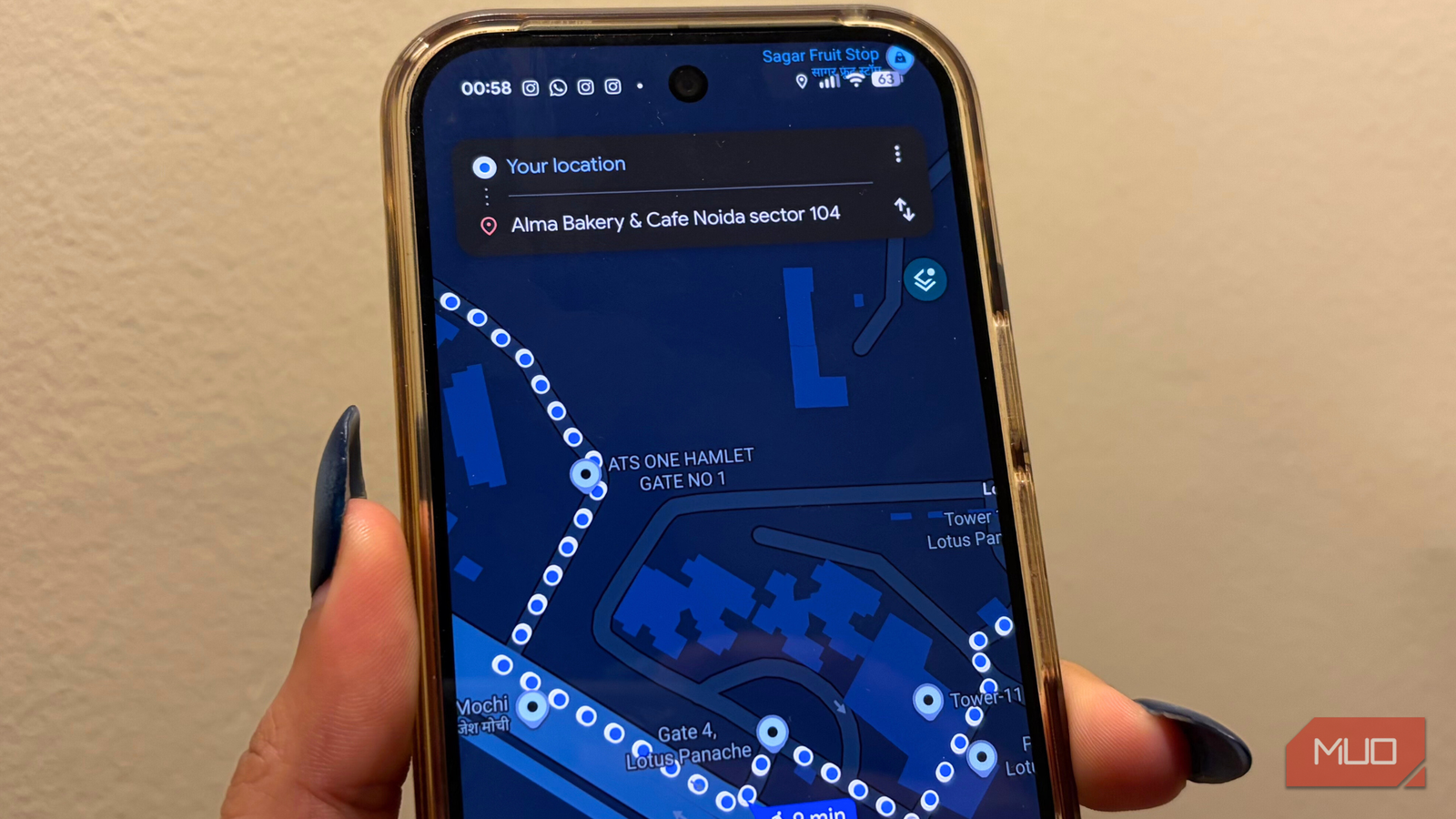
A navigation app is one of the most essential apps on any smartphone. And, Google Maps is one of the most popular choices for Android. While navigation apps consume less data than social media apps, they are heavy on system resources. With continuous GPS tracking, screen-on time, and real-time data updates, and background services, Google Maps requires more battery and processor resources.
If the location permissions are set to “Allow every time,” Google Maps can access your GPS data even when you aren’t using it actively. And, this matters a lot. Location services are one of the most power-hungry features on any smartphone. When you combine this with constant background syncing and cached map data, it can increase CPU usage and drain the battery abnormally. Even if you close the app, it may continue to run certain processes for a while, especially if you’ve recently used navigation.
No, this isn’t a flaw. That’s how most navigation apps are designed. Even if you clear the cache regularly, it won’t help because it will rebuild data based on your location. If you own a Google Pixel 10 model, you can turn on the in-app power-saving mode to extend battery life.
Spotify
Not as light as it seems

Spotify may seem lightweight; it’s a music streaming app, after all. In reality, it’s pretty demanding and can slow down your phone. It runs background services to ensure smooth playback while constantly syncing your playlists, listening history, and recommendations. It also caches content to reduce loading times and offline listening. Of course, this helps prevent buffering problems, especially on slower connections. Over time, the cache can grow very large, taking up significant storage space on your device.
This becomes a really big problem when your phone is running low on storage. When Android doesn’t have enough room to manage files and functions, it can lead to a system-wide lag.
Even when you aren’t actively using Spotify, it may still refresh content and sync your library. Also, downloading songs for offline use requires RAM and storage space. If your phone has limited RAM, like 4GB, it can hamper the overall performance. You could experience random stutters and lags, especially when you’re multitasking between apps.
Google Photos
Quietly eating your phone’s power
Google Photos comes preinstalled on almost all modern Android phones. Many users rely on Google Photos without realizing that it also slows down their devices. The main reason is its backup and syncing features. Like many other apps and services, Google Photos relies on cloud services to function properly.
Whenever you take a photo on your phone, Google Photos indexes it, uses AI to generate thumbnails and tags, and then uploads it to the cloud. This background activity uses both CPU and network resources. It can also cause sudden spikes in processing, increased heat, and trigger slowdowns. This is very common if you have large media libraries or have recently transferred many photos.
If you’re using the free version, these frequent cloud updates can quickly fill your 15GB space limit. This adds to the frustration. So, if your phone feels slow, you can turn off or at least limit back-ups. This will help you reduce network use, preserve battery life, and even save some precious storage too.

I disabled background activity for these 5 Android apps and now my battery lasts much longer
Meet the real culprits
Your phone isn’t slow, it’s just too busy
It’s easy to believe that a slow Android phone is a sign of aging hardware. But that’s not always the case. Sometimes, it could be the apps you rely on the most. Apps like TikTok, Google Maps, Spotify, and Google Photos aren’t necessarily poorly designed; they simply consume a lot of system resources. When several such apps run in the background, performance can suffer noticeably. When your phone has several resource-heavy applications, the performance obviously takes a toll.
I’m not asking you to uninstall all of these apps. But you need to pay close attention to how these apps work. For example, you can limit unnecessary background activity, review your app permissions, monitor battery and resource usage, and turn off auto-sync where it’s not needed. Your phone might not actually be slow; it could be working harder for some apps unnecessarily.
