
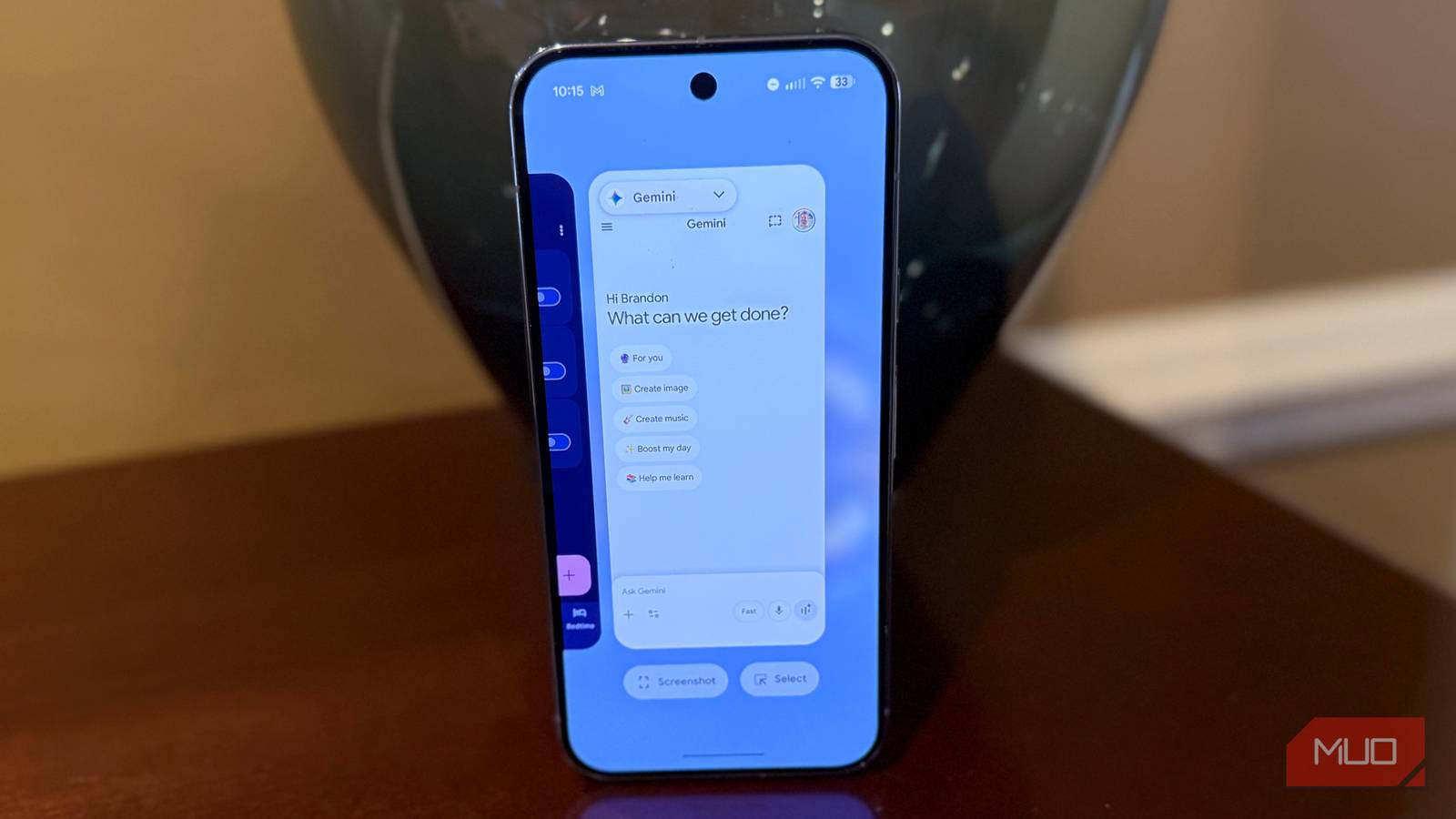
Whether Google Assistant or Gemini on Android, or Siri on iPhone, your phone can do a lot via voice commands that you might not know about. At least that was the case for me, where I stumbled on a handful of time-saving voice commands that aren’t immediately obvious but can clear out your old alarms, reboot your phone for a fresh start, and even identify any song without digging into a separate app. Here are five time-saving voice commands that you can use right now on your Android or iPhone.
Some of these commands will even work on your smart home speaker (if you have multiple Amazon Echos at home, make sure you take full advantage), but unless otherwise noted, you can use any of these on Android (by pressing and holding the power buttons to bring up your assistant, or by saying “Hey Google”) and on iPhone (again, by pressing and holding the power button, or by saying “Hey Siri”).
Set up multiple timers with labels
Perfect while cooking
You probably already use your smart home speaker to set up multiple timers with labels when cooking. It’s great to be able to say “Alexa, start a 20-minute cake timer” and then “Alexa, start an 8-minute timer for the chocolate frosting.” You can then refer to these timers individually (“Alexa, how much longer on my cake timer?”) or you can bring up a dashboard of all of your times (“Alexa, show me my timers”).
This functionality also exists on Android and iOS, and it’s incredibly useful if you don’t have a smart home speaker or you just want the convenience of having a timer dashboard right on your phone. Just treat your phone’s assistant the same way (for example, “Hey Google, start a 20-minute cake timer). On Android, you can have up to 100 simultaneous timers. On iPhone, you can have up to 60.
Clear out your 47 alarms instantly
Delete all the alarms you’ve accumulated in one shot

I bet you have dozens of alarms in your clock app from over the years. Neither Android nor iPhone will delete old alarms as you add new ones. With a simple voice command, you can start fresh and clear all your alarms. Just say “Hey Google, delete all alarms,” and then you’ll have a fresh slate, since deleting all 47 of your old alarms would be tedious.
Reboot your phone with your voice

Even the best hardware of today needs to be rebooted once in a while to reload system files and give you a fresh start. What was once as easy as holding the power button to access a phone’s power menu is no more: pressing and holding the power button on both Android and iOS brings up the voice assistant. To reboot, pretty much every phone has a different series of taps to get your phone to restart. Instead, use the voice assistant to just say “Hey Siri, reboot my phone,” and you’ll be able to restart in seconds.

- OS
-
Android
- Developer
-
Google
Turn on your flashlight with a voice command
One of your phone’s most important tools is within easy reach

Perhaps you have a lock screen shortcut to toggle your phone’s flashlight, or perhaps you added a control to your notification shade (or maybe you’re like me and avoid your app drawer entirely by putting app shortcuts in the notification tray). But regardless of whether you have those shortcuts, you can simply toggle your flashlight with a voice command by saying “Hey Google, turn on flashlight.”
Instantly identify any song
No need for Shazam

You used to need a third-party app like Shazam to identify songs, but that is no longer the case. On both Android and iPhone, you can use the voice assistant to ask what song is playing, and the voice assistant itself will listen and identify the song, and even give you direct links to listen to the song or add it to your library. To do this, just ask, “What’s this song?”
Try these other time-saving voice commands
Some of these are not obvious

There are so many voice commands you can do on Android and iPhone that can save you time and make life easier. I’ve compiled a list of some of my favorites below, again, all of which can be triggered by either saying “Hey Google” or “Hey Siri” or just by pressing and holding your power button.
You can even trigger these hands-free from across the room if you have ambient voice command turned on, both for Android (go to Google app > Settings > Gemini > Talk to Gemini hands-free) and iPhone (go to Settings > Siri & Apple Intelligence > Talk & Type to Siri > turn on Hey Siri).
- Translation: “How do you say [word] in [language]?”
- Precise volume control: “Set volume to 45%”
- Quick message a contact: “Send text to [name] saying [message]”
- Geofenced reminders: “Remind me when I [get home] to [reminder]”
I’m always blown away by what you can get done on a smartphone with voice controls — what’s your favorite lesser-known command?
