
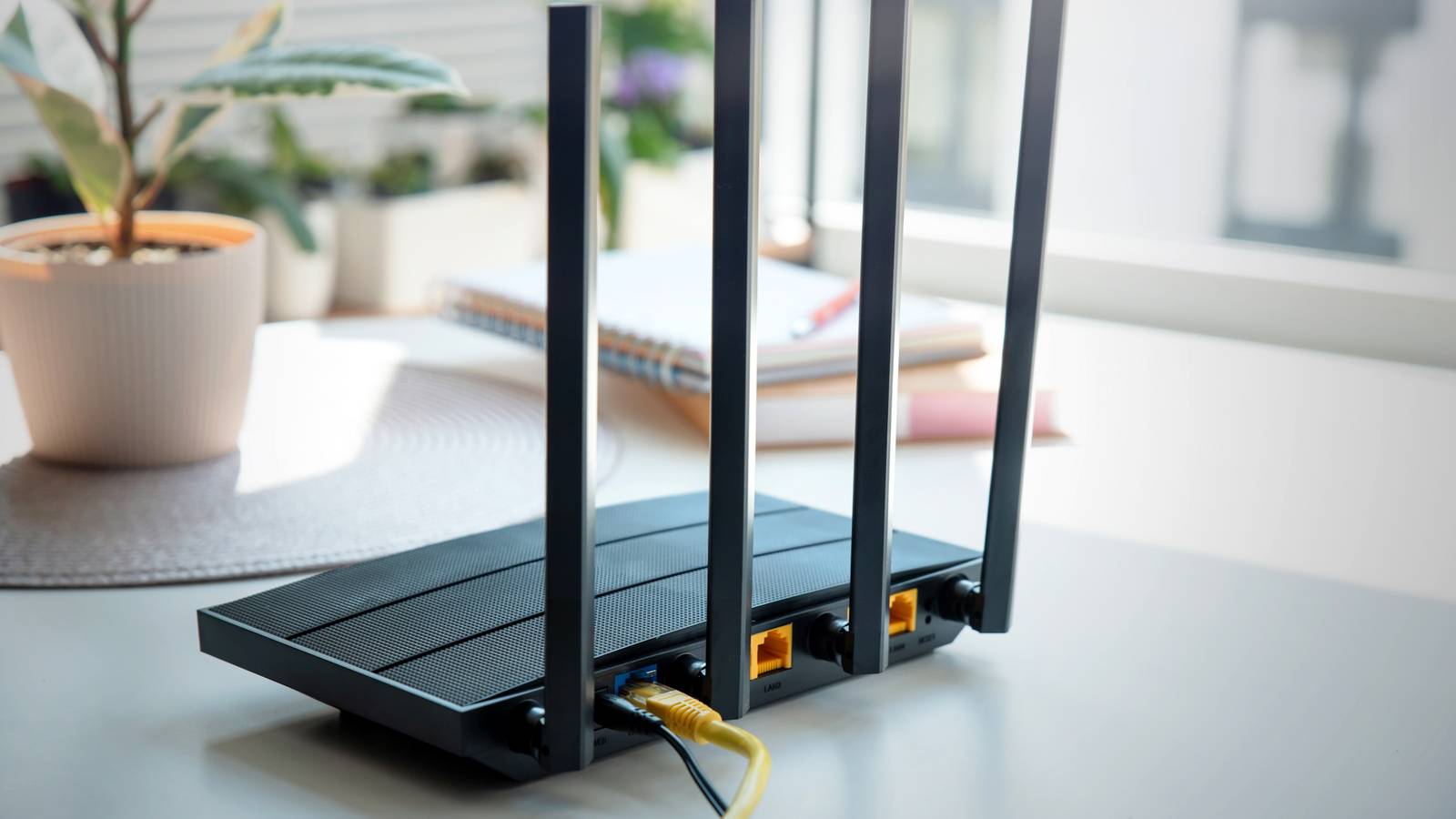
Keeping up with the times is essential when it comes to your internet. You don’t want to be left waiting for something to buffer and load on your computer, TV, or phone. The higher and stronger the Wi-Fi speeds, the better equipped your router needs to be to handle it.
This also goes for your devices as well, as they should be able to connect to your Wi-Fi if they can’t connect another way, like via Bluetooth. When you’re trying to diagnose why your internet might be slow or why the connections might not be strong, the main piece of equipment should be where you start. If your router isn’t up to the challenge, your devices won’t be either. There are some telltale signs of when to replace your router.
If your router is 5 years or older, it’s time to replace it
These can’t handle the speeds you need them to

As a general rule of thumb, if you got your router 5 years ago, it’s time to upgrade. Whether you’re renting your router from your internet service provider (ISP) or you bought your own, once it reaches the five-year limit, chances are it won’t work as well.
This is because Wi-Fi technology is ever evolving. The latest bands like Wi-Fi 6 and 7 aren’t going to be supported on a router that’s that old.
If you’re paying for a high-speed internet package, you want to get the most out of your money. This means having the best equipment possible to do so. An older router just simply won’t be able to keep up.
The reason is that the technology simply wasn’t there when the router was created. It doesn’t have the ability to support something like Wi-Fi 6 or 7, meaning as those standards become more available and popular, your router won’t keep up.
Stop unplugging and plugging in your router
It’s dated if this keeps happening
Do you find your internet stalling or failing to load websites for you? If your system is set up and you have to use the classic trick of unplugging it and then plugging it in again multiple times per week, the router is on the outs.
With needing to troubleshoot a device this often, it’s not worth the hassle. You might as well get something that is going to last awhile and actually do what it needs to do while it’s plugged in.
A failing router means that the Wi-Fi is dropping frequently and that the router randomly reboots. The router itself might also be overheating, as it should never actually be hot to the touch.
Your router doesn’t need to be experiencing all of these symptoms to be considered a failing one. Just one of them can mean that your router should be replaced.
Your data is going nowhere fast
Those speeds get slow and you can’t figure out why

You pay your ISP a good amount of money to deliver fast internet speeds. You’re not spending the money for slow internet. You want to maximize all of your devices and have a functioning home.
Unfortunately, your router can start to slow down as it gets older. This isn’t a surprise, as almost every piece of technology becomes a little more obsolete each day it gets older. It’s bound to happen with your router as well.
If you’re paying for a strong service plan and you’re not receiving strong connections and speeds, your router could be the issue. The router itself might be bottlenecking your data.
This could be because it doesn’t know which band to put your devices on. If you have a dual-band router, it should have the option to put things on a 5GHz and a 2.4GHz band. The router, using the process of band steering, decides which band is going to be better for the device to get the best output from it.
However, it could overload one of the bands by putting too many devices on it, naturally slowing it down. While you can make the changes yourself by logging into your router’s settings or you can split your Wi-Fi bands to make the process more manual, if you find that the router is more often choosing the slower speed, it could be time to replace it.
The range can’t quite reach where you need it to
A shrinking in range isn’t good for anyone

I’ve had issues with my Wi-Fi before where the router’s signal doesn’t reach every section of the house. My bedroom is the farthest point away from the router in the entire house and setting up Wi-Fi smart bulbs has been difficult at times.
Needing a range extender has helped, but I probably should have relied on a mesh router instead. This eliminates dead spots and helps spread the signal more evenly throughout the entirety of your home.
But, let’s say that you have a router in one place in your home and it’s working fine for a while. Over time, though, that range can shrink. This is mostly due to the degradation of the hardware itself. Having a router plugged in for years on end can affect it in the long run.
At the end of the day, this still falls under having equipment that is becoming dated. But noticing your signal being weaker in areas of the house where it didn’t used to be that way is going to frustrate any user. Rather than relying on a range extender or upgrading to a mesh system, which can be pricier, it’s smart to look into a new router.
If it’s past its prime in terms of security, you shouldn’t feel safe
It needs to keep up with its updates

Safety regarding your data is no joke. Cybersecurity is one of the most important aspects to pay attention to, as it can be the difference between feeling safe in your home and not.
If your router is unable to have its firmware updated because the manufacturer has deemed the router too old to update, it’s time to update. This should not be continued to use once the firmware updates have been turned off. This is when your internet is most vulnerable.
There is a bright side to this. If you have a router that the manufacturer singles out as one they won’t be updating anymore, you could be allowed to upgrade for free. This is the case if the router you’re using is one that you’re renting from an ISP.
If you have your own router, it’s on you to replace it. But make sure you’re not bargain hunting as you should take the time to understand which one you should change to.
Can’t seem to hook up your new devices to it? Get it out of here
You should choose the newer devices over the older router

You’re excited about the new smart home device you just bought or your latest gaming computer. You go to hook it up to your Wi-Fi and realize it’s just not connecting like it should.
It could be that the router can’t connect to the newer device. Even if it does, the device could run more slowly than it should. This is a tell-tale sign that it’s time to swap routers.
If you’re spending money on newer gadgets, you don’t want something as simple as an older router minimizing its capabilities. You should look for, at minimum, a dual-band router. Because even if you have a single-band router, your devices could be mixed up with a microwave’s signal.
Taking the logical next step and choosing a dual-band router should help you connect with almost any device you’re bringing into your home.
Keep an eye out for signs of a failing router
If you’re unplugging and plugging your router in multiple times per week, you should probably keep it unplugged. An aging router could be the reason why your devices are running slower than they should be. Pay attention to some of the warning signs that your router is at the end of its lifecycle. Seek out a new one as soon as you can if this is the case.
