
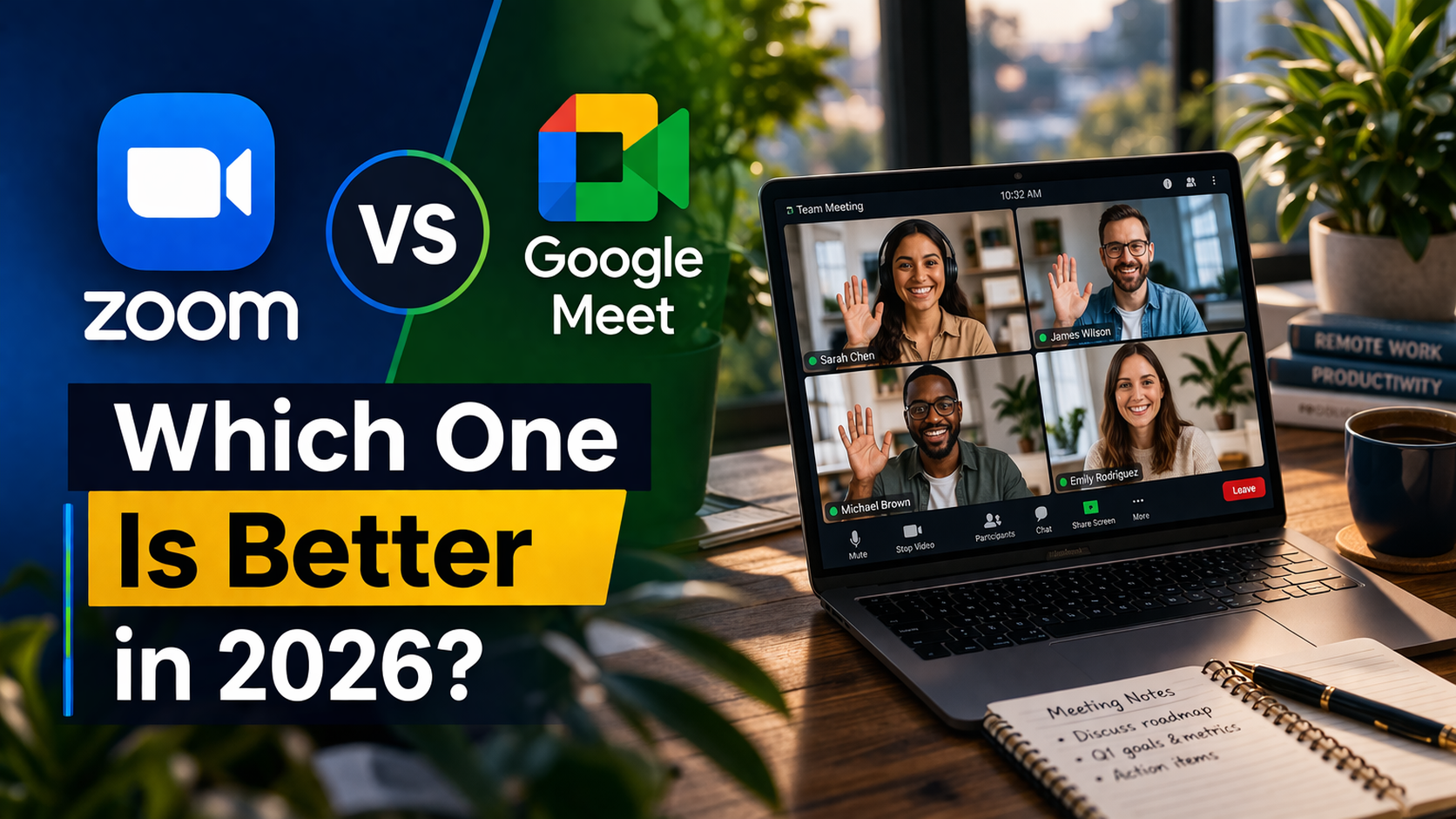
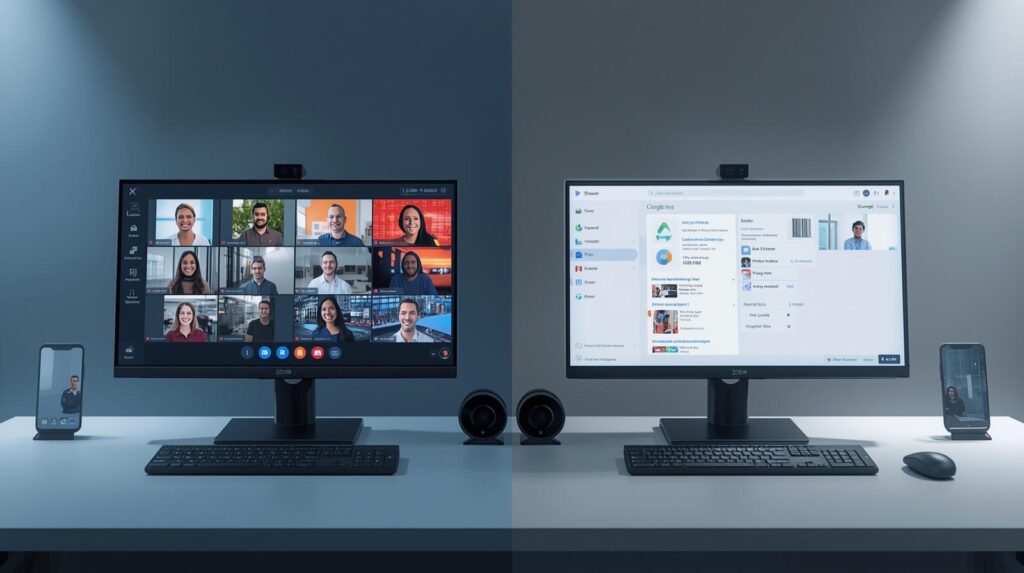
Choosing the right video conferencing tool is more important than ever in 2026. Whether you’re working remotely, attending online classes, or hosting business meetings, platforms like Zoom and Google Meet are leading the way.
But which one is better?
In this detailed comparison, we’ll break down everything you need to know—features, pricing, performance, and real-world use cases—so you can choose the best platform for your needs.
What Is Zoom?
Zoom is a powerful video conferencing platform known for:
- High-quality video and audio
- Advanced collaboration tools
- Webinars and large meetings
- AI-powered features
It became extremely popular during the pandemic and remains a top choice for businesses and educators.
What Is Google Meet?
Google Meet is a browser-based video meeting tool that’s part of Google Workspace.
It is known for:
- Simple interface
- Easy access (no downloads needed)
- Strong integration with Gmail, Docs, and Calendar
- Affordable pricing
Zoom vs Google Meet: Quick Comparison Table
| Feature | Zoom | Google Meet |
|---|---|---|
| Ease of use | Moderate | Very easy |
| Free plan limit | 50 minutes | 60 minutes (group) |
| One-on-one meetings | 50 minutes | Unlimited |
| Max participants | Up to 1,000+ | Up to 1,000 |
| Collaboration tools | Advanced | Basic |
| Integration | Many third-party apps | Google ecosystem |
| Pricing | Higher | More affordable |
| Best for | Large teams & webinars | Simple meetings |
Ease of Use: Which Is Simpler?
Google Meet Wins for Beginners
Google Meet is extremely easy to use:
- No app installation required
- Join meetings with a single link
- Clean and simple interface
You can start a meeting in seconds directly from your browser, making it ideal for beginners or non-tech users.
Zoom Is Slightly More Complex
Zoom requires:
- Account login
- Optional app download
- More setup steps
However, once you learn it, Zoom offers more control and customization.
Features Comparison: Zoom vs Google Meet
Core Features (Both Platforms)
Both tools include:
- Screen sharing
- Chat during meetings
- Recording
- Reactions and hand-raising
- Breakout rooms (limited on Meet lower plans)
Zoom’s Advanced Features
Zoom stands out with:
- Whiteboards for brainstorming
- Collaborative documents
- AI meeting summaries
- Breakout rooms (full support)
- Webinar hosting tools
Zoom is clearly more feature-rich for teamwork and collaboration.
Google Meet’s Strengths
Google Meet focuses on simplicity:
- Smooth browser experience
- Noise cancellation
- Integration with Google Docs, Gmail, Calendar
- Clean interface
It’s perfect for quick and hassle-free meetings.
Video & Audio Quality
Zoom: Better for Professional Use
Zoom is known for:
- Stable video calls
- Better performance in large meetings
- High-quality screen sharing
It works well even with many participants.
Google Meet: Reliable and Smooth
Google Meet offers:
- Strong audio quality
- Good video performance
- Less lag in simple meetings
It performs best for small to medium meetings.
Free Plan Comparison
Zoom Free Plan
- 50-minute time limit
- Up to 100 participants
- Includes breakout rooms and whiteboards
Google Meet Free Plan
- 60-minute group meetings
- Unlimited one-on-one calls
- Up to 100 participants
Google Meet has a longer time limit, but Zoom includes more features.
Pricing Comparison (2026)
| Plan Type | Zoom Pricing | Google Meet Pricing |
|---|---|---|
| Free | Yes | Yes |
| Starter Plan | ~$16.99/month | ~$8.40/month |
| Business Plans | Higher tiers | More affordable tiers |
Google Meet is significantly cheaper, especially when bundled with Google Workspace.
Collaboration Tools: Which Is Better?
Zoom Dominates Collaboration
Zoom offers:
- Shared whiteboards
- Co-editing documents
- Advanced host controls
- Polls and interactive tools
These features make it ideal for:
- Team brainstorming
- Online classes
- Workshops
Google Meet Keeps It Simple
Google Meet has:
- Basic collaboration tools
- Limited advanced features
- Easy controls
It works best for:
- Quick meetings
- Simple discussions
Security and Privacy
Both platforms offer:
- Meeting passwords
- Waiting rooms
- Host controls
- Encryption
However:
- Zoom offers more detailed host controls
- Google Meet benefits from Google’s secure infrastructure
Zoom gives more control, while Meet keeps things simple and secure.
Integration and Ecosystem
Google Meet: Best for Google Users
If you already use:
- Gmail
- Google Docs
- Google Drive
- Google Calendar
Then Google Meet fits perfectly into your workflow.
Zoom: Works Everywhere
Zoom integrates with:
- Slack
- Microsoft Teams
- CRM tools
- Third-party apps
It’s more flexible for businesses using different tools.
Real-World Use Cases
1. For Students and Teachers
- Best Choice: Zoom
- Reason: Breakout rooms, whiteboards, engagement tools
2. For Business Meetings
- Best Choice: Google Meet (small teams)
- Best Choice: Zoom (large teams)
3. For Webinars and Events
- Best Choice: Zoom
Zoom supports large audiences and advanced features.
4. For Casual Users
- Best Choice: Google Meet
It’s simple, fast, and easy to use.
Pros and Cons
Zoom Pros
- Advanced features
- Better collaboration tools
- Ideal for large meetings
- Strong host controls
Zoom Cons
- More expensive
- Slight learning curve
- Can feel cluttered
Google Meet Pros
- Easy to use
- Affordable
- Works in browser
- Great integration with Google apps
Google Meet Cons
- Fewer advanced features
- Limited collaboration tools
- Not ideal for large webinars
Zoom vs Google Meet: Key Differences Summary
| Category | Winner |
|---|---|
| Ease of use | Google Meet |
| Features | Zoom |
| Pricing | Google Meet |
| Collaboration | Zoom |
| Integration | Google Meet |
| Large meetings | Zoom |
Final Verdict: Which One Should You Choose?
There is no one-size-fits-all answer. The best choice depends on your needs.
Choose Zoom if:
- You need advanced features
- You host large meetings or webinars
- You want strong collaboration tools
Choose Google Meet if:
- You want something simple and easy
- You already use Google Workspace
- You need a budget-friendly option
Conclusion
Both Zoom and Google Meet are excellent video conferencing tools in 2026. They offer similar core features but serve different types of users.
- Zoom is powerful, feature-rich, and perfect for professional collaboration.
- Google Meet is simple, affordable, and ideal for everyday meetings.
In simple terms:
- Zoom = Power and features
- Google Meet = Simplicity and ease
If you’re running a business, teaching online, or managing teams, Zoom is likely the better choice. But if you want quick, reliable meetings without complexity, Google Meet is hard to beat.
