
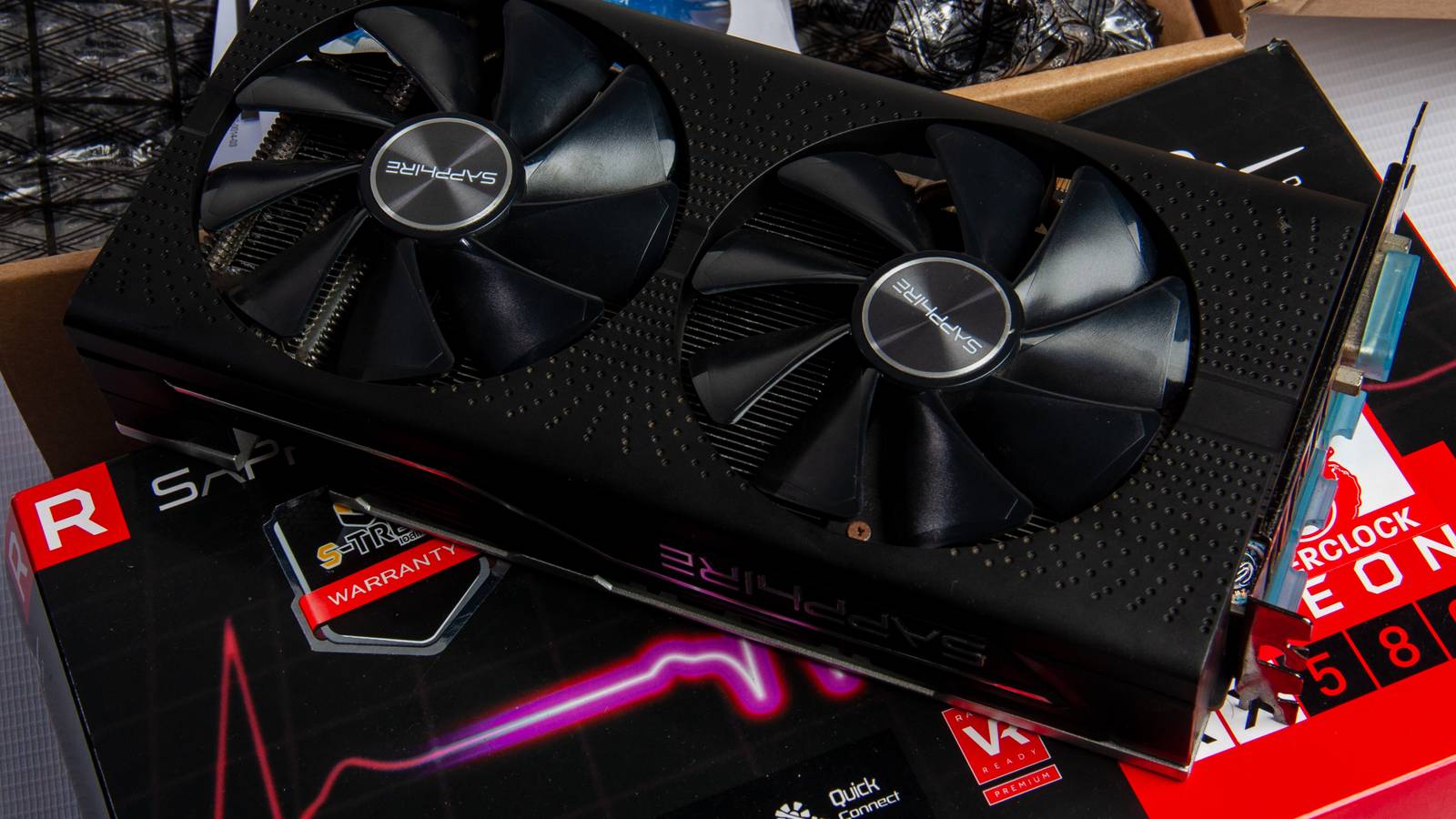
This is the least ideal time to be upgrading your GPU that I’ve seen in the past couple of decades. Trust me, I should know. My PC cost more than my car. Due to the influence of AI on the consumer PC hardware market, graphics cards that were launched years ago are currently retailing at higher prices than they initially launched at.
In our current, extra-unstable economic climate, we all really should be trying to wring out every last ounce of value from the technology we currently own. On that note, I’m going to try and convince you why you really shouldn’t upgrade your current GPU.
Be it the increasing influence of supersampling on frame rates or why a monitor upgrade is more sensible than a graphics card one, here are the main reasons you should keep the GPU you’re using right now.
GPU prices are completely out of control
Blame AI for the farce of the graphics card market

This is probably the main reason you should stick with your current GPU: graphics card prices have become obscene. Thanks to companies hoarding GPUs for data center purposes, there’s never been a worse time to try to buy a new graphics card.
I thought I overpaid for my Nvidia GeForce RTX 5090 a year ago. And make no mistake, I did. Yet that $2,700 outlay on a card that initially launched at $1,999 (well, in the seconds before the bots bought every 5090 going) no longer looks so ludicrously steep. If you’re in the market for the world’s fastest consumer GPU at the time of writing, you’ll have to stump up a minimum of $3,500.
It’s not just the highest end of the GPU market that has been wildly affected by AI-skewed market factors. Even the distinctly mid-range RTX 5060 is retailing for roughly $100 more than it did when it launched in the first part of 2025.
Until the current AI boom has leveled out, modern GPUs are unlikely to fall back to fair retail prices.
Upscalers have made raw GPU power less important
DLSS and FSR represent the way forward for high frame rates

AI-driven upscalers are no longer the future; they’re very much the now. And they have been for more than a hot minute. Supersampling has completely changed triple-A PC gaming. Whether you lean on Nvidia Deep Learning Super Sampling (DLSS) as a Team Green GPU owner, or AMD’s agnostic FidelityFX Super Resolution (FSR), you no longer need a super-powerful graphics card to enjoy modern PC titles at console-beating frame rates.
I’ve been leaning on Nvidia DLSS for years, and it’s now so good in the latest 4.5 iteration that this form of supersampling often looks cleaner than native screen resolution gameplay. I might not love the AI-focused nature of this trend, but there’s no denying that software developments are driving cutting-edge PC gaming more than hardware evolution at the time of writing.
If you bought a new GPU in the last five years, it likely supports both DLSS and FSR. Throw in the increasing amount of games that use frame generation to produce ludicrously high frame rates, and the argument for owning a best-in-class graphics card quickly diminishes.
Dial down settings before buying a new GPU
Going from Ultra to Medium isn’t a huge deal

See that impressive shot above? That’s Cyberpunk 2077 with every single graphical setting tuned to its lowest value. No ray tracing. The lowest form of ambient occlusion available. And with pretty much every visually appealing bell and whistle dialed down as much as CD Projekt RED’s open-world adventure will allow. And you know what? It still looks damn good in motion.
Before you consider breaking the bank on a new GPU, it’s well worth fiddling around with in-game settings. Modern PC games look so good that the difference between Ultra and Medium presets can be incredibly hard to tell, unless you’re comparing side-by-side screenshots.
Lowering presets can help your current GPU achieve 60FPS results at your native screen resolution. As long as you’re hitting that magic, oh-so-responsive 60 on your current hardware through settings adjustments, you really don’t need a new graphics card. Well, unless you’re a budding eSports champ thirsting for 240FPS Call of Duty action.
Cloud gaming can produce results on par with native hardware
GeForce Now Ultimate has changed the game

Short of attempting to stick a ring on its imaginary finger, I could scarcely be more smitten by Nvidia GeForce Now Ultimate. The $20p/m, top subscription tier of Team Green’s streaming service harnesses the power of data centers to deliver results on a par with a PC using a native RTX 5080. As such, you can deploy the rendering grunt of the world’s second-fastest consumer GPU if your broadband hits around 45Mbps to provide 4K/120FPS gaming.
The results are incredibly impressive. I’ve messed around with GeForce Now both on my PC and an Nvidia app that transformed how I use my Steam Deck. In both instances, the streaming results aren’t massively removed from what the best native GPU hardware is capable of delivering.
In open-world games like Crimson Desert, where you’re constantly staring at wide-open blue skies, the odd instance of compression-based macroblocking can be spotted. Yet if it comes to sacrificing a little visual quality for the price of your average takeaway for quality remote 4K gaming every month vs a $2000+ GPU, I know which option my beleaguered bank balance would prefer.
Upgrade your monitor before your GPU
Your displays matter far more than you might think

Are you still using a 1080p/60Hz monitor? Then, in the majority of cases, you really shouldn’t be considering a GPU upgrade. To this day, Steam hardware surveys continue to point out that most gamers who play on Valve’s platform are using 1080p displays. If you’re one of these folks, I’d highly recommend upgrading your screen before being tempted to buy a new graphics card.
If you have a semi-recent GPU, like an Nvidia 20-series(or better), but are still stuck on a sub-1440p display, you should make replacing your current monitor your biggest PC hardware upgrade priority. In terms of PC gaming in 2026, you want an HDMI 2.1 monitor that can take advantage of full 120Hz features, while also supporting frame-smoothing Variable Refresh Rate (VRR) tech.
And if you own an IPS or VA panel, regardless of resolution, I can’t recommend upgrading to an OLED monitor in stronger terms. The benefits of incredible contrast performance and infinite black levels are going to benefit your favorite games more than an extra 10-20 FPS.
This is the worst time to buy a new GPU in years

Blame AI data centers, blame bots that hoover up new GPUs before you have a hope of getting them into your online basket. These factors have twisted the GPU market massively. That means you should try to squeeze the maximum value out of your graphics card that might be a couple of generations old.
As a parting shot, as much as I adore my RTX 5090, there’s no way I’m ever going to recommend paying hundreds of dollars above MSRP for any piece of tech. Keep your current GPU, and squeeze the most out of it.

- Brand
-
Gigabyte
- GPU Speed
-
2.73 GHz
- Memory
-
16GB
- Power
-
360W TDP
- CUDA Cores
-
10,752
The Gigabyte GeForce RTX 5080 delivers next-generation performance for gaming and creative workloads, featuring advanced ray tracing, AI-enhanced graphics, and high-speed GDDR7 memory. Its robust cooling system ensures stable operation under load, while factory overclocking and modern connectivity make it ideal for high-resolution gaming, streaming, and demanding GPU-intensive tasks.
