
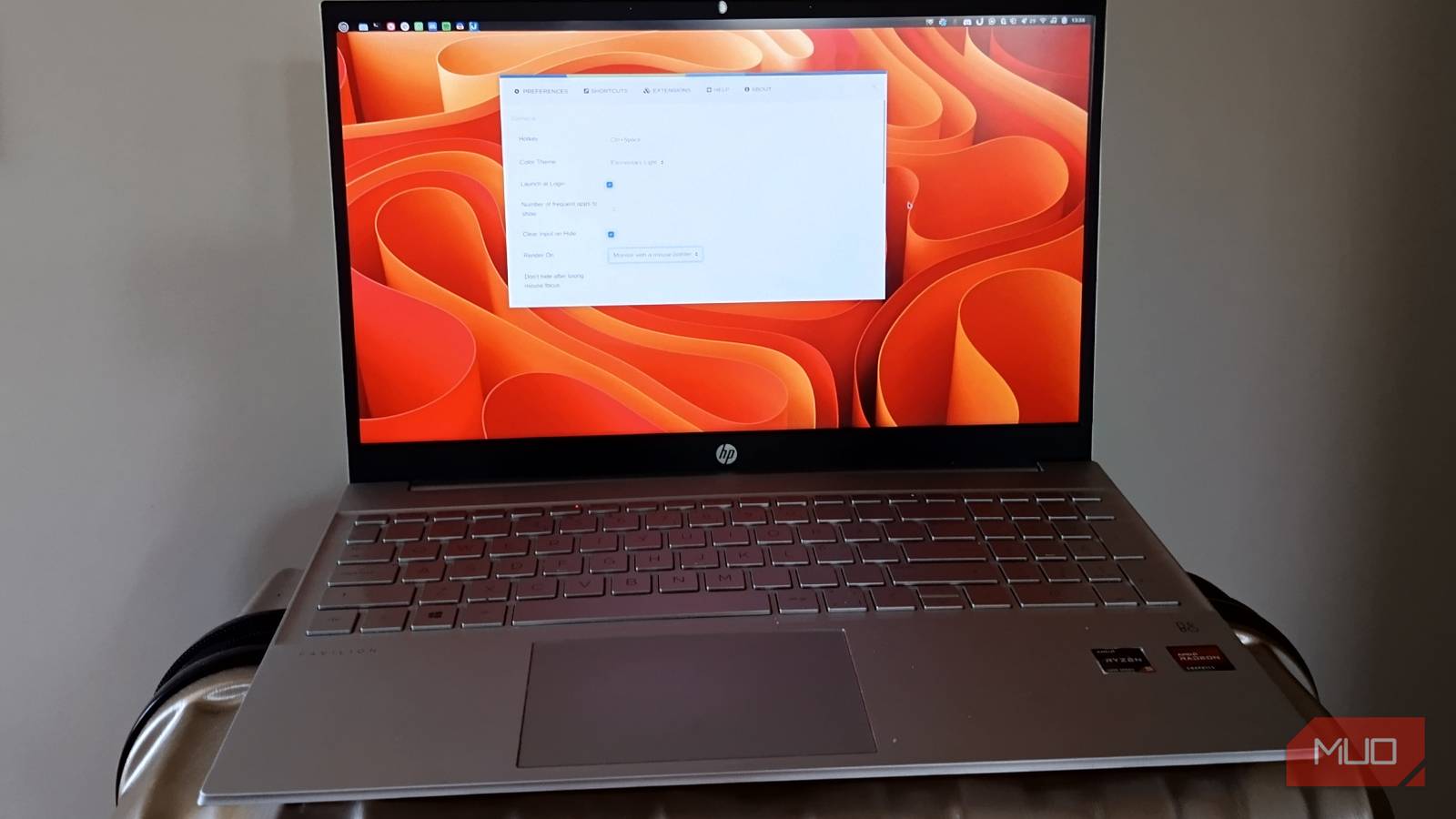
Habits are powerful. In this case, 30+ years of habit, stuck in muscle memory. Every time I needed something, I went through the same slow-motion ritual. Click menu, hover category, squint, scroll, miss it, and try again like I’m playing Where’s Waldo: GTK Edition on a bad day. This whole “app grid” thing? It’s a fossil. A polished, modern-looking fossil, sure, but still built on the idea that I should browse my computer like it’s a supermarket aisle. And the mental tax is real.
That split second when your brain goes: “Is GParted under System … or Administration… or hiding somewhere weird because someone had a vision?” Multiply that moment by a hundred times a day, and suddenly your “perfectly fine” system feels like it’s gently wasting your life. I didn’t need a faster menu. I needed to stop using one.
I stopped browsing and started summoning apps
A launcher changed how I interact with my desktop

Enter Ulauncher. Hit a shortcut trigger, type a few letters, press Enter, done. No categories, no hunting, no visual clutter hanging around like an uninvited guest. I tried alternatives like Rofi, and yes, they’re powerful. Almost aggressively so. But they also feel like something you configure, tweak, accidentally break, fix again, and then convince yourself it was worth it because you learned something.
Ulauncher doesn’t want to teach you anything. It just gets out of your way. And that’s the magic. It doesn’t try to become your workflow. It quietly supports it. No drama, no fanfare, no “look how customizable I am” energy. It shows up, does the job, and disappears. Like a competent coworker who doesn’t need validation.
Setting it up takes minutes
Install it once and let muscle memory take over

On Ubuntu or Mint, installation is as uneventful as it should be:
sudo add-apt-repository ppa:agornostal/ulauncher
sudo apt update
sudo apt install ulauncher
That’s it. No dependency horror stories. No “compile from source and pray.” After that, you do two things that actually matter. Enable launch at login, and bind a shortcut you won’t forget. I went with Super + Space, and within a day, it stopped being a shortcut and started being a reflex.
That’s when you know it’s working. When your fingers move before your brain finishes forming the request. There are themes if you care about visual polish. I did for about 10 minutes, picked one, and never thought about it again. Which, again, is kind of the point. The best tools don’t demand attention. They earn invisibility.
It replaced four habits I didn’t question before
The biggest shift is mental. You stop remembering where things are and start remembering what they’re called. Or, more accurately, what they kind of look like when you type half their name. Type “fi” and Firefox appears. “li” pulls up LibreOffice. “vl” gets you VLC media player. You don’t need to be precise. You just need to be close enough for the launcher to meet you halfway. And once that clicks, menus start to feel … unnecessary. Like training wheels you forgot to take off.
But it doesn’t stop there. I stopped opening my browser just to search for things. Typing a quick command launches a search instantly, skipping that weird middle step we’ve all normalized. Open a browser, wait, open a new tab, type, search. Gone. Reduced to a single action. It also replaced my calculator. Need to check a percentage, convert units, or sanity-check a number? Just type it. No context switch. No digging for an app you use for five seconds at a time. Even file hunting changed. Instead of wandering through folders in Nautilus like I’m retracing my steps after making bad life decisions, I just type part of the filename and open it directly. What used to feel like navigation now feels like retrieval. Clean, immediate, and even slightly addictive.
A few extensions make it even better
Small upgrades that remove daily annoyances

Ulauncher has extensions, and this is where things can go one of two ways. You either enhance your workflow … or you turn it into a Frankenstein control panel and regret everything. I stayed on the sane side. A few additions made a noticeable difference. System controls let me lock, reboot, or shut down without menu gymnastics. A clipboard manager rescued me from the eternal “I just copied something important and immediately overwrote it” loop. Media controls let me skip tracks without tabbing through half my open windows like a digital tourist. None of this is flashy. That’s exactly why it works. It’s not about adding features. It’s about removing friction you didn’t realize was there until it disappeared.
Less interface, more flow

After about a week, I noticed something settling slightly. I hadn’t opened my app menu once. So I disabled it. Not as a statement. Not for aesthetics. Just because it had become dead weight. And the desktop changed. Not visually in any dramatic way, but in how it felt. Quieter and less demanding. It stopped constantly asking for attention and just let me work.
My hands stayed on the keyboard. My brain stopped juggling “where is it” versus “what do I need.” Everything became a continuous motion rather than a chain of tiny interruptions.
It’s subtle, but it stacks. Over hours, days, weeks, that friction adds up. And removing it feels less like a tweak and more like clearing mental clutter you didn’t realize you were carrying.
It’s a small change that sticks
This isn’t a dramatic overhaul. You’re not rebuilding your system or committing to some new philosophy. You’re just changing how you open things. Install Ulauncher, use it for a couple of days, and pay attention to how often you reach for the mouse out of habit. Worst case, you uninstall it and go back to clicking menus like it’s muscle memory you never questioned. Best case? You stop digging through menus entirely… and realize that the problem was never speed. It was the quiet, constant friction you had stopped noticing a long time ago.
